Skip to content
⏳ Save 50% on Lifetime Access! Get 18 Linux courses, 7 eBooks, and future releases for just $99 once, before the price returns to $199 → [Grab the Diwali Offer]
Tecmint: Linux Howtos, Tutorials & Guides
  • Latest Tutorials
  • Commands
    • A – Z Linux Commands
    • 100+ Linux Commands
  • Tools
  • Distros
    • Linux Distros for Beginners
    • Linux Distros for Experts
    • New Linux Distros
    • Linux Server Distros
    • Secure Linux Distros
    • CentOS Alternatives
    • RedHat Distributions
    • Debian Distributions
    • Ubuntu Distributions
    • Arch Linux Distros
    • Rolling Linux Distros
    • KDE Linux Distros
    • Linux Distros for Old PC
    • Linux Distros for Kids
    • Linux Distributions for Students
    • Linux Distros for Windows
  • Courses
    • Bash Scripting
    • Learn Linux
    • AI for Linux
    • RHCSA Certification
    • RHCE Certification
    • LFCS Certification
  • eBooks
    • RHCSA Exam
    • RHCE Exam
    • LFCS Exam
    • LFCE Exam
    • LFCA Exam
    • Ansible Exam
  • About
  • Advertise
Tecmint: Linux Howtos, Tutorials & Guides
  • Latest Tutorials
  • Commands
    • A – Z Linux Commands
    • 100+ Linux Commands
  • Tools
  • Distros
    • Linux Distros for Beginners
    • Linux Distros for Experts
    • New Linux Distros
    • Linux Server Distros
    • Secure Linux Distros
    • CentOS Alternatives
    • RedHat Distributions
    • Debian Distributions
    • Ubuntu Distributions
    • Arch Linux Distros
    • Rolling Linux Distros
    • KDE Linux Distros
    • Linux Distros for Old PC
    • Linux Distros for Kids
    • Linux Distributions for Students
    • Linux Distros for Windows
  • Courses
    • Bash Scripting
    • Learn Linux
    • AI for Linux
    • RHCSA Certification
    • RHCE Certification
    • LFCS Certification
  • eBooks
    • RHCSA Exam
    • RHCE Exam
    • LFCS Exam
    • LFCE Exam
    • LFCA Exam
    • Ansible Exam
  • About
  • Advertise
Linux Screen Command Examples

Getting Started with Linux Screen Command [20 Useful Examples]

Brief: In this guide, we will discuss some useful examples of the screen command. By the end of this guide,

Fedora Desktop Screen Sharing

How to Share Your Gnome Desktop Screen in Fedora

At some point, you might need to share the Fedora desktop screen (GNOME) desktop with other users for one reason

GNU Linux Myths

10 Myths About GNU/Linux Operating System

Brief: In this guide, we discuss some of the GNU Linux myths and misconceptions which have been going on for
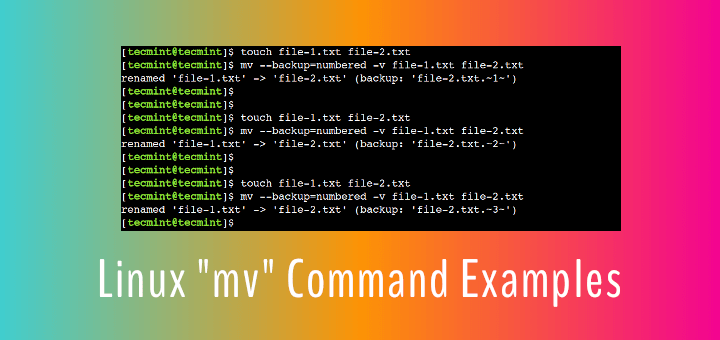
Linux mv Command Examples

How to Use “mv” Command in Linux [9 Useful Examples]

Brief: In this beginner’s guide, we will discuss some practical examples of the mv command. After following this guide, Linux
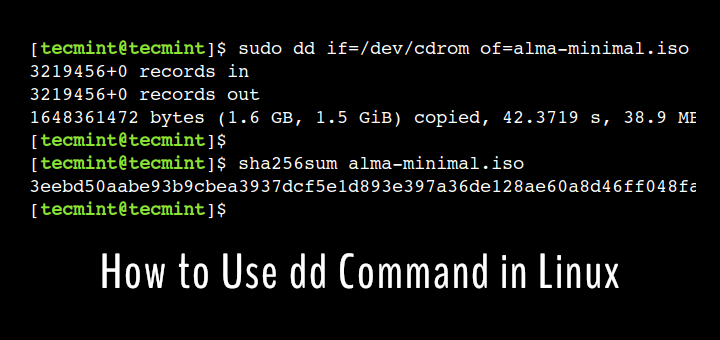
dd Command Examples

How to Learn dd Command in Linux [15 Useful Examples]

Brief: In this advanced guide, we will discuss some practical examples of the dd command. After following this guide, advanced

Must Have Linux Applications

Must-Have Essential Applications on Fresh Linux Desktop Installation

Modern GUI Linux distributions bundle with essential applications to help users get started without much of a hassle. This means
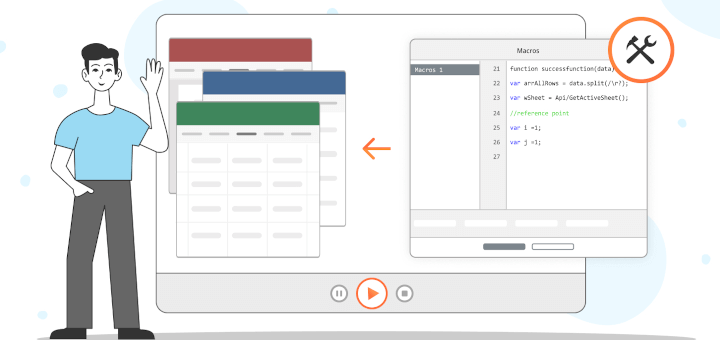
Create Macros in OnlyOffice Docs

How to Write Macros in ONLYOFFICE Docs

Do you have to work with Word documents, Excel spreadsheets, or PowerPoint presentations and need to repeat complex tasks over
Linux Advance Copy Command

Advanced Copy Command – Shows Progress Bar While Copying/Moving Files in Linux

Advanced-Copy is a powerful command line program that is very much similar, but a little modified version of the original
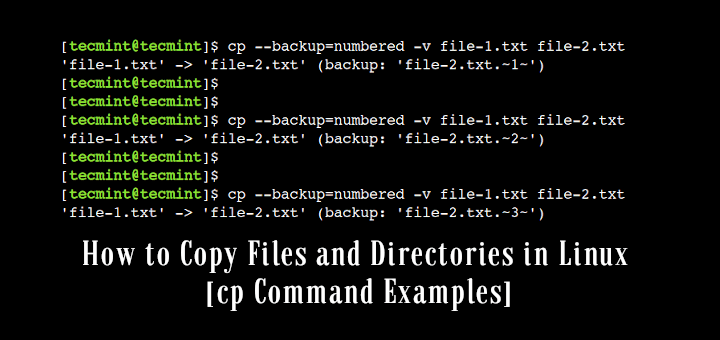
Linux cp Command Examples

How to Copy Files and Directories in Linux [14 cp Command Examples]

Brief: In this easy-to-follow guide, we will discuss some practical examples of the cp command. After following this guide, users
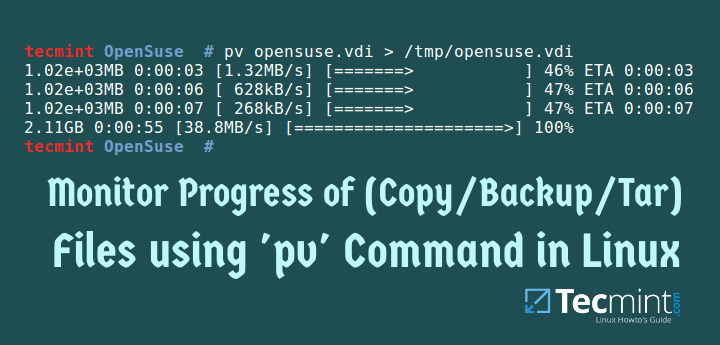
Show Copy/Backup/Tar File Progress Bar in Linux

How to Monitor Progress of (Copy/Backup/Compress) Data using ‘pv’ Command

When making backups, and copying/moving large files on your Linux system, you may want to monitor the progress of an
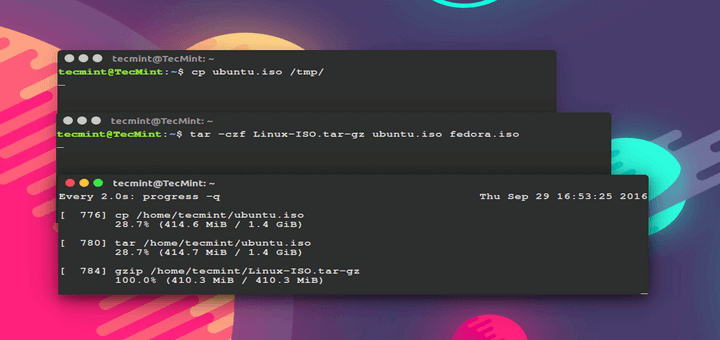
Show Progress of Linux Commands

Progress – Show Percentage of Copied Data for (cp, mv, dd, tar) Commands

Progress, formerly known as Coreutils Viewer, is a light C command that searches for coreutils basic commands such as cp,
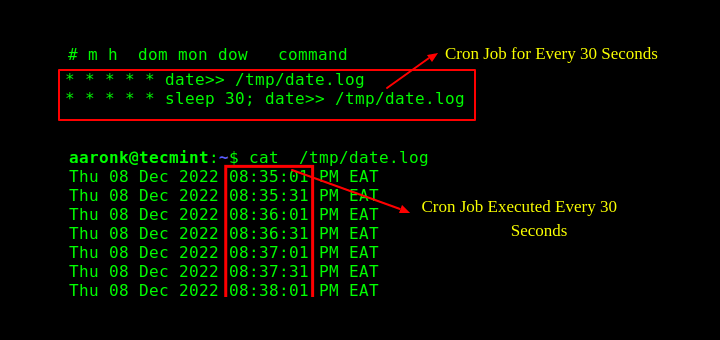
Run Cron Every X Seconds

How To Run a Cron Job Every 30 Seconds in Linux

Brief: The cron job scheduler does not support scheduling jobs to run at an interval of seconds. In this article,

Older posts
Newer posts
← Previous Page1 … Page85 Page86 Page87 … Page236 Next →

Get Two Free Linux Courses

Join 34,000+ readers learning Linux with practical TecMint tutorials every week.

Free newsletter + free member access.
Prefer TecMint on Google
See more TecMint results in Google Search.
Preferred source Add TecMint →
Popular Pro Courses Structured Linux learning from TecMint.
01 SSH Complete Course → 02 Linux for DevOps Engineers → 03 100+ Essential Linux Commands → 04 RHCSA Certification Course → 05 Claude Code for Sysadmins → 06 Learn Linux in 7 Days → See all 18 courses→
Tecmint: Linux Howtos, Tutorials & Guides © 2026. All Rights Reserved.

The material in this site cannot be republished either online or offline, without our permission.

Hosting Sponsored by : Linode Cloud Hosting