
witr: A Tool That Explains Why a Linux Process Is Running
ps aux shows you what is running on your system, but witr goes a step further and tells you why

 Ravi Saive
ps aux shows you what is running on your system, but witr goes a step further and tells you why

If you’re building a CMS, a documentation portal, or any web app where users type formatted content, picking the right
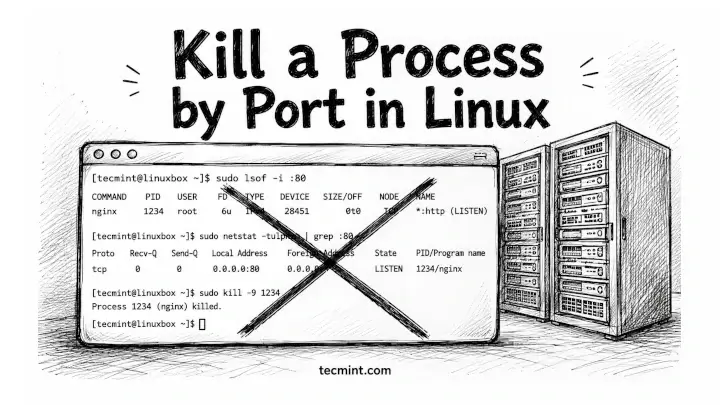
You’ve got a server refusing to start because something’s already sitting on port 8080, and you need to find what’s

MySQL ships with decent built-in diagnostics, but when your database is slowing down under load, you need command-line tools that

df says your disk is 80% full, but du says you’re barely using half, so one of them is lying,
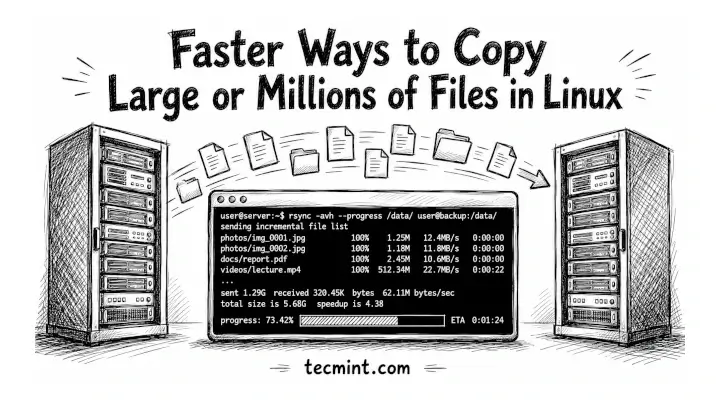
You’ve been copying files with cp for years, and if you’re moving a 50GB backup or syncing a directory tree
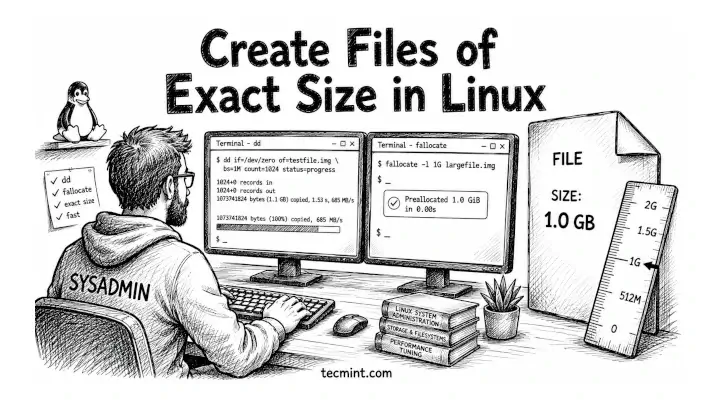
You need a 1GB test file to benchmark your disk, fill a partition to a specific threshold, or simulate a
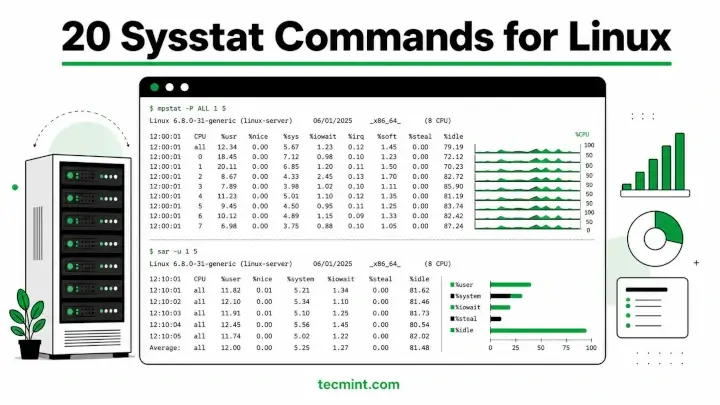
Sysstat is a collection of performance monitoring utilities for Linux that includes mpstat, pidstat, iostat, and sar, and together they
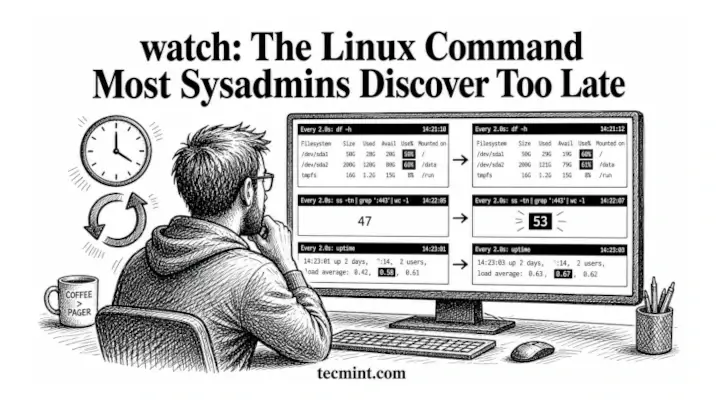
You’re running df -h every 30 seconds by hand to watch a disk fill up, typing the same command over
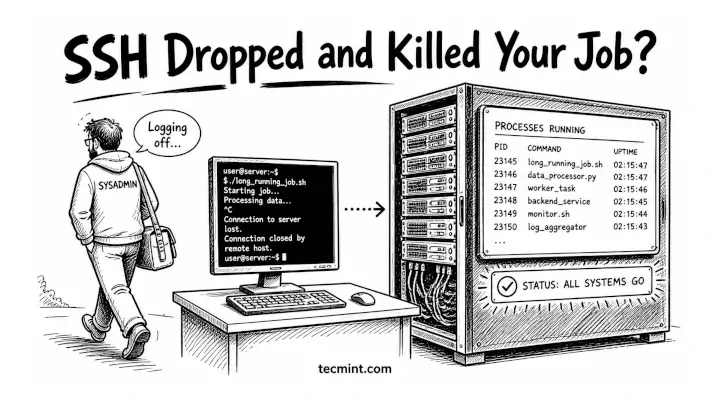
You’ve been running a long rsync job or a Python script on a remote server only to watch it die
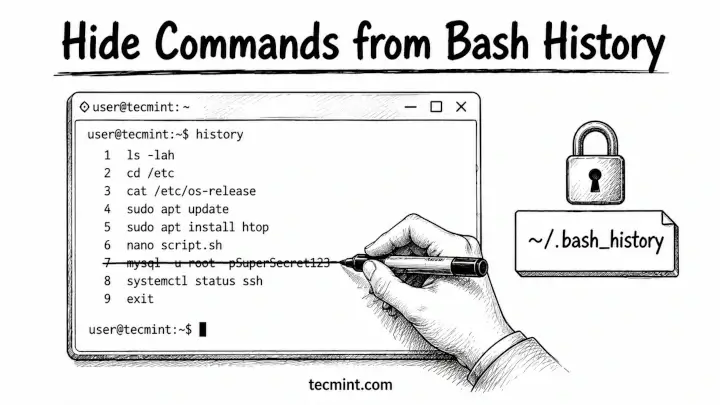
Every Linux user eventually runs a command they’d rather not preserve – a curl with a hardcoded password, an export
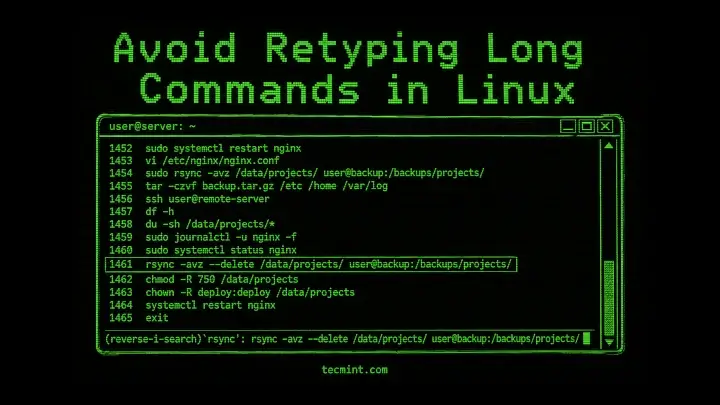
Ctrl+R and fc let you find, recall, and edit any command from your bash history in seconds, and here’s how