In this article, you will discover 3 excellent break reminder apps for Linux that help prevent RSI, eye strain, and fatigue during long work hours.
If you spend long hours working on your Linux system, such as coding, writing, designing, or managing servers, you know how easy it is to lose track of time. Before you realize it, you’ve been staring at the screen for hours without moving, leading to eye strain, back pain, and decreased productivity.
The solution? Break reminder applications that automatically prompt you to take regular breaks, stretch, and rest your eyes. These tools can significantly improve your health, focus, and overall work quality.
In this article, we’ll explore three of the best break reminder applications for Linux: Stretchly, BreakTimer, and Stretch Break (for GNOME users).
Why You Need Break Reminder Apps
Working long hours without breaks can lead to several health issues and productivity problems:
- Physical Health Concerns – Prolonged sitting causes back pain, neck strain, repetitive strain injury (RSI), poor posture, and increased risk of cardiovascular issues.
- Eye Strain and Fatigue – Staring at screens for extended periods causes digital eye strain, dry eyes, headaches, and blurred vision. The 20-20-20 rule (every 20 minutes, look at something 20 feet away for 20 seconds) helps reduce eye fatigue.
- Decreased Productivity – Without breaks, your focus and cognitive performance decline. Research shows that regular short breaks actually improve productivity, creativity, and decision-making quality.
- Mental Wellbeing – Continuous work without rest leads to burnout, stress, anxiety, and reduced job satisfaction. Scheduled breaks help maintain mental clarity and emotional balance.
- Repetitive Strain Injuries – Programmers, writers, and designers are particularly susceptible to RSI from repetitive keyboard and mouse use, and break reminders encourage movement and hand exercises.
What Makes a Good Break Reminder App
Before we dive into the specific tools, here’s what to look for in a break reminder application:
- Customizable Intervals – Ability to set both short breaks (micro-breaks) and long breaks based on your work schedule.
- Non-Intrusive Notifications – Reminders that get your attention without being annoying or disruptive.
- Smart Break Detection – Apps that pause timers when you’re away from your computer.
- Cross-Platform Support – Works across different Linux distributions and desktop environments.
- Lightweight and Reliable – Minimal resource usage and stable performance.
- Break Suggestions – Guided exercises or suggestions for what to do during breaks.
Now, let’s explore the three best options available for Linux users.
1. Stretchly – The Most Popular Cross-Platform Break Reminder
Stretchly is an open-source, cross-platform break reminder app that has become the go-to choice for many Linux users, as it is built with Electron, which means it works seamlessly across different desktop environments.
To install Stretchly on Linux, you need to download the latest AppImage from the official GitHub releases page, then make it executable and run it:
chmod +x Stretchly-X.X.X.AppImage
./Stretchly-X.X.X.AppImage
Once installed, launch Stretchly from your application menu, which runs quietly in the system tray, so that you can click the tray icon anytime to open Preferences and configure it to match your workflow.
Navigate to Preferences and adjust the micro-break and long break timing to suit your schedule (default: 20-second break every 10 minutes; 5-minute break every 30 minutes).
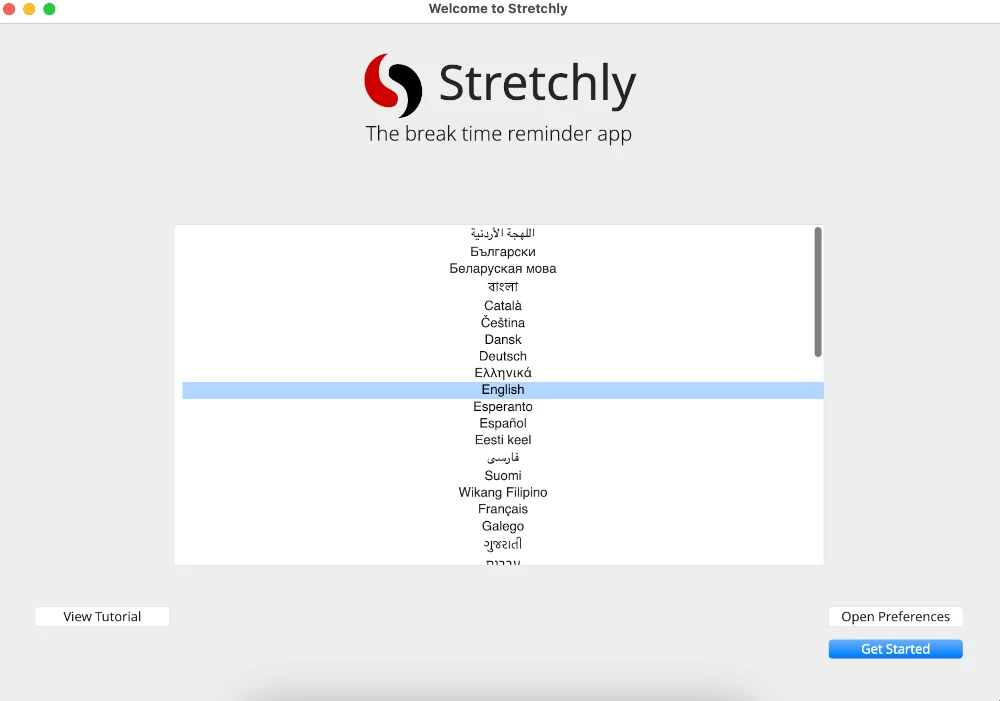
Once configured, Stretchly will silently monitor your work time in the background and prompt you to take breaks at your defined intervals.
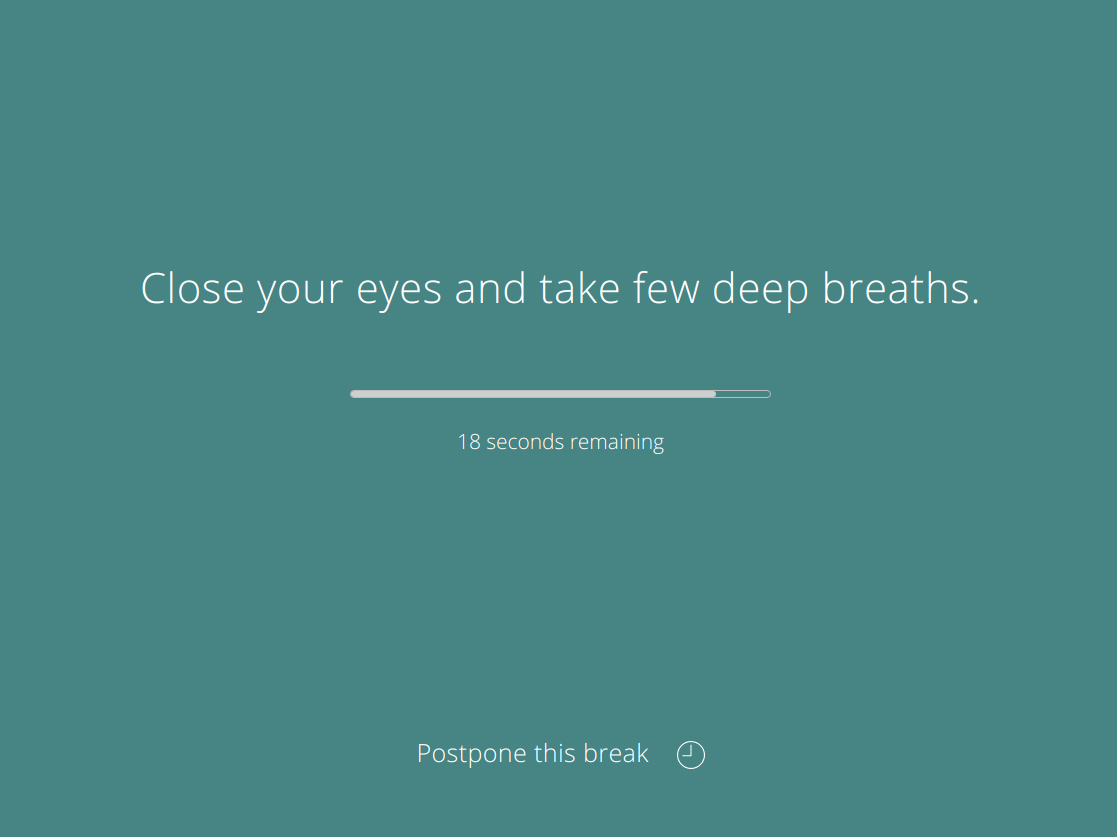
Note: Stretchly is also available via Flathub and the Snap Store if you prefer those package formats on your distribution.
2. BreakTimer – GNOME Extension for Simple Break Reminders
BreakTimer is a lightweight open-source break reminder application for Linux that works across any desktop environment, because it is a standalone desktop application available in multiple package formats, making it easy to install on most Linux distributions.
This is a solid choice if you want a simple, no-fuss break reminder without additional dependencies or desktop environment requirements.
To install BreakTimer, you need to download your preferred format from the official website or releases page:
.deb– For Debian, Ubuntu, and derivatives..rpm– For Fedora, RHEL, openSUSE, and derivatives.- Snap – For any distribution with Snap support.
- AppImage – For any Linux distribution, no installation required.
For Snap, you can install directly from the terminal:
sudo snap install breaktimer
For AppImage, download the file, make it executable, and run it:
chmod +x BreakTimer-X.X.X.AppImage
./BreakTimer-X.X.X.AppImage
For .deb and .rpm packages, download the appropriate file and install it using your distribution’s package manager.
Once launched, BreakTimer runs in the system tray, so click the tray icon to access settings and configure it to suit your workflow.
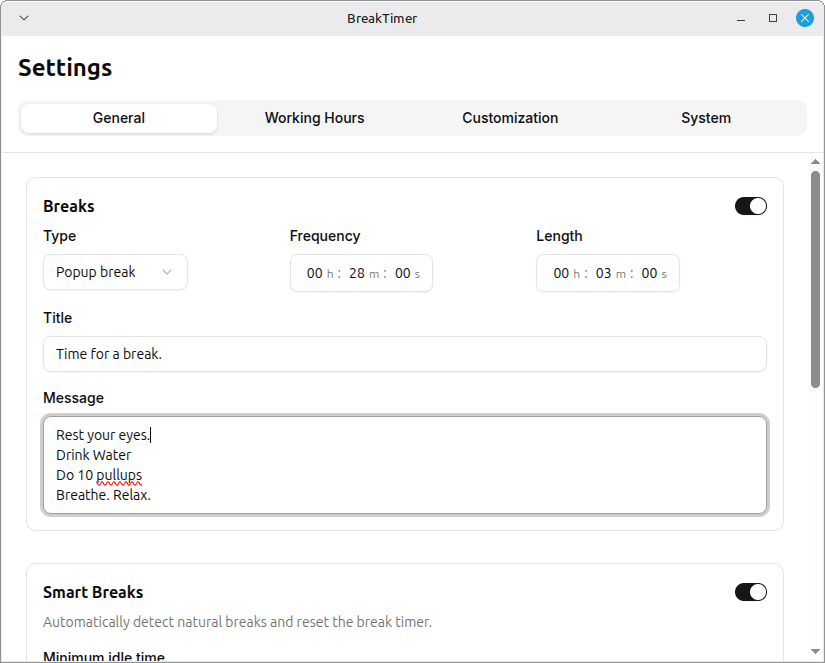
Once configured, BreakTimer will run quietly in the background and notify you when it’s time to step away from the screen.
3. Stretch Break – Dedicated GNOME App for Break Management
Stretch Break is an open-source break reminder application focused on preventing repetitive strain injury (RSI) by enforcing regular breaks and providing exercise suggestions.
It is available as a Flatpak on Flathub, making it compatible with any Linux distribution that supports Flatpak. Also, GNOME users get an added benefit – a companion extension is available that displays break status directly in the top bar and provides quick settings access from a context menu.
To install Stretch Break via Flatpak from Flathub, run:
flatpak install flathub io.github.pieterdd.StretchBreak
flatpak run io.github.pieterdd.StretchBreak
After installing the app, you can optionally install the companion GNOME extension to display break status and access settings from a context menu in the top bar.
Once launched, open the app’s Preferences to configure it to your needs.
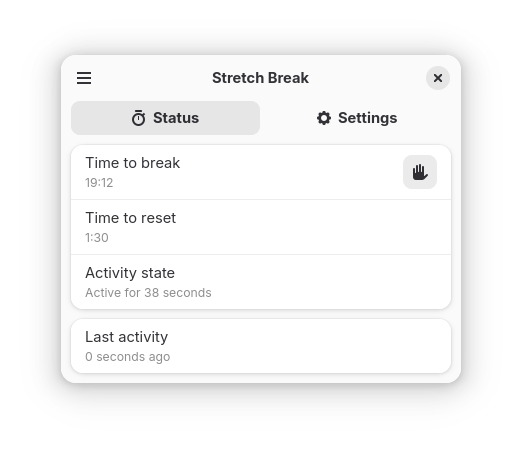
Once configured, Stretch Break will monitor your activity in the background and prompt you to take regular breaks throughout your day.
Conclusion
Working 8-9 hours a day at a computer doesn’t have to destroy your health. Break reminder apps like Stretchly, BreakTimer, and Stretch Break are simple, effective tools that help you maintain a healthier work routine.
Whether you choose the feature-rich Stretchly, the lightweight BreakTimer extension, or the RSI-focused Stretch Break, the important thing is to actually use the tool and respect the breaks it suggests. Your body and mind will thank you.
Start with one of these apps today, configure it to match your work schedule, and make taking breaks a non-negotiable part of your workday. Your future self will appreciate it.