
The wide adoption of virtualization has revolutionized the Information Technology world. The flexibility and resiliency that virtualization provides is often a daunting undertaking for most individuals new to the concept. With a little bit of guidance and a hands on approach, anyone can create a virtualized environment.
Citrix’s XenServer hypervisor allows even the most novice individuals to setup an enterprise grade virtualization solution. XenServer can be setup on any computer with sufficient ram and processor(s) capable of virtualization (most modern day CPU’s support this functionality).
The benefit of XenServer over solutions such as Vmware Workstation or Virtualbox is that XenServer doesn’t require a host operating system such as Windows to run virtual machines.
The lack of a host operating system (Windows) allows more of the computer’s resources to be available for the virtual machines running on the XenServer.
What’s Inside?
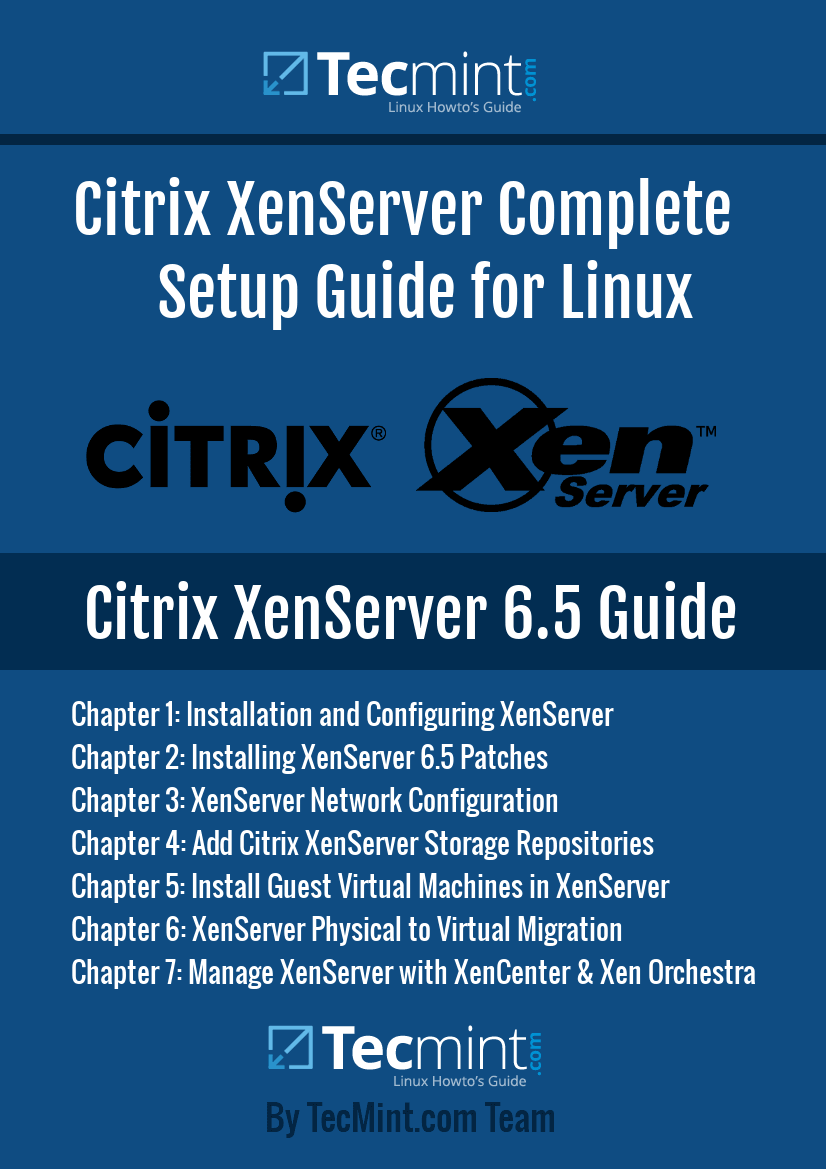
This 7-chapter PDF will walk readers though installation, patching, network and storage configuration, guest machine creation, physical-to-virtual migrations, and XenServer management options. Once the reader has read through all of the chapters and configured a XenServer host, they will possess a quality virtualization platform.
XenServer Primer Detailed Overview
- Chapter 1 – Installation and Configuration of XenServer
- Chapter 2 – Apply System Patches
- Chapter 3 – XenServer Networking Examples and Configuration
- Chapter 4 – XenServer Storage Solutions
- Chapter 5 – Working with Virtual Guests
- Chapter 6 – Migrating Physical Servers to Virtual Guests
- Chapter 7 – Management of XenServer Hosts and Guests
Who Should Read this e-Book?
Anyone looking to hit the ground running with Citrix XenServer! This e-book assumes very little exposure to XenServer and attempts to bring the reader up to speed from the very beginning. Any prior exposure to virtualization concepts will be beneficial but, by no means, is required.
Tecmint proudly presents this XenServer e-book for only $20.00 as a limited offer, to help advance IT individual’s skill-sets as well as allow users to support the Tecmint site and ensure that more high quality, free articles continue to be produced daily.
| For International Users | Price in Dollar | PayPal | Stripe |
|---|---|---|---|
| Introducing the Citrix XenServer Setup Guide for Linux | $ 20.00 | Order Now | Order Now |
Wish you the best of luck as you work on this project. If you find any errors or suggestions to enhance this ebook or if you have further questions, contact us at [email protected].


Okay my comment is bit different, well I guess.
I was thinking about how Linux is working and I have figure out that there are many different policies, or algorithms that might be used during the process of decision making for which process is going to memory and which is going to be unloaded.
Now you have some resources and they are essential to performance and that will be decided by some rules,
I wonder that in some cases it would be good to have some AI in operating system to handle it all.
Is that thing already there or is it something to have added later, and it could be able to do some additional stuff, monitor connections, figure out if some files are potentially bad and so on….