

section.io is a new product that aims to simplify the process to deploy Varnish for your website. It solves the tricky topics that make Varnish hard to deploy, out of the box you get set up for SSL, redundancy and most importantly metrics in seconds.
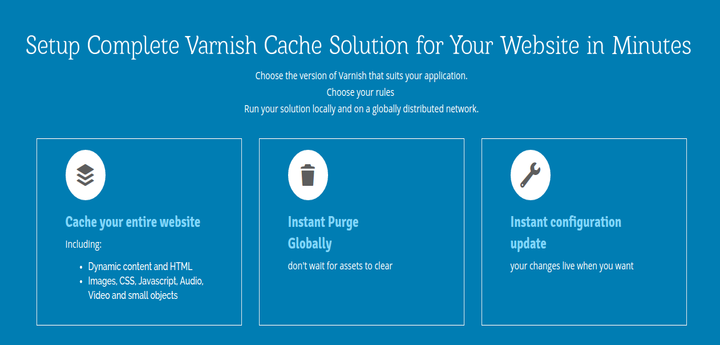
What else? The platform lets you run a development and production version of your VCL. Sounds pretty cool. No one has implemented a solid development workflow for caching/CDN technologies until now.
Features
- Setup in seconds
- Full metrics platform integrated into deployment
- Access to all logs
- Globally distributed (Need a CDN you can control? – Varnish + Global)
- Full development workflow support (Development / Production versions)
- Fully featured for free
Install and Setup Varnish Cache for Websites
section.io builds you a working Varnish installation in the cloud when you sign up. Here is a step by step guide showing you how to get started:
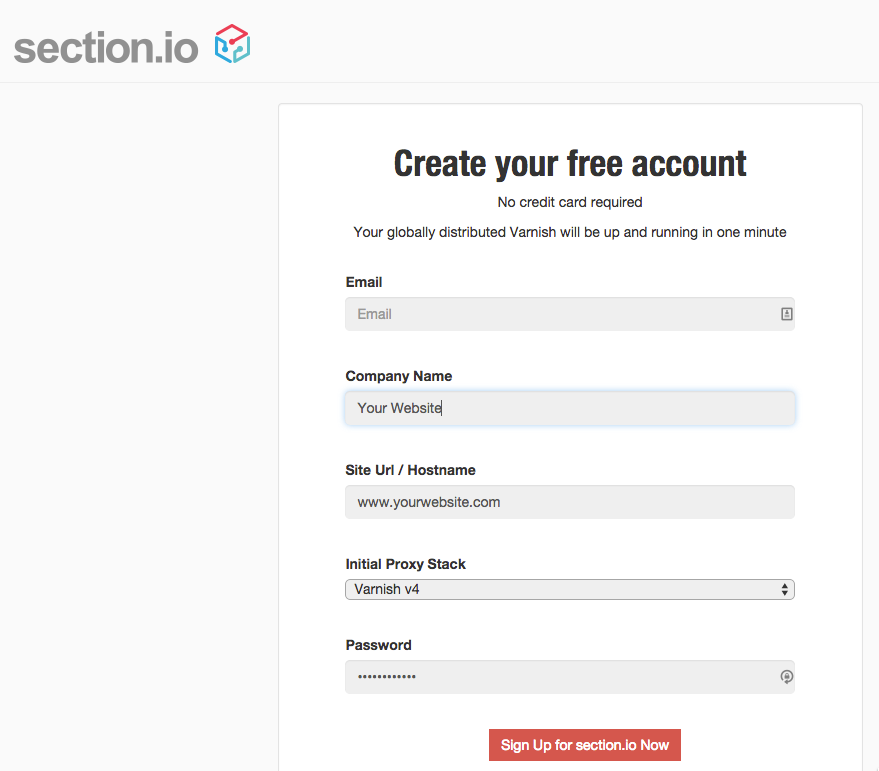
1. First go to section.io Sign up page and pick which version of Varnish you would like to use (We recommend V4 the latest version available from Varnish Cache).
2. Watch the automated setup build your Varnish servers for you and push test traffic through the platform.
3. Let’s get started. You will now find yourself at section.io’s Getting Started screen. From here you have quick access to the full range of features needed to drive and configure your Varnish instance.
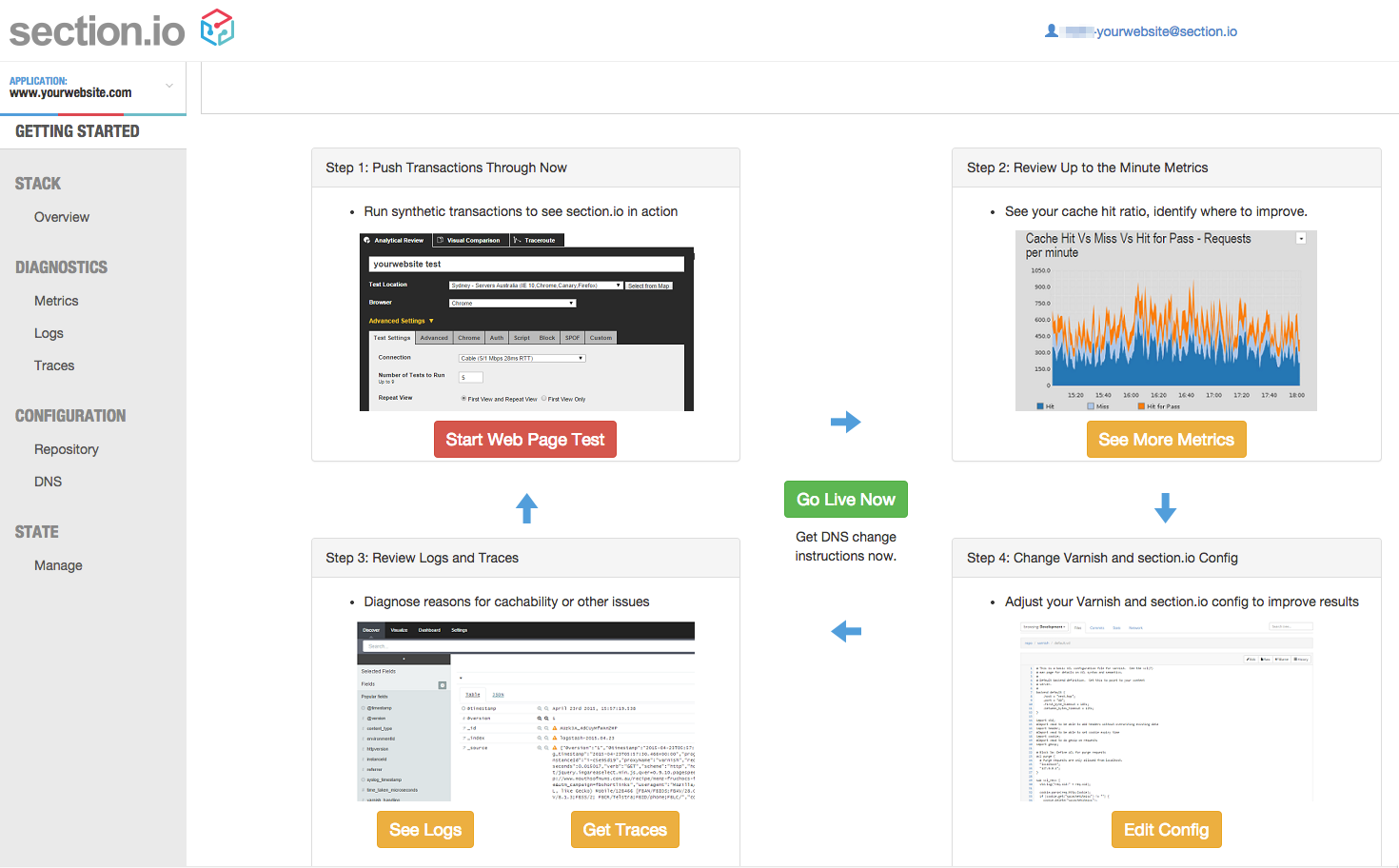
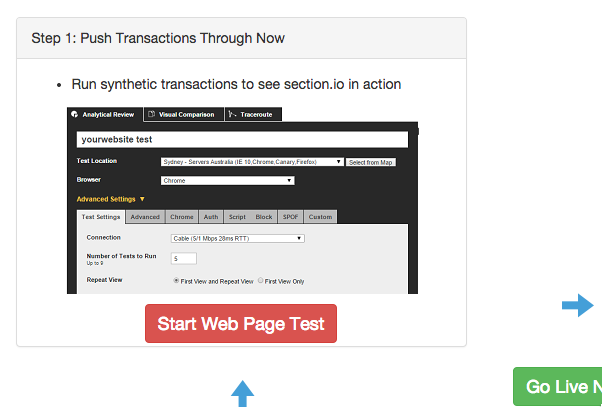
4. Send test traffic to your Varnish instances.
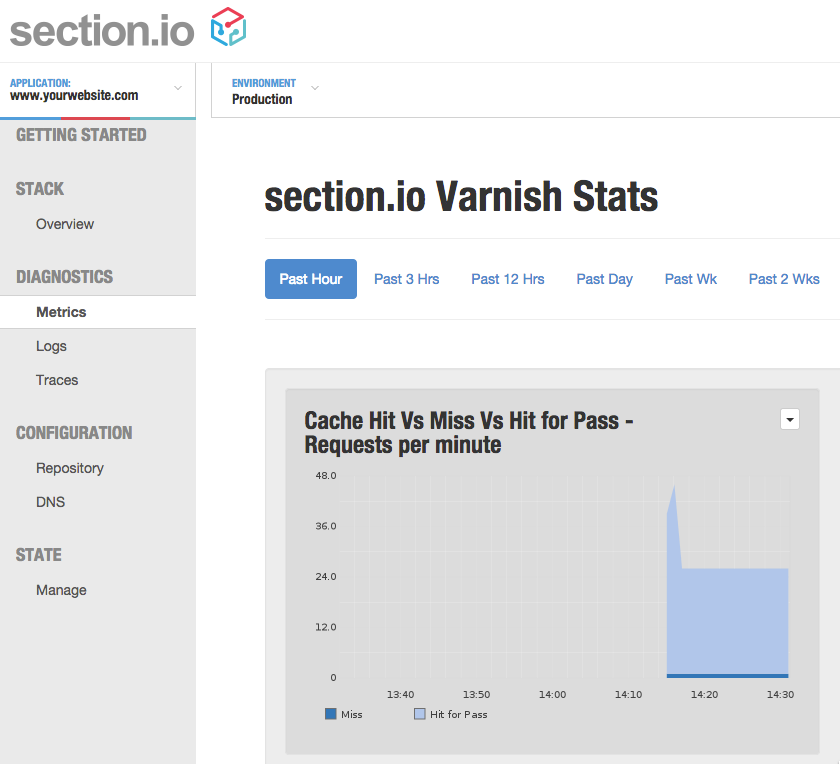
5. Facing questions about how well your Varnish implementation is working? Look at metrics to understand how your Varnish installation is performing overall.
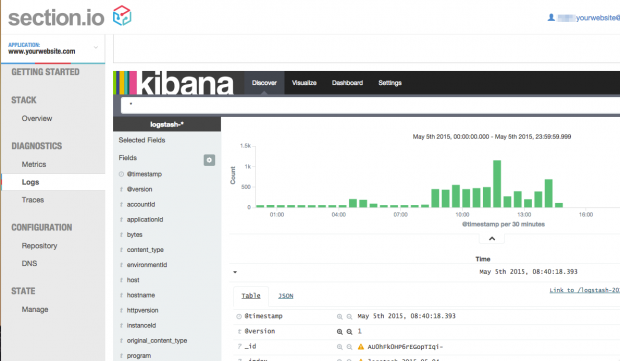
6. Someone (Your boss or your customers) asking why your website was slow last night? section.io logs every HTTP request (Along with cache HIT/MISS metrics). You can review, group and filter individual requests via the logs portal.
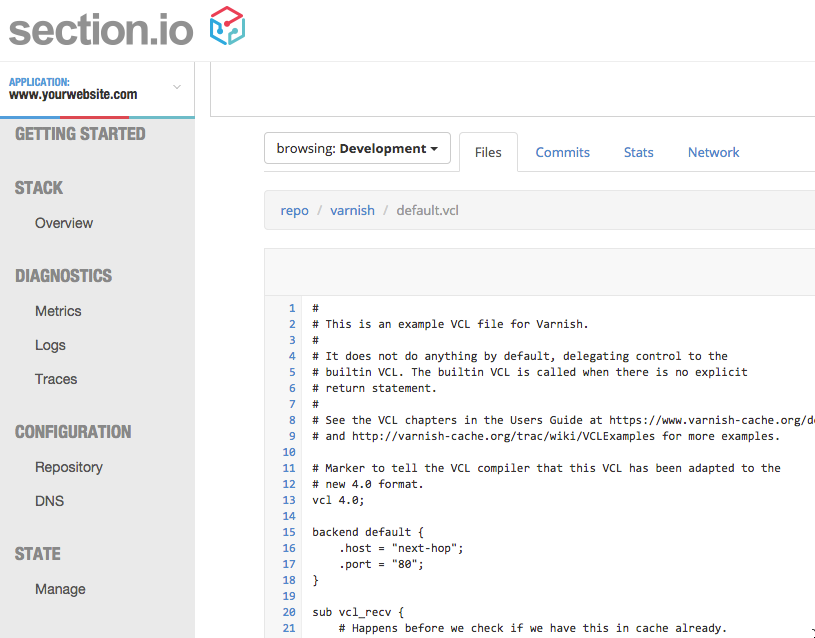
7. Make adjustments to your Varnish configuration (VCL) from within the portal. Your changes are deployed when you hit save.
8. Ready to get performance wins for your website? Go live – Change your DNS to start to optimize site performance for your users.
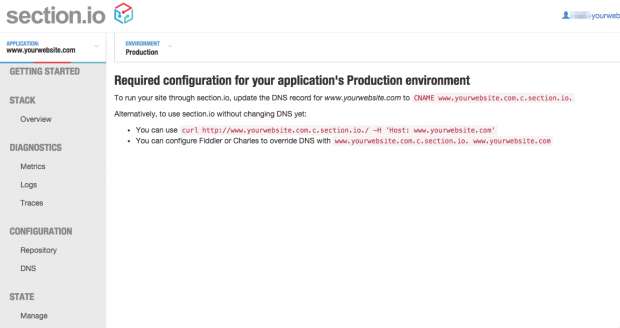
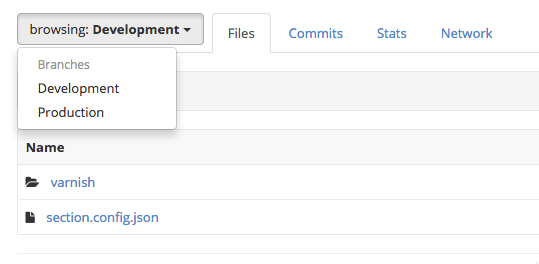
9. Advanced stuff: If you like to be able to test before deployment you can setup a development branch of your configuration to run locally and promote changes to production once testing complete.
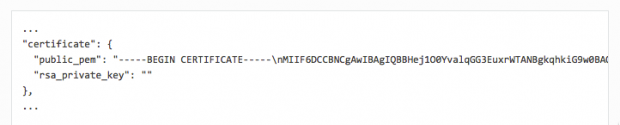
10. Advanced stuff: Need to setup SSL on your site? Easy done, Just add your public/private keys to your section.config.json file.
Conclusion:
Installing Varnish can be done in one command on most Linux distributions, however this is never enough to have a working solution that delivers the performance outcomes most people need.
section.io automates all of the hard to do setup activities and then gives you complete control over your configuration at global scale.
Best of all, it’s free until you start using serious amounts of data.
Special offer for Tecmint readers – We have been given 50 prize packages to give away to Tecmint readers. Sign up to www.section.io and then email [email protected] with “TECMINT2015” in the subject line. The first 50 users to apply will receive a free year of the enterprise focused “Team” plan.
