Rhythmbox is a free, open source audio player developed by GNOME team to organize digital music in Gnome and other desktop environments using the GStreamer media framework.
Don’t Miss: 21 Best Music Players for Linux
Main Features:
- A user friendly music browser
- Searching and sorting
- Support for audio format through GStreamer
- Included last.fm radio support for streaming
- Audio visualizations display
- Transfer music to and from iPod, USB and MTP
- Downloads album art and song lyrics from the internet
- Support for burning audio CD’s
- Download audio pod casts automatically
- Download music albums from Magnatune and Jamendo
Rhythmbox, Ubuntu’s default audio player, has reached the version 3.3 recently, which comes with following changes:
- Improved handling of locked Android devices.
- Easier ReplayGain processing that might crash less.
- Moved to webkit2 API, except for the context plugin which is nor more supported
- Notifications act much better when actions are not available.
Installation of Rhythmbox Music Player
Up-to-date software packages are available from third party PPA, which is maintained by Rhythmbox plugin developer, so installing the most recent version of Rhythmbox on Ubuntu and it’s derivatives such has Linux Mint, XUbuntu, etc. is a piece of cake.
Open Terminal with ‘CRTL+ALT+T’ and add the PPA to your system, update the local repository database and install the rhythmbox package:
$ sudo add-apt-repository ppa:fossfreedom/rhythmbox
$ sudo apt-get update
$ sudo apt-get install rhythmbox
Run Rhythmbox music player from Terminal or Start Menu window..
$ rhythmbox
Rhythmbox Screenshot Tour
Rhythmbox music player running on Ubuntu 15.10.
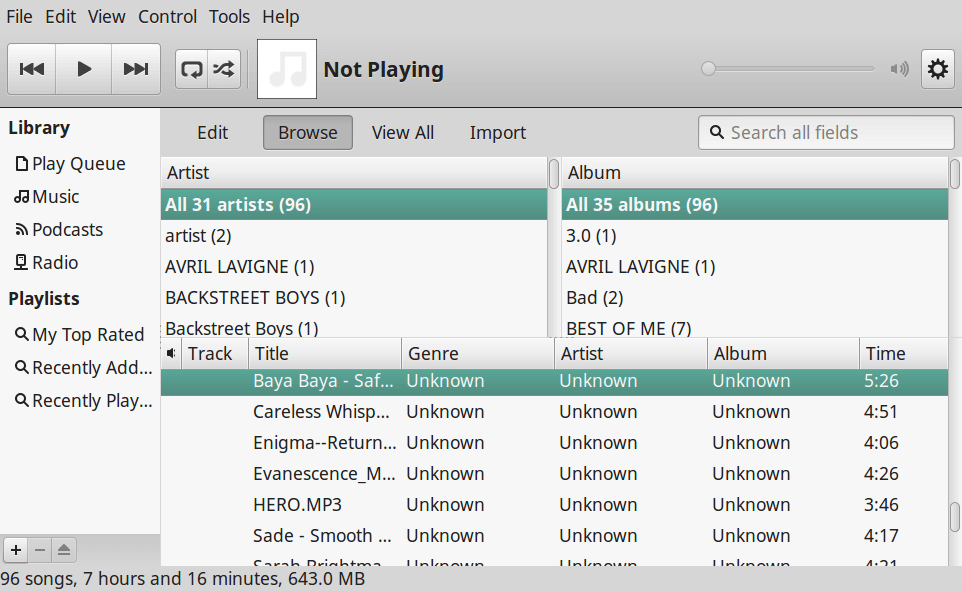
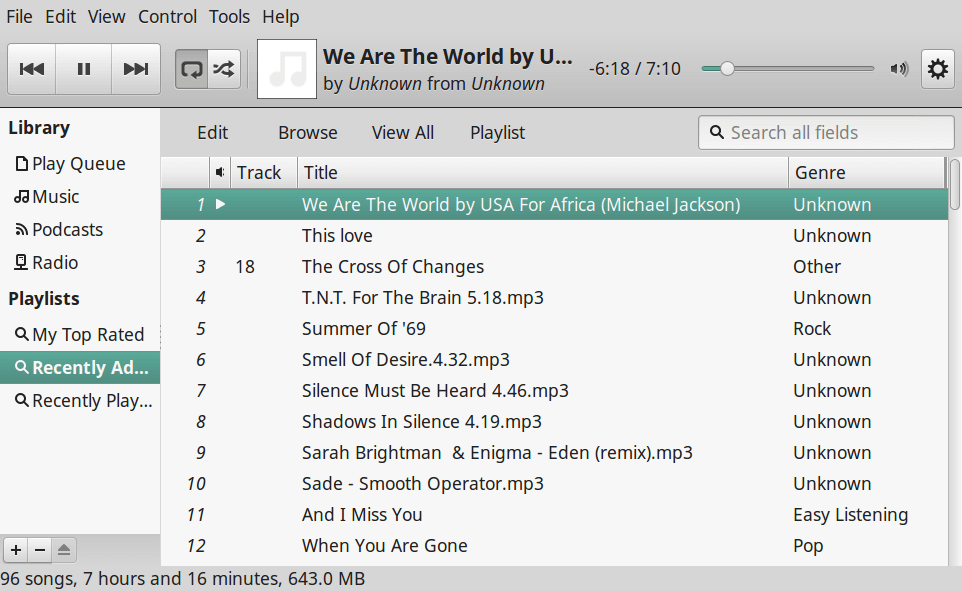
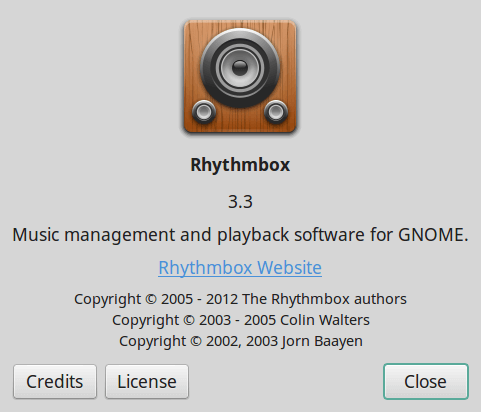
Please visit Rhythmbox website to know more information about it at rhythmbox project.