

In the modern era of music streaming, cloud-based music apps have become immensely popular for their convenience and accessibility. Linux users, in particular, seek reliable and feature-rich music players to enjoy their favorite tunes seamlessly.
Here, we explore the three best cloud-based music apps, each offering unique features and benefits designed for the Linux environment.
1. Spotify: The King of Music Streaming
Spotify stands out as one of the most popular and versatile cloud-based music streaming platforms, that offers a dedicated desktop app for Linux, ensuring a seamless and integrated experience for Linux users.
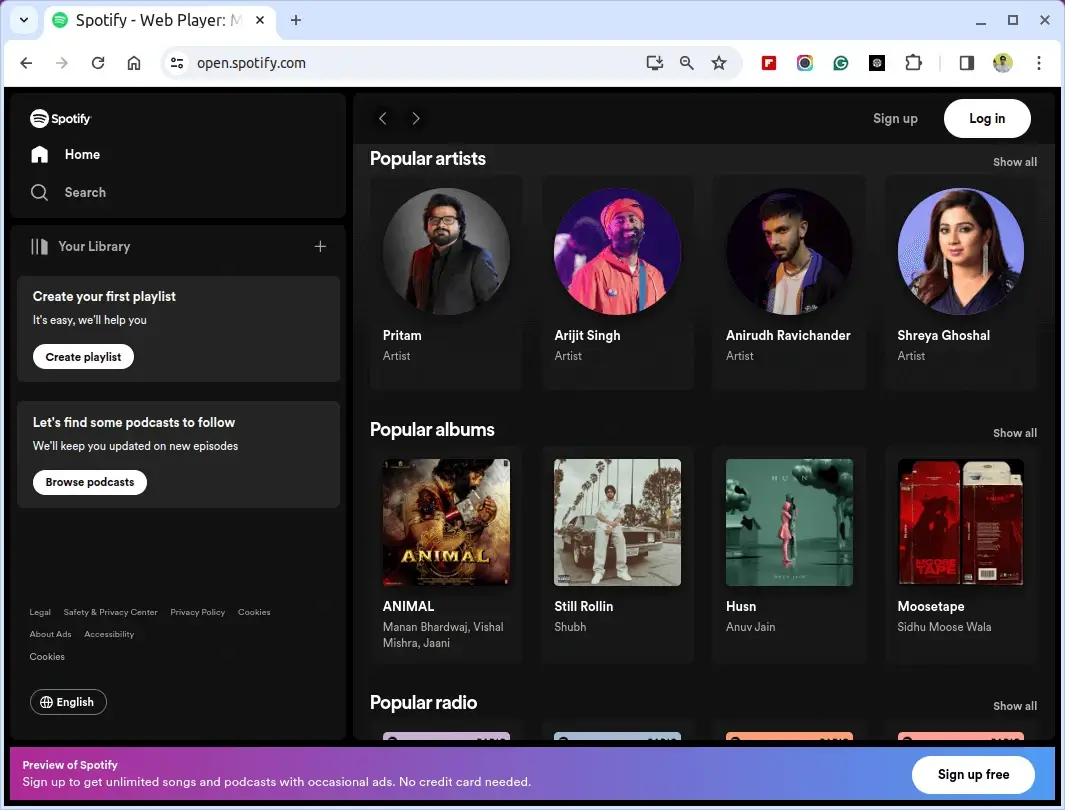
Key Features of Spotify:
- Extensive Music Library – With over 80 million tracks and a wide variety of curated playlists for every taste.
- Podcasts and Audiobooks – In addition to music, it also provides access to millions of podcasts and audiobooks.
- Offline Listening – Premium subscribers can download music for offline listening, ideal for users with limited internet access.
- Audio Quality – The free tier offers standard quality audio (160 kbps), while Premium provides higher quality options (up to 320 kbps).
To install Spotify on Debian-based distributions such as Ubuntu and Linux Mint, you can use the following commands.
sudo sh -c 'echo "deb http://repository.spotify.com stable non-free" | sudo tee /etc/apt/sources.list.d/spotify.list'
sudo apt-key adv --keyserver keyserver.ubuntu.com --recv-keys 4773BD5E130D1D45
sudo apt update
sudo apt install spotify-client
spotify
2. Amazon Music: Prime
Amazon Music is another compelling option for Linux users seeking a cloud-based music app. While Amazon Music does not offer a dedicated desktop app for Linux, but it can be accessed via web browsers, providing a convenient streaming experience.
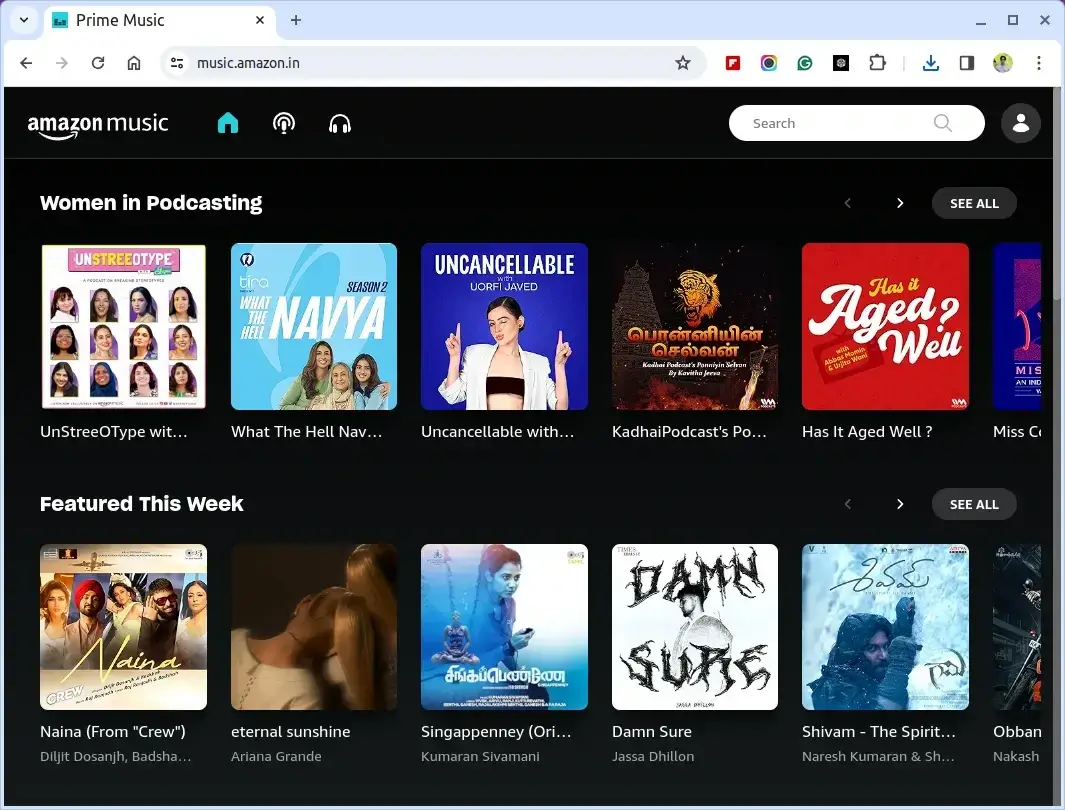
Key Features of Amazon Music:
- Integration with Amazon Prime – Subscribers to Amazon Prime gain access to a vast selection of ad-free music and can seamlessly switch between streaming music and accessing other Prime services.
- High-Quality Streaming – offers high-quality audio streaming for an immersive listening experience.
- Alexa Integration – allows users to control playback using voice commands through Alexa-enabled devices.
3. YouTube Music
YouTube Music, a part of the YouTube ecosystem, provides a unique approach to cloud-based music streaming, integrating music videos, official tracks, and user-generated content into a single platform.
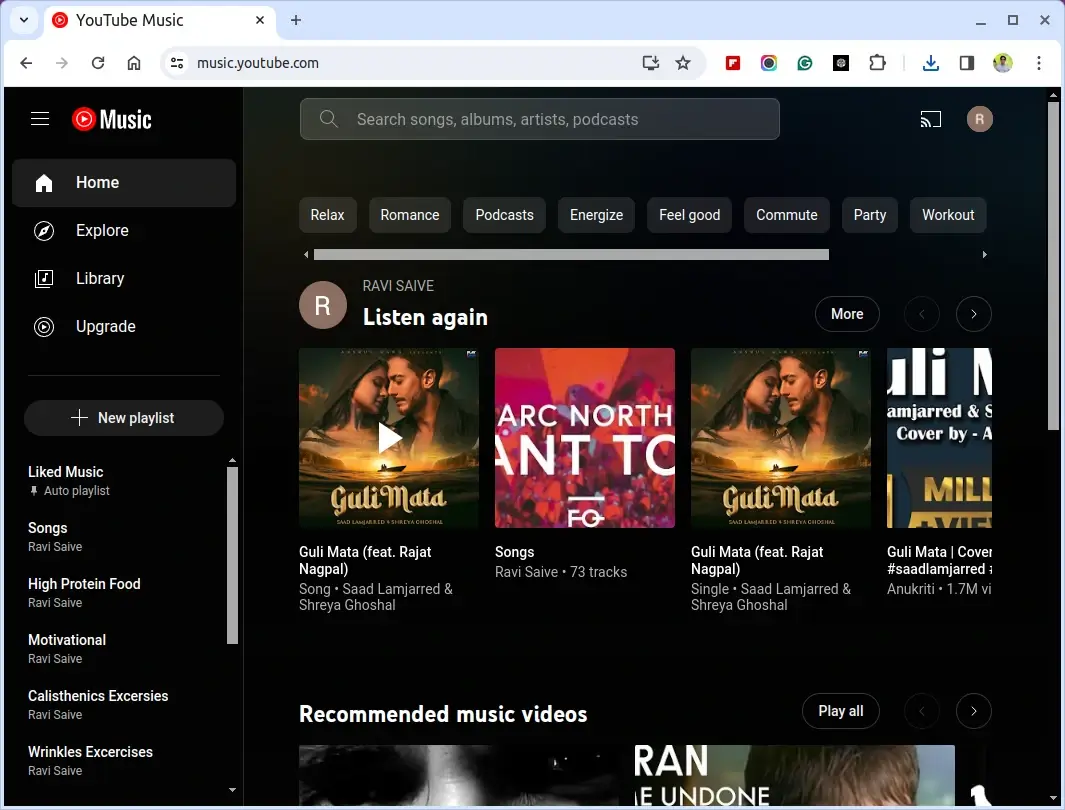
Key Features of YouTube Music:
- Rich Content Variety – combines official music tracks, live performances, music videos, and user-generated content, offering a diverse range of music-related media.
- Seamless YouTube Integration – As a part of the YouTube family, YouTube Music seamlessly integrates with YouTube’s extensive video library and user subscriptions.
- Personalized Recommendations – offers personalized recommendations for music, playlists, and stations based on user preferences and listening history.
- Background Play and Offline Access – premium subscribers can enjoy background play on mobile devices and download music for offline listening.
Currently, there is no official YouTube Music client specifically designed for Linux operating systems, but you can use a third-party electron-wrapped YouTube Music app that offers music playback without ads, downloads songs for offline listening, disables tracking, and provides color theme based on album art.
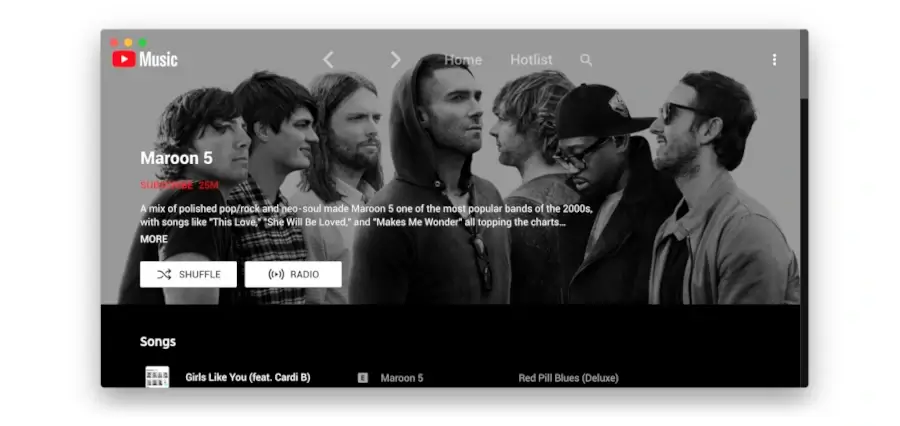
To install the YouTube Music app on Linux, you can download the AppImage from the release page and run it as shown.
wget https://github.com/th-ch/youtube-music/releases/download/v3.3.2/YouTube-Music-3.3.2.AppImage
chmod +x YouTube-Music-3.3.2.AppImage
./YouTube-Music-3.3.2.AppImage
Conclusion
In conclusion, Spotify, Amazon Music, and YouTube Music offer compelling cloud-based music streaming experiences for Linux users.
Each platform provides unique features and benefits, catering to diverse preferences and usage patterns. While Spotify stands out for its dedicated desktop app and extensive music library, Amazon Music integrates seamlessly with Amazon Prime services, and YouTube Music offers a comprehensive multimedia approach.
In summary, with the availability of these versatile cloud-based music apps, Linux users can enjoy a rich and immersive music streaming experience while seamlessly integrating with their preferred operating system.

Cider for Apple music
“It also has support for ipod and portable device” well it’s just spent all night ‘copying’ files to my ipod and NOT supporting it, so now my ipod has disk space taken up but no longer has ANY music showing up on it.
The documentation is piss-weak and badly lacking, even though the author has (had) time to reply on forums with info that would have been better (and taken the same amount of time) to put in the FAQ / manual / documentation! Which I READ before going ahead…
But one has to guess when there’s gaps and I’m using a live system so stuck with Guayadeque for the moment. The missing documentation is HARMFUL, and the dev should get a clue and not claim “ipod support” to look cool. Or learn the English qualifier “LIMITED” and insert it before the words “ipod support” to make it “limited (buggy) ipod support” (or remove the word ‘buggy’ if it is a matter of models supported not bugs). I really lost respect for this dev and software, which looked promising…
Thanks for the article man
Nice thanks for posting this .