Skip to content
Learn Linux in 7 structured days, the free course inside Pro TecMint Sudo tier    Enroll Free
Tecmint: Linux Howtos, Tutorials & Guides
  • Latest Tutorials
  • Commands
    • A – Z Linux Commands
    • 100+ Linux Commands
  • Tools
  • Distros
    • Linux Distros for Beginners
    • Linux Distros for Experts
    • New Linux Distros
    • Linux Server Distros
    • Secure Linux Distros
    • CentOS Alternatives
    • RedHat Distributions
    • Debian Distributions
    • Ubuntu Distributions
    • Arch Linux Distros
    • Rolling Linux Distros
    • KDE Linux Distros
    • Linux Distros for Old PC
    • Linux Distros for Kids
    • Linux Distributions for Students
    • Linux Distros for Windows
  • Courses
    • Bash Scripting
    • Learn Linux
    • AI for Linux
    • RHCSA Certification
    • RHCE Certification
    • LFCS Certification
  • eBooks
    • RHCSA Exam
    • RHCE Exam
    • LFCS Exam
    • LFCE Exam
    • LFCA Exam
    • Ansible Exam
  • About
  • Advertise
Tecmint: Linux Howtos, Tutorials & Guides
  • Latest Tutorials
  • Commands
    • A – Z Linux Commands
    • 100+ Linux Commands
  • Tools
  • Distros
    • Linux Distros for Beginners
    • Linux Distros for Experts
    • New Linux Distros
    • Linux Server Distros
    • Secure Linux Distros
    • CentOS Alternatives
    • RedHat Distributions
    • Debian Distributions
    • Ubuntu Distributions
    • Arch Linux Distros
    • Rolling Linux Distros
    • KDE Linux Distros
    • Linux Distros for Old PC
    • Linux Distros for Kids
    • Linux Distributions for Students
    • Linux Distros for Windows
  • Courses
    • Bash Scripting
    • Learn Linux
    • AI for Linux
    • RHCSA Certification
    • RHCE Certification
    • LFCS Certification
  • eBooks
    • RHCSA Exam
    • RHCE Exam
    • LFCS Exam
    • LFCE Exam
    • LFCA Exam
    • Ansible Exam
  • About
  • Advertise

RedHat

Upgrade from RHEL 7 to RHEL 8

How to Upgrade from RHEL 7 to RHEL 8

Red Hat has announced the release of Red Hat Enterprise Linux 8.0, which comes with GNOME 3.28 as the default

Install MariaDB 10 on RHEL 8

How to Install MariaDB 10 on RHEL 8

MariaDB is a popular alternative to the MySQL database management system. It is developed by the original MySQL developers and
Downgrade RHEL/CentOS to Previous Minor Release

How to Downgrade RHEL/CentOS to Previous Minor Release

Have you upgraded your kernel and redhat-release packages and you are encountering some issues. Do you want to downgrade to
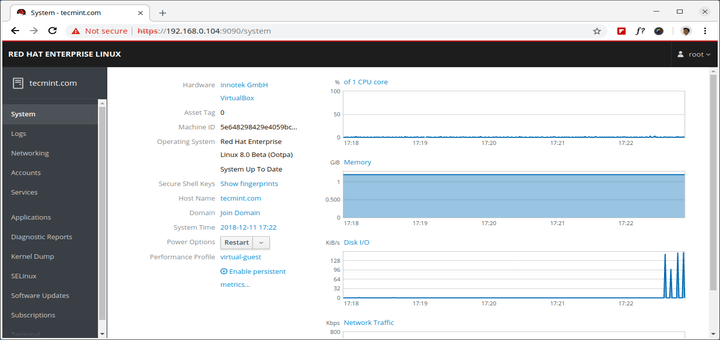
Install Cockpit Web Console in RHEL 8

How to Install Cockpit Web Console in RHEL 8

The Cockpit is a web console with a friendly user interface that allows you to perform administrative tasks on your
How to Install Nginx, MySQL/MariaDB and PHP on RHEL 8

Many of TecMint readers know about LAMP, but less people are aware of LEMP stack, which replaces Apache web server
Install Apache, MySQL, PHP on RHEL 8

How to Install Apache, MySQL/MariaDB and PHP on RHEL 8

In this tutorial, you are going to learn how to install LAMP stack – Linux, Apache, MySQL/MariaDB, PHP on RHEL
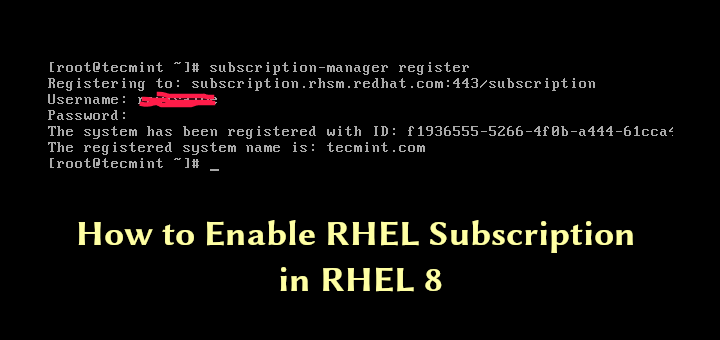
Enable RHEL Subscription in RHEL 8

How to Enable RHEL Subscription in RHEL 8

RedHat Enterprise Linux (RHEL) is an easy to manage and simple to control operating system that can be used on
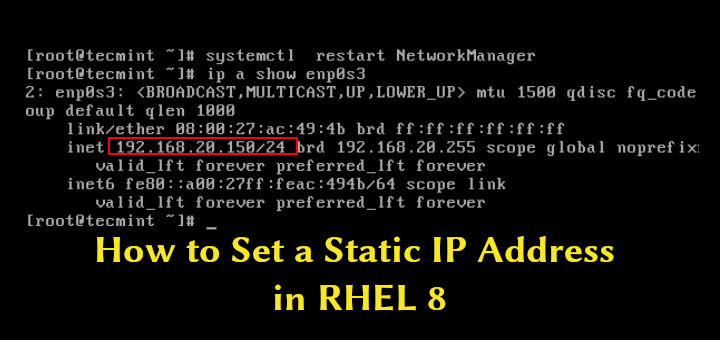
Configure IP Address on RHEL 8

3 Ways to Set a Static IP Address in RHEL 8

Configuring a static IP address for your Linux distribution is a fundamental task and should be completed in few easy
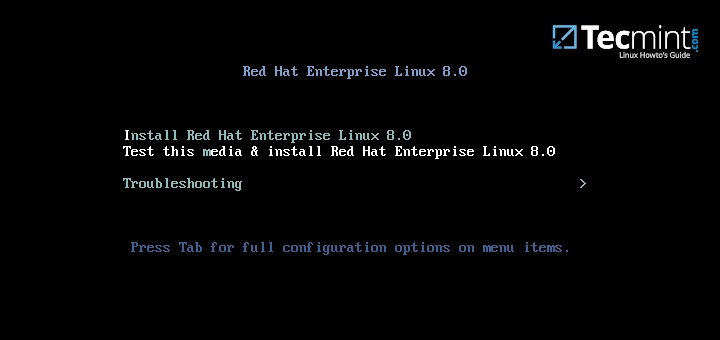
RHEL 8 Installation Guide

Installation of RHEL 8 with Screenshots

Red Hat Enterprise Linux 8 version has been released and comes with GNOME 3.28 as the default desktop environment and
Install Asterisk on CentOS 8/7

How to Install Asterisk on CentOS/RHEL 8/7

Asterisk is an open-source framework used for building communication applications. You can use it to turn a local computer or
Undo or Redo Yum Install in CentOS

How to Undo or Redo a Yum Install on CentOS and RHEL

One of the most important and useful feature added to YUM Package Manager (from version 3.2.25) is the ‘yum history’

Install Mod_GeoIP for Apache

How to Install Mod_GeoIP for Apache in RHEL and CentOS

Mod_GeoIP is an Apache module that can be used to get the geographic location of the IP address of the

Older posts
Newer posts
← Previous Page1 … Page14 Page15 Page16 … Page18 Next →
TecMint Weekly
Get the Learn Linux 7 Days Crash Course free when you join 34,000+ Linux professionals reading every Thursday.
Check your email for a magic link to get started.
Something went wrong. Please try again.
Free forever. Unsubscribe anytime.
Learn Linux Right Way
15 structured courses, ad-free articles, and the weekly newsletter in one place.
  • ✓SSH, Bash, Ubuntu, Golang, RHCSA, RHCE, LFCS, LFCA and more
  • ✓Ad-free access to all premium articles
  • ✓Priority help and Telegram community
  • ✓Weekly newsletter every Thursday
Join Root from $8/mo
$8/mo or $59/yr. Cancel anytime.

Linux Server Monitoring Tools

screenFetch – An Ultimate System Information Generator for Linux

How to Setup Central Logging Server with Rsyslog in Linux

iPerf3 – Test Network Speed/Throughput in Linux

Arpwatch – Monitor Ethernet Activity {IP and Mac Address} in Linux

How to Install Nagios 4 in Ubuntu and Debian

20 Netstat Commands for Linux Network Management

Learn Linux Tricks & Tips

How to Use GNU bc (Basic Calculator) in Linux

How to Find and Sort Files Based on Modification Date and Time in Linux

Linux sdiff Command Examples for Linux Newbies

How to Disable ‘su’ Access for Sudo Users

fdupes – A Command Line Tool to Find and Delete Duplicate Files in Linux

How to Create Users in Linux [15 useradd Command Examples]

Best Linux Tools

5 Best Mathematical Equation and Formula Writing Tools for Linux

5 GUI Tools to Free Up Space on Debian, Ubuntu and Linux Mint

25 Outstanding Backup Utilities for Linux Systems in 2024

12 Open-Source WYSIWYG Editors Worth Using in 2026

8 Best PowerPoint Alternatives for Linux

6 Best Command-Line FTP Clients for Linux Users

Tecmint: Linux Howtos, Tutorials & Guides © 2026. All Rights Reserved.

The material in this site cannot be republished either online or offline, without our permission.

Hosting Sponsored by : Linode Cloud Hosting