Skip to content
⏳ Offer Ends Soon: Get 17 Linux courses, 4 certification courses, 7 eBooks and all future releases for life, just $99 → [Join Now]
Tecmint: Linux Howtos, Tutorials & Guides
  • Latest Tutorials
  • Commands
    • A – Z Linux Commands
    • 100+ Linux Commands
  • Tools
  • Distros
    • Linux Distros for Beginners
    • Linux Distros for Experts
    • New Linux Distros
    • Linux Server Distros
    • Secure Linux Distros
    • CentOS Alternatives
    • RedHat Distributions
    • Debian Distributions
    • Ubuntu Distributions
    • Arch Linux Distros
    • Rolling Linux Distros
    • KDE Linux Distros
    • Linux Distros for Old PC
    • Linux Distros for Kids
    • Linux Distributions for Students
    • Linux Distros for Windows
  • Courses
    • Bash Scripting
    • Learn Linux
    • AI for Linux
    • RHCSA Certification
    • RHCE Certification
    • LFCS Certification
  • eBooks
    • RHCSA Exam
    • RHCE Exam
    • LFCS Exam
    • LFCE Exam
    • LFCA Exam
    • Ansible Exam
  • About
  • Advertise
Tecmint: Linux Howtos, Tutorials & Guides
  • Latest Tutorials
  • Commands
    • A – Z Linux Commands
    • 100+ Linux Commands
  • Tools
  • Distros
    • Linux Distros for Beginners
    • Linux Distros for Experts
    • New Linux Distros
    • Linux Server Distros
    • Secure Linux Distros
    • CentOS Alternatives
    • RedHat Distributions
    • Debian Distributions
    • Ubuntu Distributions
    • Arch Linux Distros
    • Rolling Linux Distros
    • KDE Linux Distros
    • Linux Distros for Old PC
    • Linux Distros for Kids
    • Linux Distributions for Students
    • Linux Distros for Windows
  • Courses
    • Bash Scripting
    • Learn Linux
    • AI for Linux
    • RHCSA Certification
    • RHCE Certification
    • LFCS Certification
  • eBooks
    • RHCSA Exam
    • RHCE Exam
    • LFCS Exam
    • LFCE Exam
    • LFCA Exam
    • Ansible Exam
  • About
  • Advertise
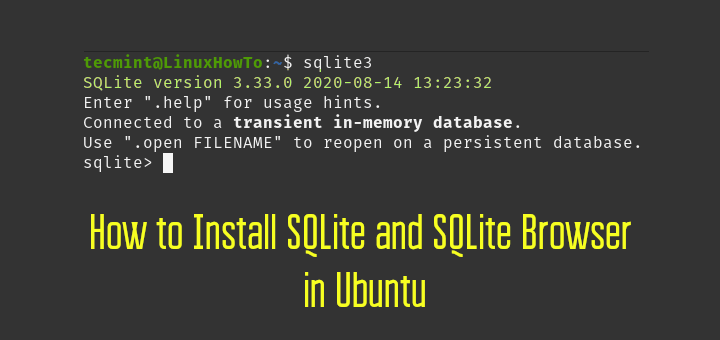
Install SQLite in Ubuntu

How to Install SQLite and SQLite Browser in Ubuntu

SQLite is a lightweight, small and self-contained RDBMS in a C library. Popular databases like MySql, PostgreSQL, etc. works in

Manage Time and Date in Linux

LFCA: Learn to Manage Time and Date in Linux – Part 6

This article is Part 6 of the LFCA series, here in this part, you will acquaint yourself with the general
User Account Management in Linux

LFCA: Learn User Account Management – Part 5

As a Linux system administrator, you will be tasked with ensuring the smooth flow of all IT operations in your
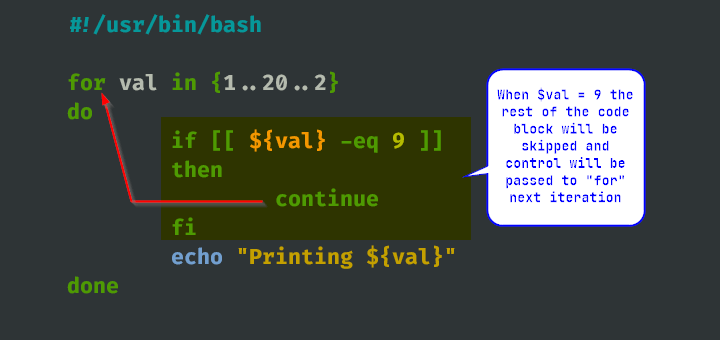
Break and Continue Statements

How to Use Break and Continue Statements in Shell Scripts

In this article, we will take a look at how to use a break and continue in bash scripts. In
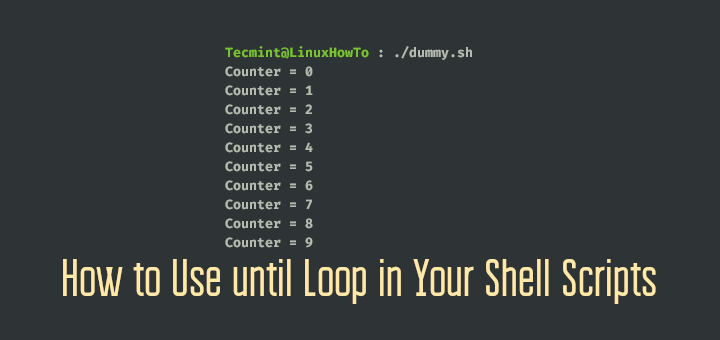
Use until Loop in Your Shell Scripts

How to Use until Loop in Your Shell Scripts

In bash for, while, and until are three loop constructs. While each loop differs syntactically and functionally their purpose is
Learn Linux Networking Commands

LFCA: Learn Basic Networking Commands – Part 4

At any given time when using your PC which is connected to a router, you will be part of a
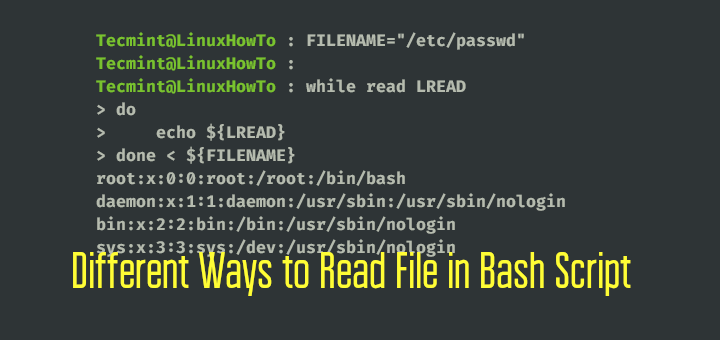
Read File in Linux

Different Ways to Read File in Bash Script Using While Loop

This article is all about how to read files in bash scripts using a while loop. Reading a file is
LFCA: Learn Basic Linux System Commands – Part 3

This article is Part 3 of the LFCA series, here in this part, we will list 24 of the most
Linux File Management Commands

LFCA: Learn Basic File Management Commands in Linux – Part 2

This article is Part 2 of the LFCA series, here in this part, we will explain about Linux file system
Understanding Linux Operating System

LFCA: Understanding Linux Operating System – Part 1

The Linux Foundation has unveiled a new pre-professional IT certification known as the Linux Foundation Certified IT Associate (LFCA). This
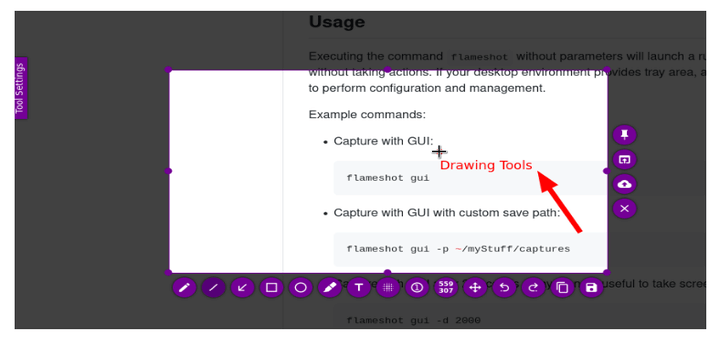
How to Install Flameshot Screenshot Tool in Linux

Flameshot is an open-source screenshot tool available for Linux, Mac, and Windows. It is created with C++ and QT5 language.
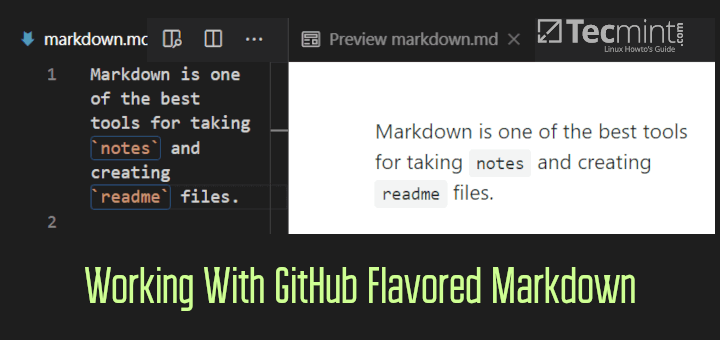
GitHub Flavored Markdown

How to Work With GitHub Flavored Markdown in Linux

Markdown is a formatting language that is created for the web. The purpose of markdown is to make life easy

Older posts
Newer posts
← Previous Page1 … Page111 Page112 Page113 … Page235 Next →
TecMint Weekly
Get the Learn Linux 7 Days Crash Course free when you join 34,000+ Linux professionals reading every Thursday.
Check your email for a magic link to get started.
Something went wrong. Please try again.
Free forever. Unsubscribe anytime.
Learn Linux Right Way
17 structured courses, ad-free articles, and the weekly newsletter in one place.
  • ✓SSH, Bash, Ubuntu, Golang, n8n, AI for Linux, Claude for Linux, RHCSA, RHCE, LFCS, LFCA and more
  • ✓Ad-free access to all premium articles
  • ✓Priority help and Telegram community
  • ✓Weekly newsletter every Thursday
Join Root for $59/yr →

Linux Server Monitoring Tools

screenFetch – An Ultimate System Information Generator for Linux

How to Install Icinga2 on RHEL, Rocky and AlmaLinux

Amplify – NGINX Monitoring Made Easy

6 Useful Tools to Monitor MongoDB Performance

ngrep – A Network Packet Analyzer for Linux

How to Monitor Remote Linux Systems with Glances

Learn Linux Tricks & Tips

How to Create and Manage Cron Jobs on Linux

How to Find and Kill Running Processes in Linux

7 Ways to Determine the File System Type in Linux (Ext2, Ext3 or Ext4)

How to Find Parent Process PPID in Linux

usermod Command: Manage Linux Users, Groups, UID, Shell and More

Find Top Running Processes by Highest Memory and CPU Usage in Linux

Best Linux Tools

60 Must-Have Free and Open-Source Linux Tools for 2026

5 CLI Tools for Downloading Files and Browsing Internet in Terminal

10 Best API Gateways and Management Tools in 2024

21 Best Slack Alternatives for Team Chat [Free & Paid]

4 Best Tools for Creating Fillable PDF Forms on Linux

6 Most Notable Open Source Centralized Log Management Tools

Tecmint: Linux Howtos, Tutorials & Guides © 2026. All Rights Reserved.

The material in this site cannot be republished either online or offline, without our permission.

Hosting Sponsored by : Linode Cloud Hosting