

When working with Linux or any other operating system, you might encounter the terms localhost and 127.0.0.1 quite often. They are closely related, but understanding the distinction between the two can help clarify many networking concepts.
As someone with over 10 years of experience in Linux, I can explain both terms in simple language.
What is Localhost?
In basic terms, localhost is a hostname that refers to the local computer you are working on, which is used to access your own machine through networking protocols like TCP/IP (Transmission Control Protocol/Internet Protocol). When you type "localhost" into your browser or terminal, you are telling your system, “Hey, I want to access my own machine”.
- Hostname: A name assigned to a device connected to a network.
- Localhost: Refers to the machine you are working on.
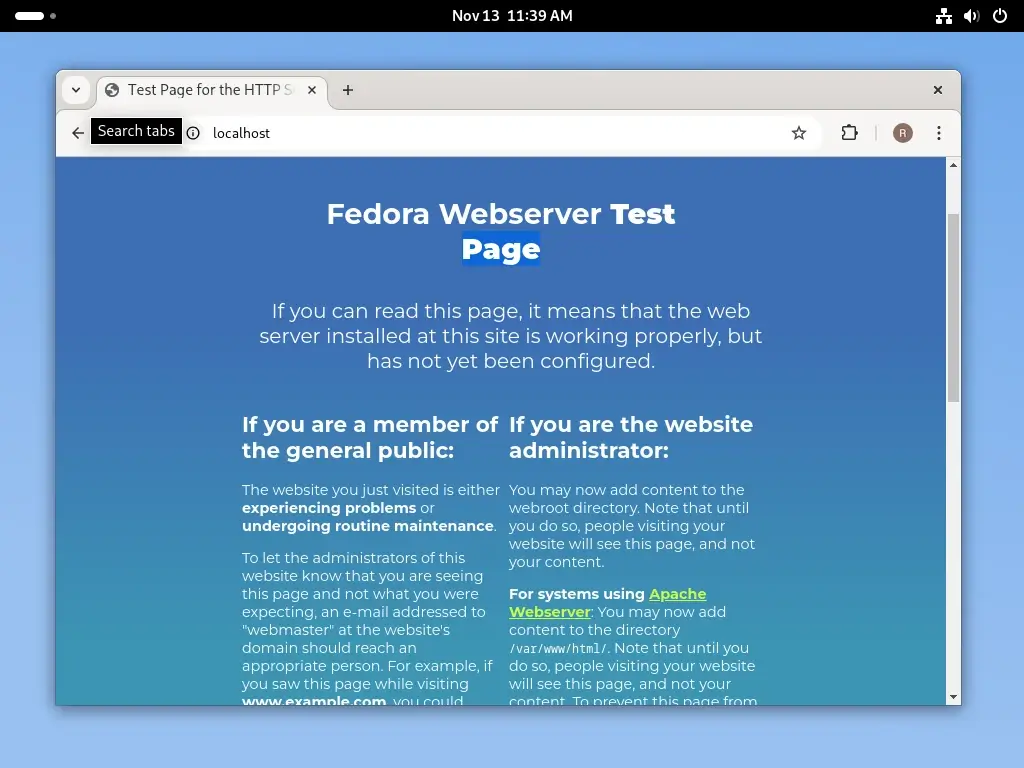
For example, if you run a web server on your machine, you can access it by entering "http://localhost" in a browser. The browser will communicate with the web server that’s running on the same computer.
What is 127.0.0.1?
In basic terms, 127.0.0.1 is the loopback IP address, which is a special IP address that always refers to your own machine, just like localhost. In fact, localhost is essentially a name that points to 127.0.0.1.
- 127.0.0.1: A specific IP address is reserved for the loopback network interface.
- Loopback: Refers to the process of sending network traffic from your system to itself.
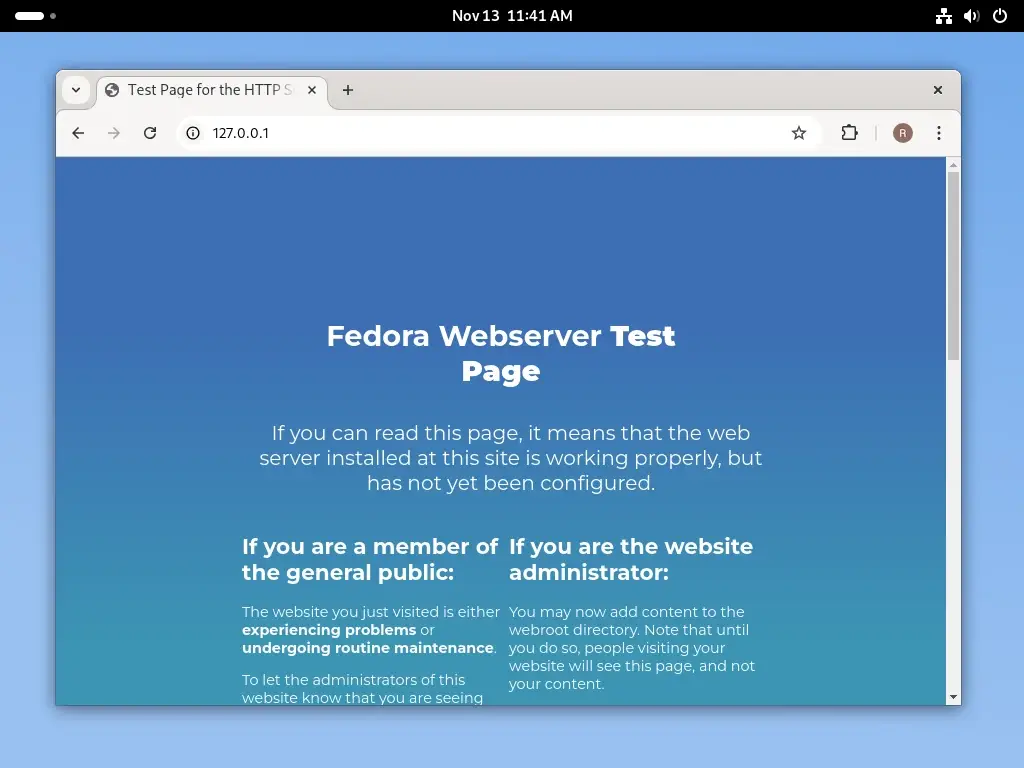
When you type "127.0.0.1" in your browser or terminal, it is functionally equivalent to typing "localhost". Both will point to your computer, and the data will never leave your machine, meaning that no external network communication is involved. It’s just the system talking to itself.
Key Difference Between Localhost and 127.0.0.1
While localhost and 127.0.0.1 ultimately refer to the same thing (your own machine), there are a few differences between them:
Format:
- localhost is a hostname.
- 127.0.0.1 is an IP address.
Usage:
- localhost can be used in commands, configuration files, or URLs as a symbolic name.
- 127.0.0.1 is used in IP-based networking contexts and is usually entered when you need to specify an IP address directly.
Network Resolution:
- When you use localhost, your system needs to resolve it to an IP address, and it does this by looking up the entry in a configuration file (e.g., the /etc/hosts file on Linux systems).
- 127.0.0.1 is already an IP address, so no resolution is needed when you use it.
How Do Localhost and 127.0.0.1 Work Together?
Even though localhost is a name and 127.0.0.1 is an IP address, they are typically connected through your system’s hosts file. On a Linux machine, this file is located at /etc/hosts.
In this file, you will find an entry like this:
127.0.0.1 localhost
This means that whenever you refer to localhost, the system will automatically use 127.0.0.1 as the destination. You can think of localhost as a human-readable version of the IP address 127.0.0.1.
Why Do We Have Both?
The reason for having both localhost and 127.0.0.1 is mainly for ease of use and flexibility:
- localhost: It’s easier to remember and type “
localhost” than to type the numerical address 127.0.0.1. - 127.0.0.1: Using the actual IP address allows for more explicit control over network settings, particularly when you’re configuring servers or writing scripts.
You can even assign multiple names to the loopback address (such as “loopback” or “myserver“) in the /etc/hosts file, which can be helpful in certain cases.
Practical Use Cases
If you’re developing a web application, you might want to test it locally before deploying it to a live server. You can access your local web server using either localhost or 127.0.0.1.
For example, running a local server like Apache or Nginx can be tested by navigating to:
http://localhost
OR
http://127.0.0.1
Many networking tools and commands, like ping or curl, can be used to test your machine’s network interface by using localhost or 127.0.0.1.
ping 127.0.0.1
OR
curl http://localhost
These commands will allow you to verify that the loopback interface on your machine is working correctly.
Conclusion
In summary, localhost and 127.0.0.1 are often used interchangeably because they both refer to your own computer. However, localhost is a hostname (a human-readable name), while 127.0.0.1 is an IP address that points to the same place.
Whether you use localhost or 127.0.0.1, the underlying network request remains the same, and your computer communicates with itself, which can be a valuable tool for testing and configuring services locally.
