

COSMIC Desktop, which stands for Computer Operating System Main Interface Components, is a modern and customizable desktop environment developed by System76, primarily for their Pop!_OS Linux distribution.
COSMIC is designed to enhance user experience with features like improved workspace management, a customizable dock, and extensive keyboard navigation options that enhance productivity.
In this guide, we’ll walk you through the steps to install COSMIC Desktop on Fedora Linux Workstation using the COPR repository.
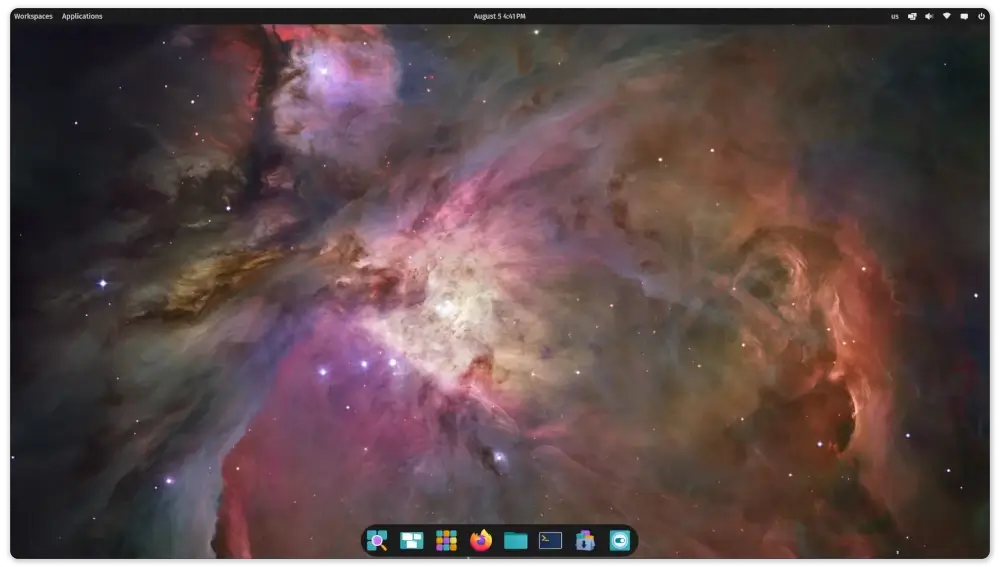
Installing COSMIC Desktop in Fedora
First, update your system to ensure all existing packages are up to date.
sudo dnf update -y
Next, you’ll need to add the COSMIC COPR repository that contains packages related to the Cosmic desktop environment.
sudo dnf copr enable ryanabx/cosmic-epoch
Once the repository is enabled, you can install the COSMIC desktop environment by executing the following command, which will install all the core components of the COSMIC desktop.
sudo dnf install cosmic-desktop
After the installation completes, log out of your current session. On the GDM (GNOME Display Manager) login screen, click on your username.
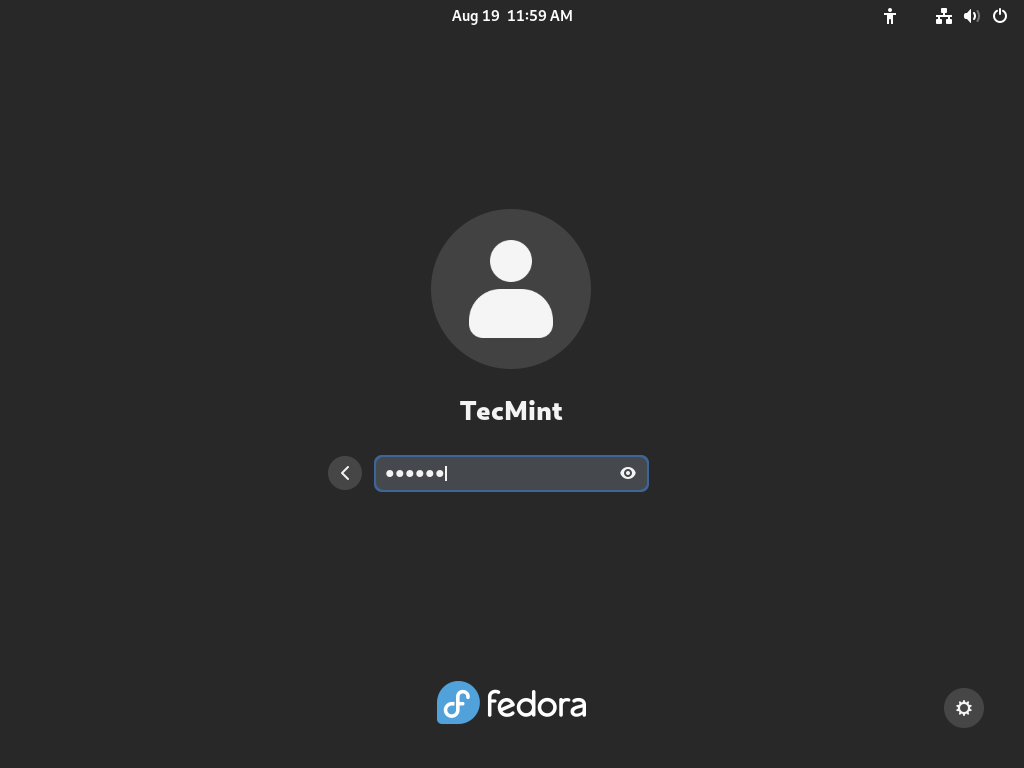
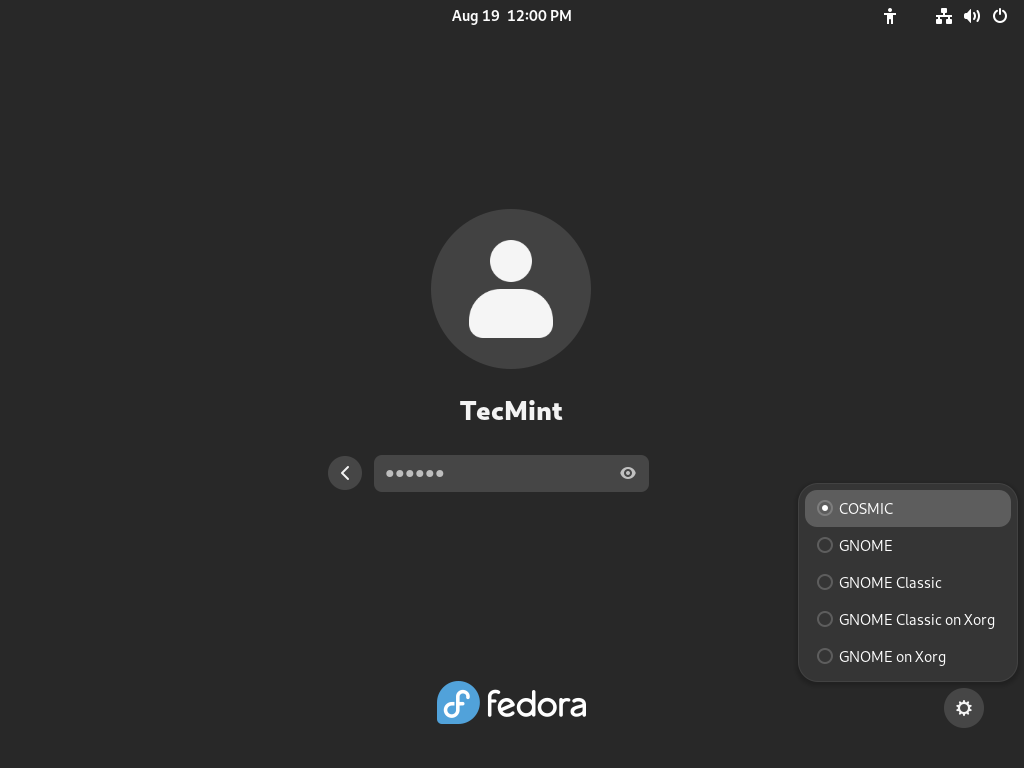
Before entering your password, look for the gear icon located at the bottom right corner of the screen. Click on it to see a list of available desktop environments. Select “COSMIC” from the list, then enter your password and log in.
You should now be greeted by the COSMIC Desktop Environment.
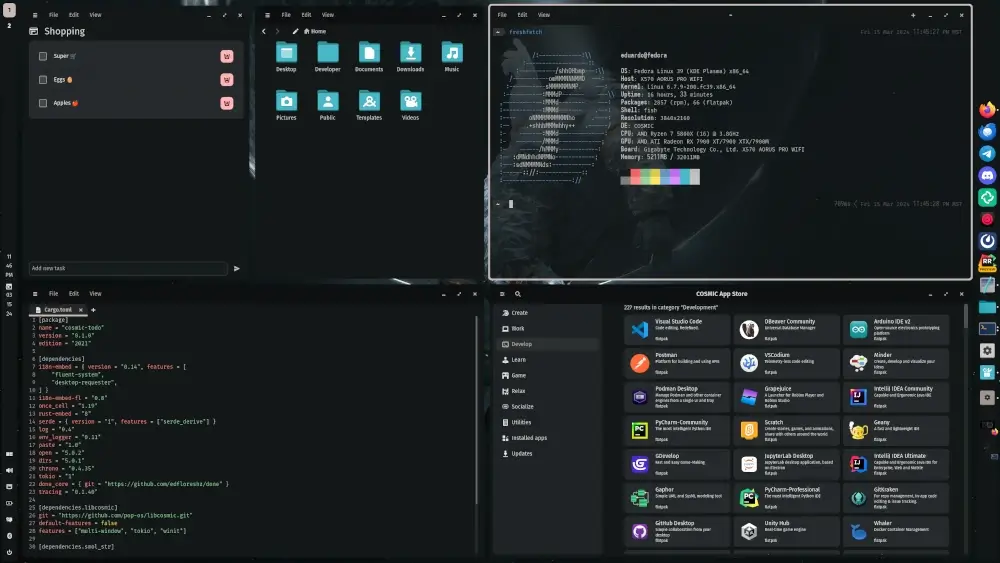
To make the most out of COSMIC, explore its settings and customize it to fit your preferences. You can adjust the appearance to change the look of your desktop, including themes and icon sets; manage workspaces to configure how they are used; and set up shortcuts for common tasks to enhance productivity.
Conclusion
Installing the COSMIC Desktop on Fedora Linux Workstation provides a fresh and modern interface that can enhance your productivity and user experience. With its sleek design and powerful features, COSMIC makes working on Linux both enjoyable and efficient.
Feel free to explore and customize COSMIC to suit your needs. If you encounter any issues or have questions, the Fedora and Pop!_OS communities are great resources for support.
