
Skype is a very popular chat application from Microsoft that allows you to chat and connect with your friends, colleagues and loved ones using free HD video and voice calls at absolutely no cost at all. At the time of writing this guide, the latest version of Skype for Linux is 8.56.0.103. Without much further ado, let’s dive in.
Step 1: Update Arch Linux
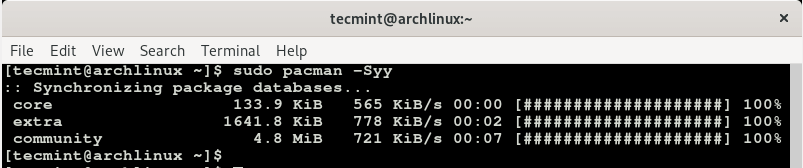
Log in to your Arch Linux system as a sudo user and update the system using the command shown.
$ sudo pacman -Syy
Step 2: Clone Skype for Linux Binary File
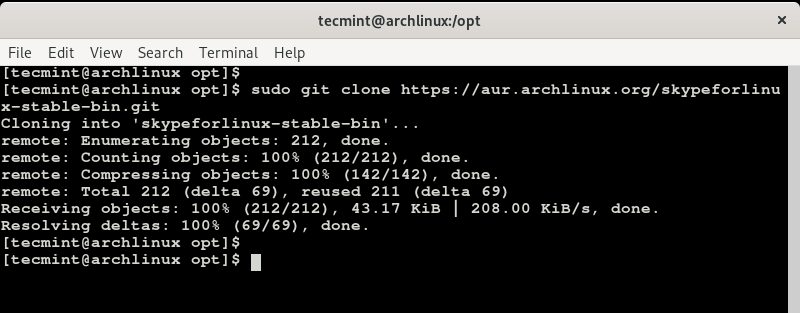
The AUR repository provides a binary package for Skype. Using git command, proceed and clone the Skype AUR package using the command shown.
$ sudo git clone https://aur.archlinux.org/skypeforlinux-stable-bin.git
Step 3: Build the Skype AUR Package in Arch Linux
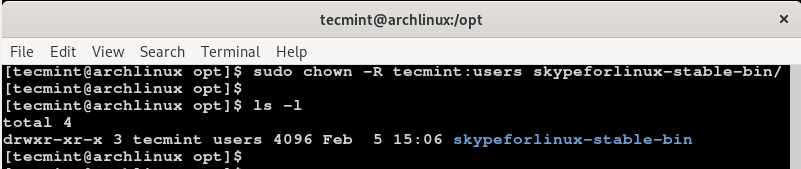
Before building the package, you need to change permissions for the cloned skypeforlinux directory from root to the sudo owner. So run the command.
$ sudo chown -R tecmint:users skypeforlinux-stable-bin
To build the Skype package, navigate into the folder.
$ cd skypeforlinux-stable-bin
Now build the Skype AUR package using the command.
$ makepkg -si
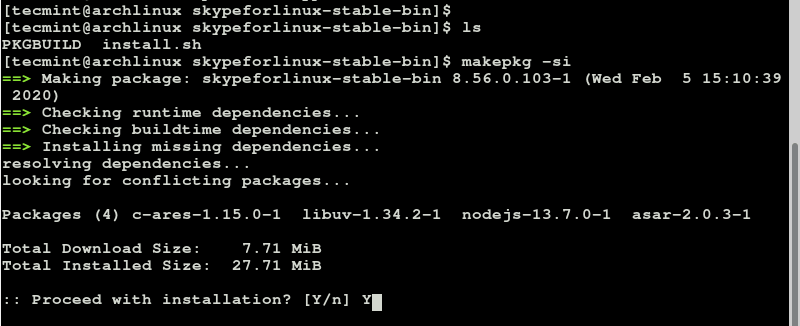
Type Y to proceed with the installation process and hit ENTER each time when prompted to install all the packages. This will take a bit of time, so you can relax as the installation goes on or grab a cup of tea.
Once the installation is complete, you can verify the installation of Skype by running the command.
$ sudo pacman -Q

We can see from the output that we have installed the latest version of Skype which is version 8.56.0.103-1. To display more information about the package run.
$ sudo pacman -Qi
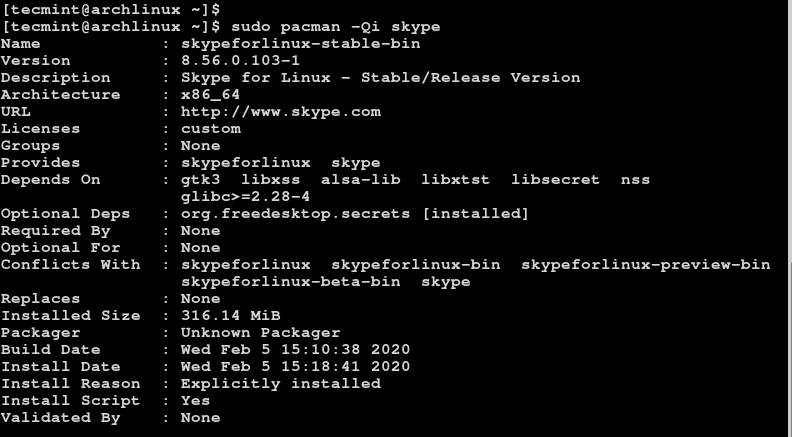
The command gives you a whole lot of information such as the version, architecture, build date, install date and installed size to mention just a few.
Step 4: Starting Skype in Arch Linux
To launch skype, simply type the command skypeforlinux on the terminal.
$ skypeforlinux
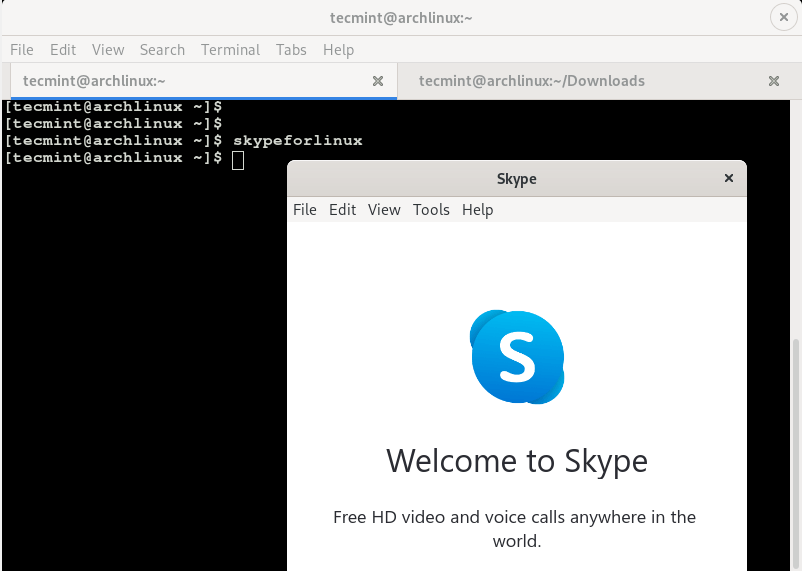
The Skype pop-up will appear and after hitting the “Let’s Go” button, you will be prompted for the login credentials.
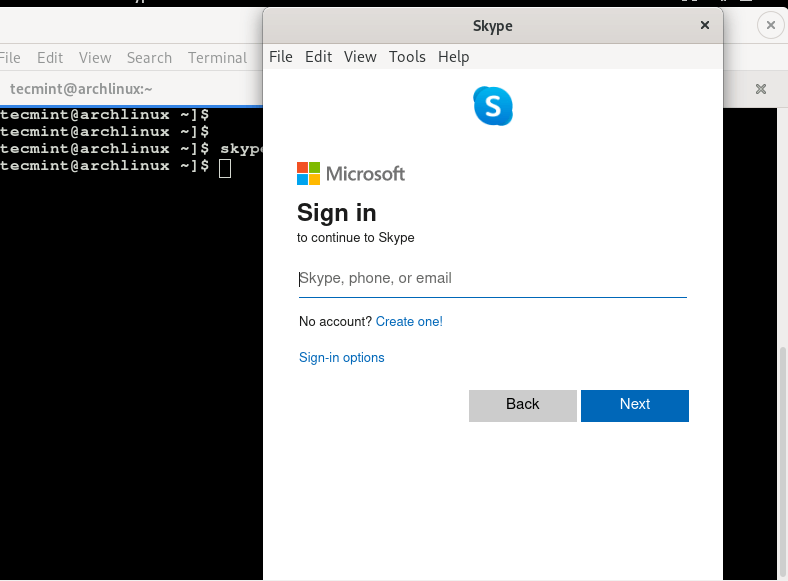
Upon providing your login credentials, you will be good to go! And this wraps up our short guide on how you can install the latest version of Skype on Arch Linux.







Thank you very much for the recap. Easy to follow!
Thanks for the guide, really helpful, skype works perfectly.
Many thanks
Thank you for the kind words. We are glad that the guide was beneficial in helping you to install Skype.
Skype install successful but not working
@Gulab,
Any error you getting while starting Skype?
The Arch repo does not have skype. What repo are you using so I can curl it?
Thanks
I would like tobe friend with your fabulous service regarding your good reputation
skype 4.3 requires pulseaudio and pavucontrol.
Why would any one want to use pulseaudio. there are many problems with pulseaudio. It is a failure in that it is supposed to be simple and “black-box” but its not – I always have to dig in some configuration to make it work. It is also a failure in that it is supposed to simplify things, but it also makes it complicated; because it tries to guess what you want, is very intrusive, and when you change configurations it often doesn’t know what to do. Lastly, it is painfully slow by design. It resamples every single audio “manually”. You literally have to choose between quick resampling or a good resampling. If you like to do anything computationally intensive while listening to music, give up. You can’t. That’s pulseaudio.