
MyCLI is an easy-to-use command line (CLI) interface for the popular database management systems: MySQL, MariaDB, and Percona with auto-completion and syntax highlighting. It is built using prompt_toolkit and requires Python 2.7, 3.3, 3.4, 3.5, and 3.6. It supports secure connections over SSL to the MySQL server.
MyCLI Features
- When you first start it, a config file is automatically created at ~/.myclirc.
- Supports auto-completion while typing SQL keywords as well as tables, views and columns in the database.
- Also supports smart-completion which is enabled by default and will offer suggestions for context-sensitive completion.
For instance:
SELECT * FROM <Tab> - this will just show table names.
SELECT * FROM users WHERE <Tab> - this will simply show column names.
- Supports syntax highlighting using Pygments.
- Support for SSL connections.
- Offers support for multiline queries.
- It optionally logs every query and its output to a file (note that this is disabled by default).
- Allows you to save favorite queries (save a query using \fs alias and run it with \f alias).
- Supports timing of SQL statements and table rendering.
- Prints tabular data in an appealing way.
How to Install MyCLI for MySQL and MariaDB in Linux
On Debian/Ubuntu distributions, you can easily install the mycli package using apt command as follows:
$ sudo apt-get update
$ sudo apt-get install mycli
Likewise, Fedora 22+ has a package available for mycli, you can install it using dnf command as below:
$ sudo dnf install mycli
For other Linux distributions such as RHEL/CentOS, you’ll need Python pip tool to install mycli. Start by installing pip with the commands below:
$ sudo yum install pip
Once pip is installed, you can install mycli as follows:
$ sudo pip install mycli
How to Use MyCLI for MySQL and MariaDB in Linux
Once mycli installed, you can use it like this:
$ mycli -u root -h localhost
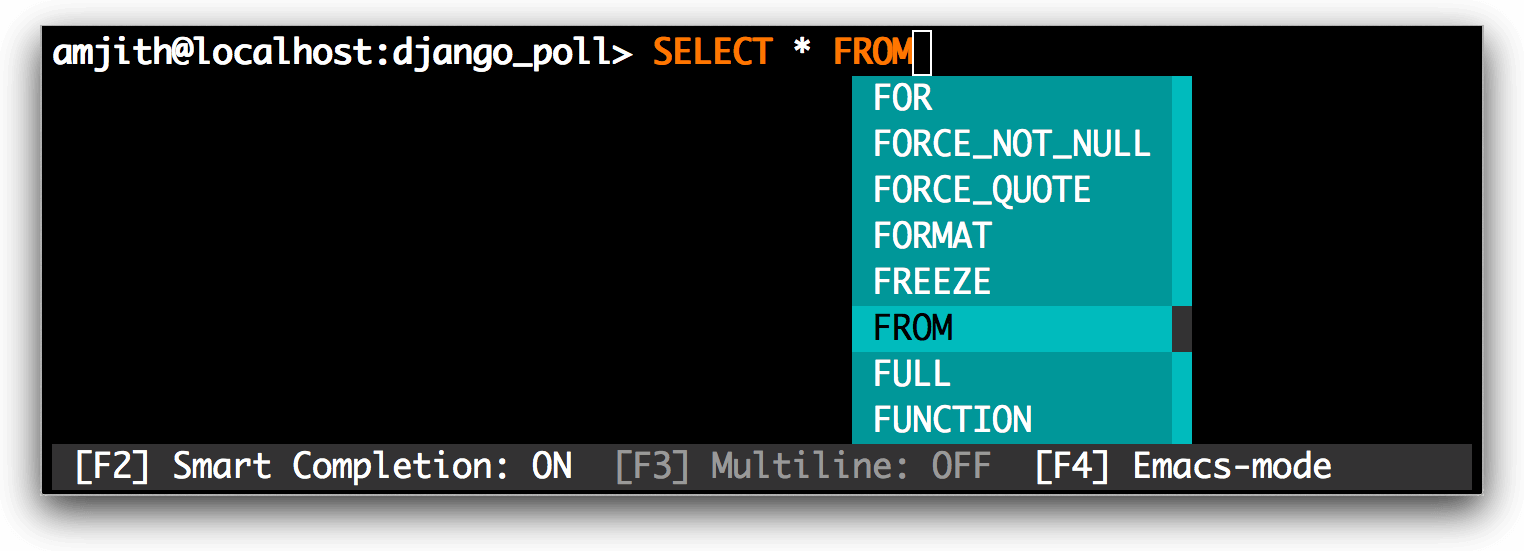
Auto-completion
Easy completions such as keywords and sql-functions.
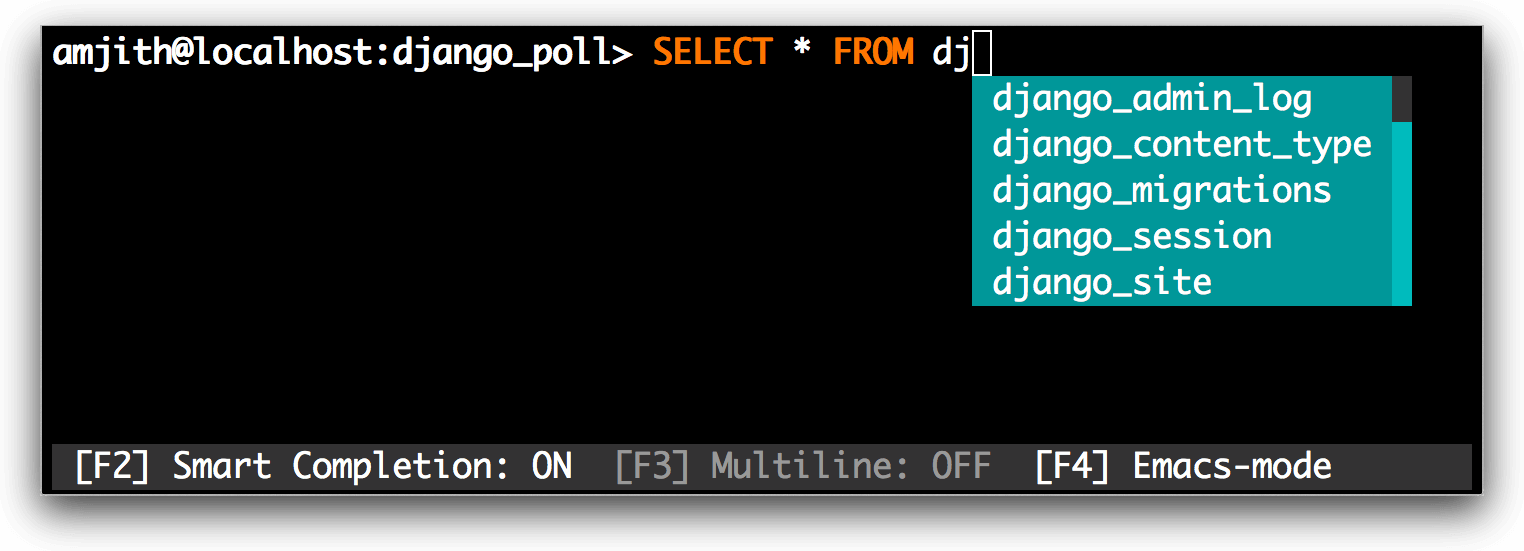
Smart-completion
Table name completions after the ‘FROM’ keyword.
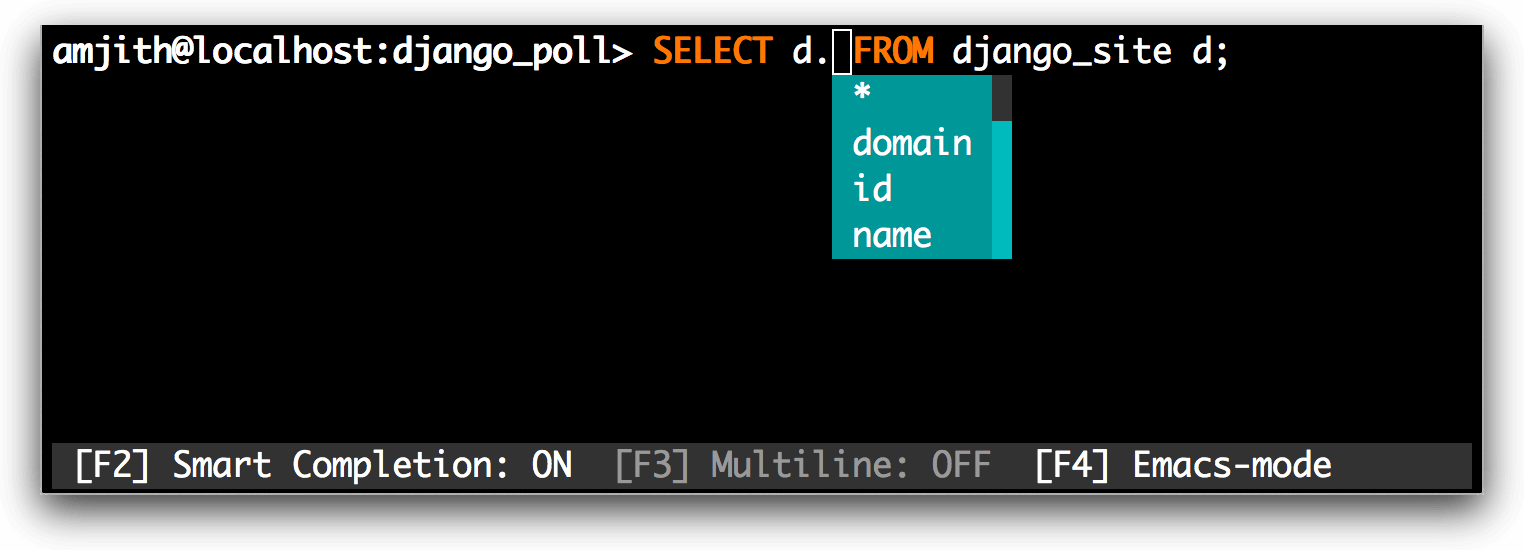
Alias support
A column completions will work even when table names are aliased.
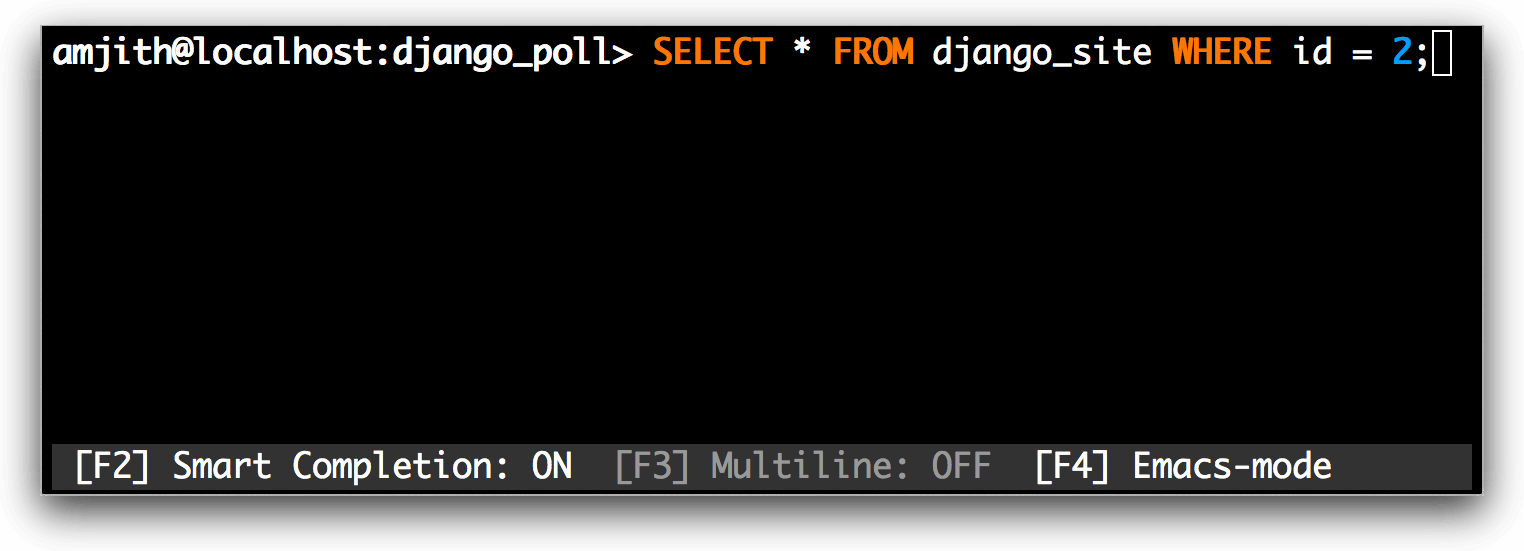
Syntax-highlighting
Syntax highlighting for MySQL.
Formatted SQL Output
MySQL Output is automatically piped through less command.
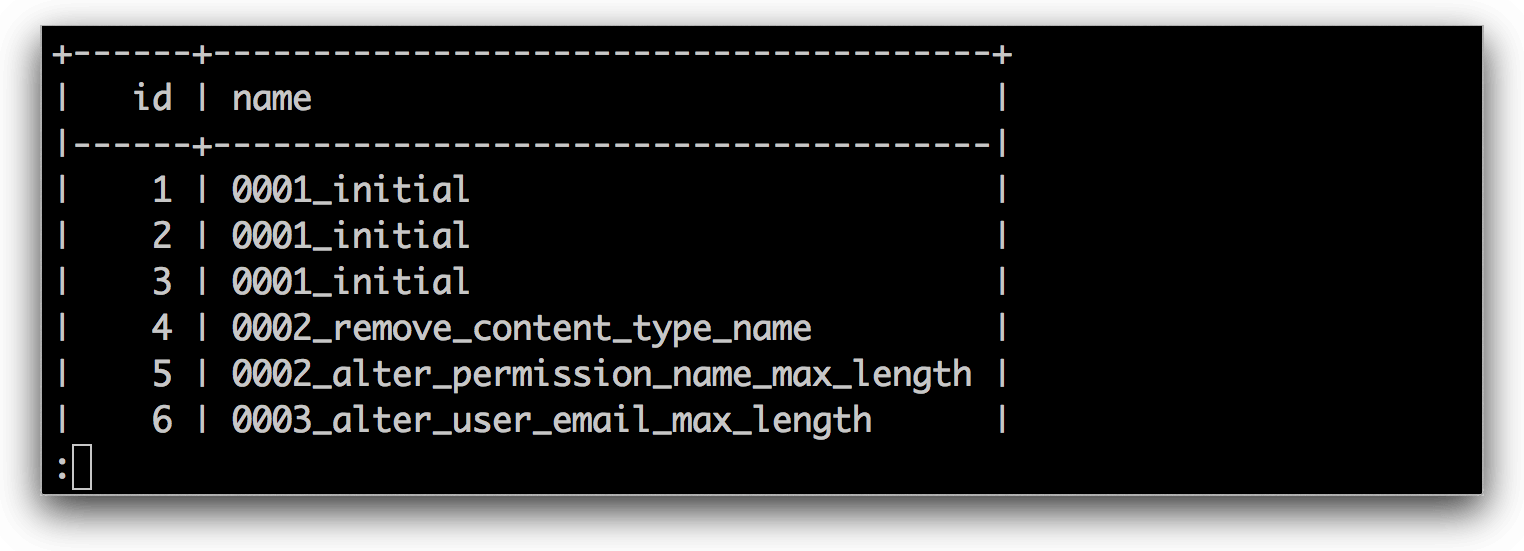
To login into mysql and select a database at the same time, you may use a similar command as follows.
$ mycli local_database
$ mycli -h localhost -u root app_db
$ mycli mysql://amjith@localhost:3306/django_poll
For more usage options, type:
$ mycli --help
MyCLI Homepage: http://mycli.net/index
Do check out some useful articles for MySQL administration.
- 20 MySQL (Mysqladmin) Commands for Database Administration in Linux
- How to Change a Default MySQL/MariaDB Data Directory in Linux
- 4 Useful Commandline Tools to Monitor MySQL Performance in Linux
- How to Change Root Password of MySQL or MariaDB in Linux
- MySQL Backup and Restore Commands for Database Administration
That’s all! In this guide, we showed how to install and use mycli with simple commands in Linux. Do share your thought concerning this article via the feedback form below.



Awesome, works perfectly fine much like what the fish shell does to the Linux terminal.
@David
Hope you enjoyed it. Many thanks for the feedback and following us as well.