

Parabolic is a user-friendly tool designed for downloading web videos and audio on Linux. It serves as a simple frontend for yt-dlp, supporting various sites and allowing users to download content in multiple formats, including mp4, webm, mp3, opus, flac, and wav.
This article will guide you through the features of Parabolic and provide step-by-step instructions on how to install it using Flathub, Snap, or by cloning the repository directly.
Features of Parabolic
Parabolic offers several useful features that enhance the user experience:
- Users can download videos in different formats such as mp4 and webm, as well as audio formats like mp3 and flac.
- The application supports running multiple downloads simultaneously, making it efficient for users who want to download several files at once.
- Parabolic can download metadata and video subtitles, providing a comprehensive download experience.
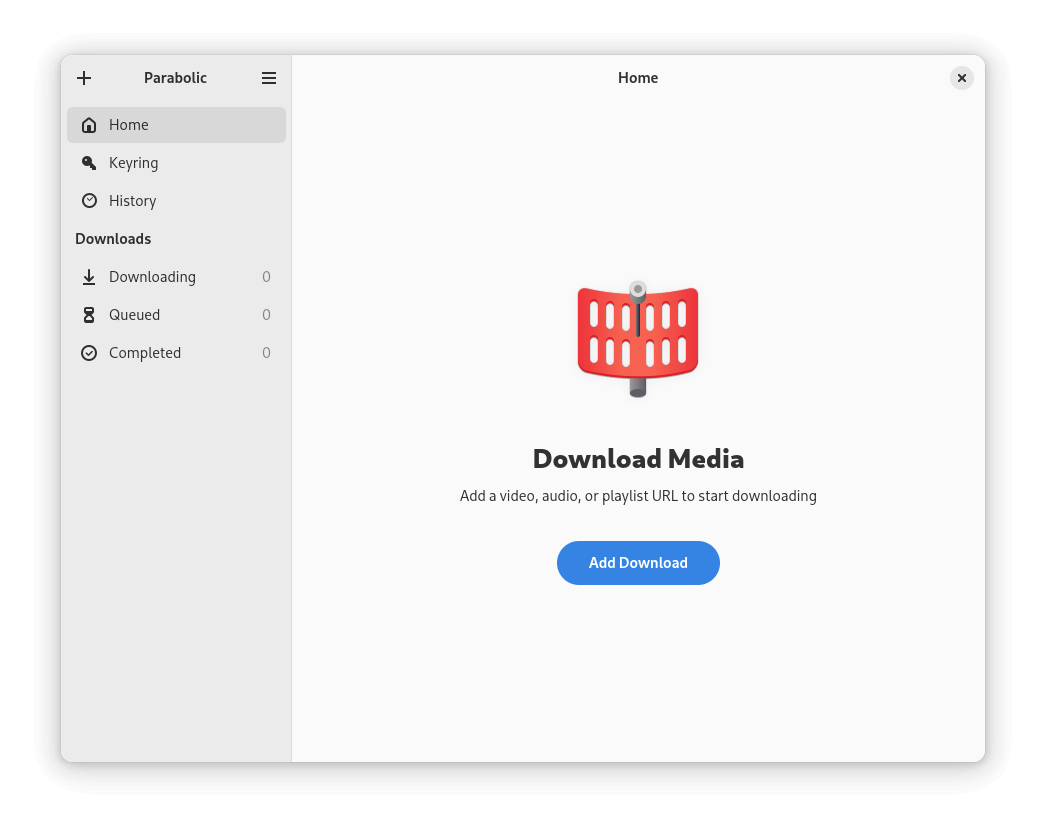
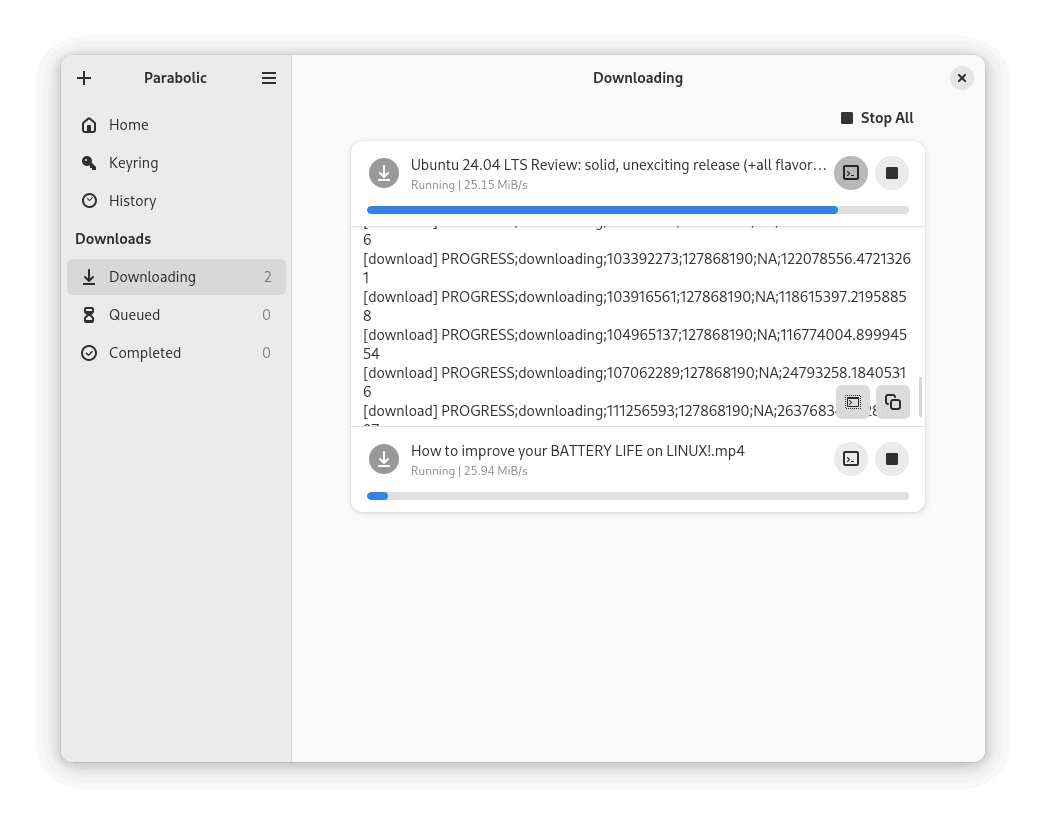
Installing Parabolic via Flathub
Flathub is a popular platform for distributing applications on Linux, but make sure that Flatpak is installed on your system.
sudo apt install flatpak         [On Debian, Ubuntu and Mint]
sudo yum install flatpak         [On RHEL/CentOS/Fedora and Rocky/AlmaLinux]
sudo emerge -a sys-apps/flatpak  [On Gentoo Linux]
sudo apk add flatpak             [On Alpine Linux]
sudo pacman -S flatpak           [On Arch Linux]
sudo zypper install flatpak      [On OpenSUSE]
sudo pkg install flatpak         [On FreeBSD]
Once Flatpak is installed, you can add the Flathub repository and install Parabolic using the following commands.
flatpak remote-add --if-not-exists flathub https://flathub.org/repo/flathub.flatpakrepo
flatpak install flathub org.nickvision.tubeconverter
flatpak run org.nickvision.tubeconverter
Installing Parabolic via Snap
Snap is another package management system for Linux that simplifies software installation, but make sure that Snap is set up on your system.
sudo apt install snapd         [On Debian, Ubuntu and Mint]
sudo yum install snapd         [On RHEL/CentOS/Fedora and Rocky/AlmaLinux]
sudo emerge -a sys-apps/snapd  [On Gentoo Linux]
sudo apk add snapd             [On Alpine Linux]
sudo pacman -S snapd           [On Arch Linux]
sudo zypper install snapd      [On OpenSUSE]
sudo pkg install snapd        [On FreeBSD]
Once snapd is installed, you can install Parabolic using the following command.
sudo snap install tube-converter
parabolic
Cloning the Parabolic Repository
If you prefer to build Parabolic from source, you can clone its repository from GitHub, but this method requires some additional setup but gives you more control over the installation.
git clone https://github.com/NickvisionApps/Parabolic.git
cd Parabolic
mkdir build && cd build
cmake .. -DCMAKE_BUILD_TYPE=Release -DUI_PLATFORM=gnome
cmake --build .
After building, you can find the binaries in the org.nickvision.tubeconverter.gnome folder inside your build directory.
Conclusion
Parabolic is a powerful yet straightforward tool for downloading videos and audio on Linux systems. Whether you choose to install it via Flathub or Snap or prefer building it from source, each method provides an easy way to access its features.
With support for multiple formats and batch downloads, Parabolic is an excellent choice for users looking to manage their media downloads efficiently.

CMake Error at libparabolic/CMakeLists.txt:40 (find_package):
Could not find a package configuration file provided by “libnick” with any
of the following names:
libnickConfig.cmake
libnick-config.cmake
Add the installation prefix of “libnick” to CMAKE_PREFIX_PATH or set
“libnick_DIR” to a directory containing one of the above files. If
“libnick” provides a separate development package or SDK, be sure it has
been installed.
— Configuring incomplete, errors occurred!
owner@localhost:~/Parabolic/build> cmake –build .
@American,
It looks like CMake can’t find the
libnickpackage that your project depends on.You need to install
libnickif you haven’t already. It might have a development package (likelibnick-devor similar) you need to install.