Skip to content
Learn Linux in 7 structured days, the free course inside Pro TecMint Sudo tier    Enroll Free
Tecmint: Linux Howtos, Tutorials & Guides
  • Latest Tutorials
  • Commands
    • A – Z Linux Commands
    • 100+ Linux Commands
  • Tools
  • Distros
    • Linux Distros for Beginners
    • Linux Distros for Experts
    • New Linux Distros
    • Linux Server Distros
    • Secure Linux Distros
    • CentOS Alternatives
    • RedHat Distributions
    • Debian Distributions
    • Ubuntu Distributions
    • Arch Linux Distros
    • Rolling Linux Distros
    • KDE Linux Distros
    • Linux Distros for Old PC
    • Linux Distros for Kids
    • Linux Distributions for Students
    • Linux Distros for Windows
  • Courses
    • Bash Scripting
    • Learn Linux
    • AI for Linux
    • RHCSA Certification
    • RHCE Certification
    • LFCS Certification
  • eBooks
    • RHCSA Exam
    • RHCE Exam
    • LFCS Exam
    • LFCE Exam
    • LFCA Exam
    • Ansible Exam
  • About
  • Advertise
Tecmint: Linux Howtos, Tutorials & Guides
  • Latest Tutorials
  • Commands
    • A – Z Linux Commands
    • 100+ Linux Commands
  • Tools
  • Distros
    • Linux Distros for Beginners
    • Linux Distros for Experts
    • New Linux Distros
    • Linux Server Distros
    • Secure Linux Distros
    • CentOS Alternatives
    • RedHat Distributions
    • Debian Distributions
    • Ubuntu Distributions
    • Arch Linux Distros
    • Rolling Linux Distros
    • KDE Linux Distros
    • Linux Distros for Old PC
    • Linux Distros for Kids
    • Linux Distributions for Students
    • Linux Distros for Windows
  • Courses
    • Bash Scripting
    • Learn Linux
    • AI for Linux
    • RHCSA Certification
    • RHCE Certification
    • LFCS Certification
  • eBooks
    • RHCSA Exam
    • RHCE Exam
    • LFCS Exam
    • LFCE Exam
    • LFCA Exam
    • Ansible Exam
  • About
  • Advertise

Rocky Linux

Secure Apache with SSL in Rocky Linux

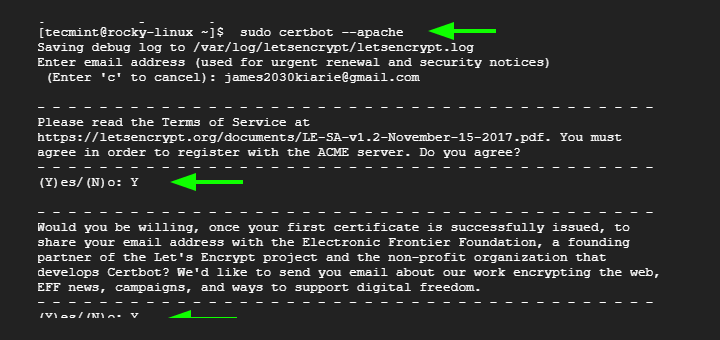
Secure Apache with Let’s Encrypt Certificate on Rocky Linux

In our previous guide, we walked you through the installation of the LAMP stack on Rocky Linux and further proceeded

Install MongoDB on Rocky Linux and AlmaLinux

How to Install MongoDB on Rocky Linux and AlmaLinux

MongoDB is a high-performance, highly scalable document-oriented NoSQL database that is designed to handle high traffic and huge volumes of
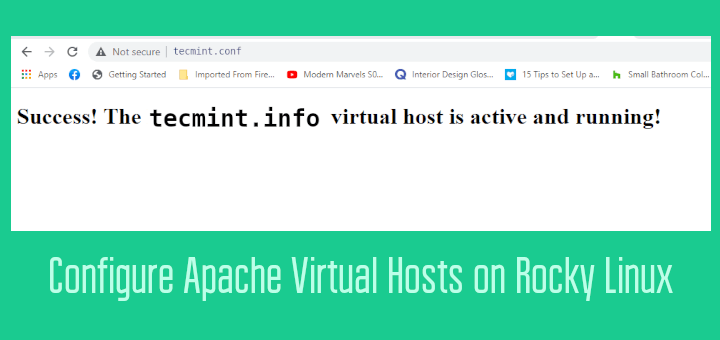
Create Apache Virtual Hosts on Rocky Linux

How to Configure Apache Virtual Hosts on Rocky Linux

This is an optional step intended only for those who wish to host multiple sites on the same server. So
Install Java in Rocky Linux

How to Install Java 16 in Rocky Linux and AlmaLinux

Java is a cross-platform, object-oriented, and multipurpose programming language that is primarily used for creating mobile, web, and cloud applications.
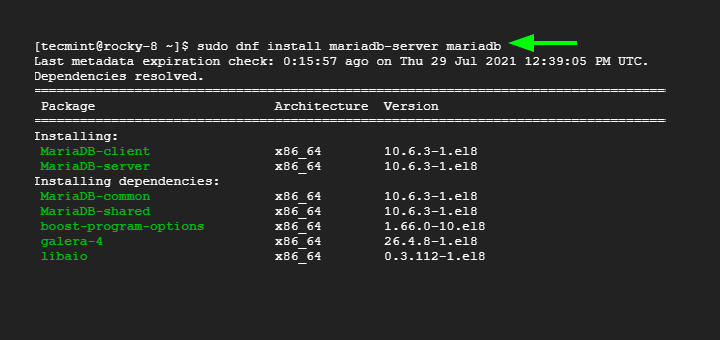
Install MariaDB in Rocky Linux

How to Install MariaDB on Rocky Linux and AlmaLinux

MariaDB is a free and community-developed relational database system that is a compatible drop-in replacement for the hugely popular MySQL
Install LAMP on Rocky Linux

How to Install LAMP Stack on Rocky Linux 8

LAMP is a popular stack used in development circles for hosting both static and dynamic web applications. It’s an acronym
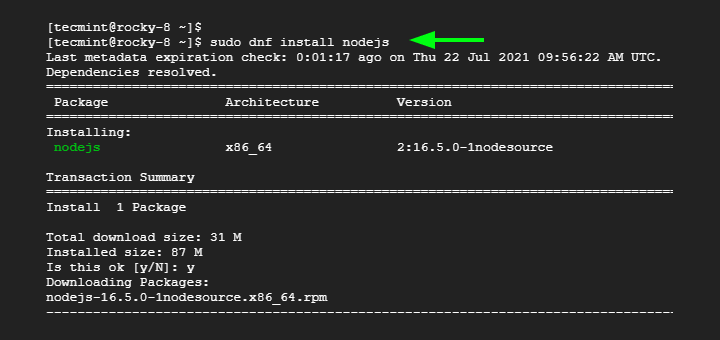
Install NodeJS on Rocky Linux

How to Install NodeJS 14 / 16 & NPM on Rocky Linux 8

Built on Chrome’s V8 engine, Node.JS is open-source, and event-driven Javascript runtime that is designed to build scalable applications and
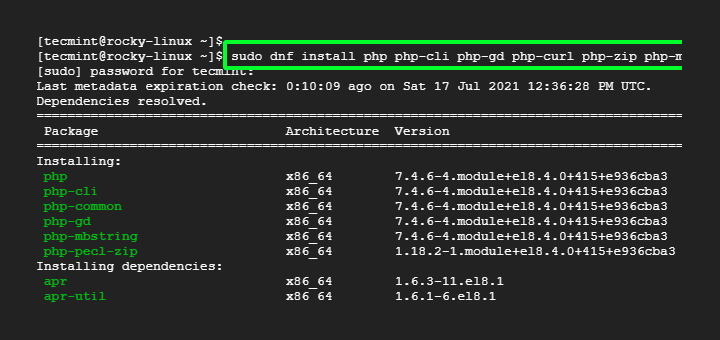
Install PHP 7.4 in Rocky Linux

How to Install PHP 7.4 on on Rocky Linux and AlmaLinux

A recursive acronym for PHP HyperText Preprocessor, PHP is an open-source and widely used server-side scripting language for developing static
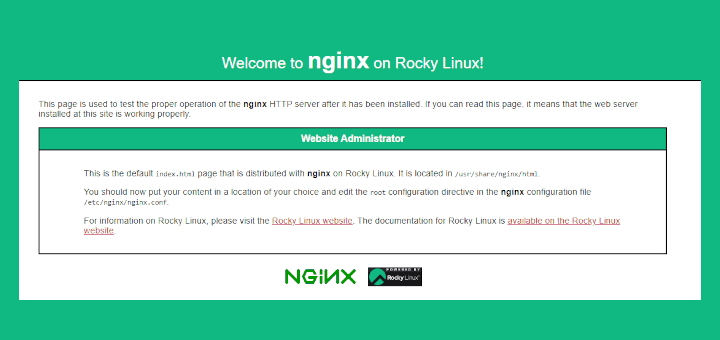
Install LEMP on Rocky Linux

How to Install LEMP Stack on Rocky Linux 8

LEMP is a popular stack that comprises open-source software that is collectively used to host and serve web applications, whether
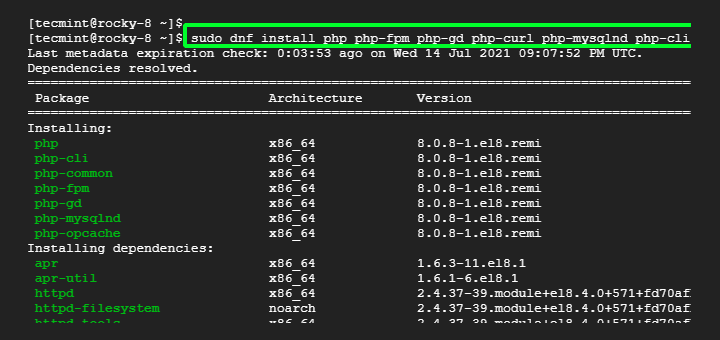
Install PHP 8.0 on Rocky Linux

How to Install PHP 8.0 on Rocky Linux and AlmaLinux

PHP 8.0 was officially released back on November 26, 2020, and is a major update to PHP 7.4. At the
Migrate CentOS 8 to Rocky Linux 8

How to Migrate from CentOS 8 to Rocky Linux 8

Rocky Linux 8.5, codenamed Green Obsidian, is finally here! It was released on November 12, 2021, barely six months after

Newer posts
← Previous Page1 … Page4 Page5
TecMint Weekly
Get the Learn Linux 7 Days Crash Course free when you join 34,000+ Linux professionals reading every Thursday.
Check your email for a magic link to get started.
Something went wrong. Please try again.
Free forever. Unsubscribe anytime.
Learn Linux Right Way
15 structured courses, ad-free articles, and the weekly newsletter in one place.
  • ✓SSH, Bash, Ubuntu, Golang, RHCSA, RHCE, LFCS, LFCA and more
  • ✓Ad-free access to all premium articles
  • ✓Priority help and Telegram community
  • ✓Weekly newsletter every Thursday
Join Root from $8/mo
$8/mo or $59/yr. Cancel anytime.

Linux Server Monitoring Tools

Glances – An Advanced Real Time System Monitoring Tool for Linux

How to Setup Rsyslog Client to Send Logs to Rsyslog Server in CentOS 7

pyDash – A Web Based Linux Performance Monitoring Tool

Tuned – Automatic Performance Tuning of CentOS/RHEL Servers

LibreNMS – A Fully Featured Network Monitoring Tool for Linux

Htop – An Interactive Process Viewer for Linux

Learn Linux Tricks & Tips

4 Ways to Check Plugged USB Device Name in Linux

How to Assign Multiple IPs to a Single Network Interface in Linux

How to Install Zip and Unzip in Linux

How to Stop a Process Blocking a Port in Linux

How to Fix “Command ‘pip3’ not found” Error in Linux

Tips to Create ISO from CD, Watch User Activity and Check Memory Usages of Browser

Best Linux Tools

11 Best Self-Hosted Alternatives to Google Photos

10 Best API Gateways and Management Tools in 2024

10 Best Google Drive Clients for Linux in 2023

3 Best Cloud-Based Music Apps for Linux

5 Best Reference Management Software for Linux in 2024

5 Online Tools for Generating and Testing Cron Jobs for Linux

Tecmint: Linux Howtos, Tutorials & Guides © 2026. All Rights Reserved.

The material in this site cannot be republished either online or offline, without our permission.

Hosting Sponsored by : Linode Cloud Hosting