

diskonaut is a simple terminal disk space navigator built using Rust and supports Linux and macOS. To use it, specify an absolute path in your file system, for example, /home/tecmint or run it in the directory of interest, it will scan the directory and maps it to memory enabling you to explore its contents. It allows you to inspect space usage even during the scanning process.
When the scanning is complete, you can navigate through subdirectories, getting a visual treemap representation of what’s consuming your disk space. diskonaut allows you to delete files and directories and as a result, tracks the amount of space you have freed up in the process. It also supports keyboard shortcuts to ease navigation.
Read Also: How to Find Out Top Directories and Files (Disk Space) in Linux
In this article, you will learn how to install and use diskonaut in Linux systems.
Installing diskonaut in Linux
To install and use diskonaut, you should have Rust programming language installed on your system, if not, install it using the following command.
# curl --proto '=https' --tlsv1.2 -sSf https://sh.rustup.rs | sh
Once your system has Rust installed, you should be having the cargo (the Rust package manager) installed as well. Use cargo to install diskonaut on the system as shown.
# cargo install diskonaut

If you’re using Fedora, CentOS, and Arch Linux, you can install diskonaut latest prebuilt binary from the default repository as shown.
$ sudo dnf install diskonaut
$ yay diskonaut
Once diskonaut is installed, you can either start diskonaut in the directory you want to scan, or specify the absolute path of the directory to scan as an argument.
$ cd /home/aaronk
$ diskonaut
OR
$ diskonaut /home/aaronk
At the bottom end, you can see the available keyboard shortcuts to use with diskonaut.
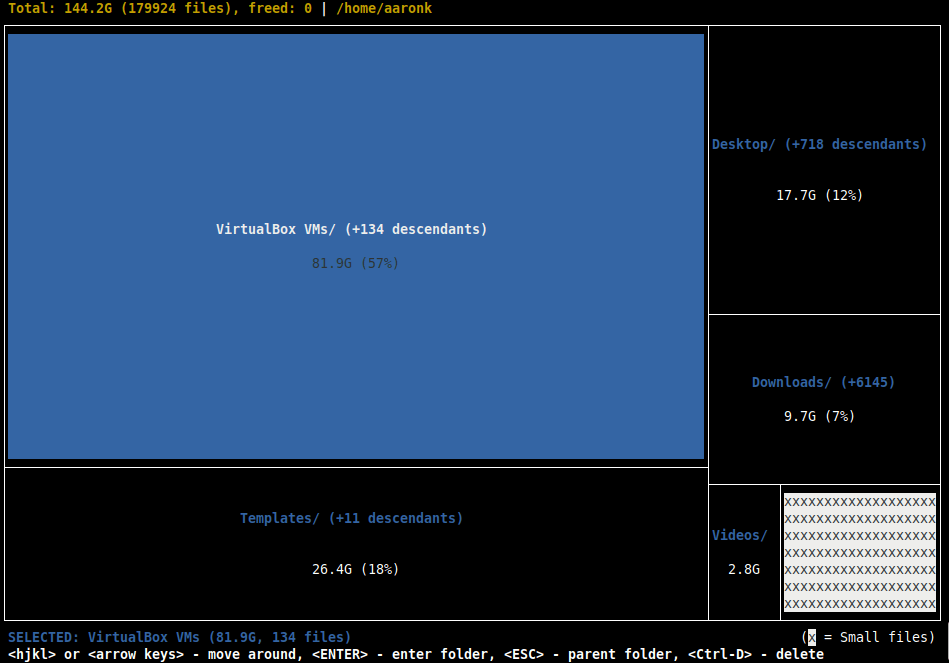
Once the scan is complete, you can select a subdirectory, for example, VirtualBox VMs, then click Enter to explore it.
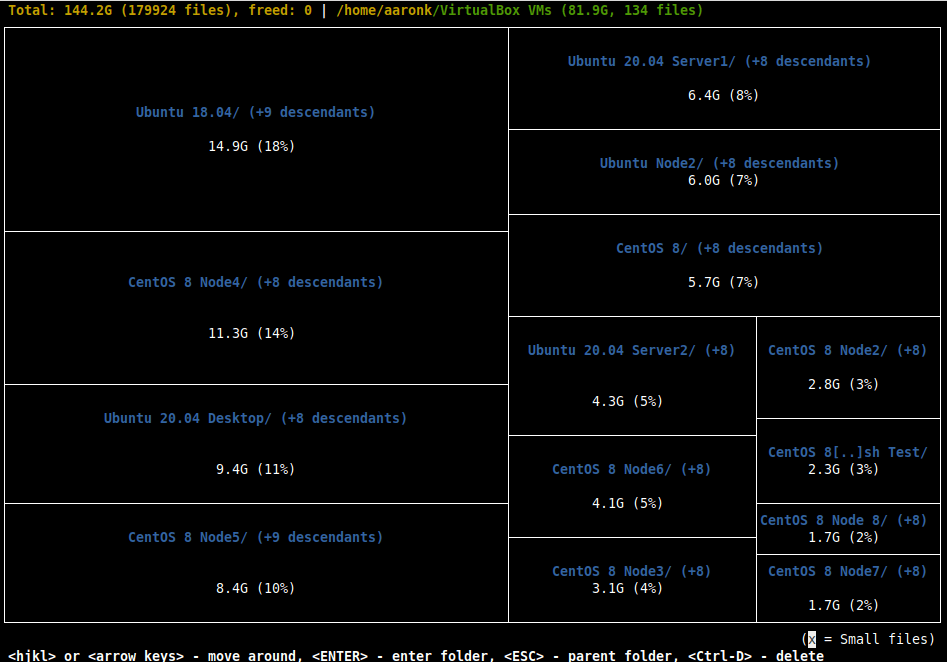
diskonaut Github repository: https://github.com/imsnif/diskonaut
That’s all! diskonaut is a simple terminal disk space navigator used to quickly explore disk space usage on your storage facility. Give it a try and share your thoughts with us via the feedback form below.

Hi,
Thanks a lot for this great article.
@Jalal
Thanks for the feedback.
Other than the more “graphic” display of disk usage, is it any better than ncdu?
I’d prefer ncdu because it is in the Repos of all distros I’ve used so far (Debian based).
@sebastian
Thanks for sharing, we got ncdu covered: https://www.tecmint.com/ncdu-a-ncurses-based-disk-usage-analyzer-and-tracker/.