RHCSA Series: Learn to Operate and Manage Linux Servers – Part 7
As a Linux System Administrator, you need to have a firm grasp of basic administration concepts for you to effectively

Hi, I’m Ravi Saive, a passionate Linux enthusiast with over 16+ years of experience. I have written more than 3000+ articles on Linux, sharing my knowledge and expertise with the community.
Welcome to my blog! I share easy-to-follow articles on Linux, SysAdmin, Cloud, and DevOps. With over 250+ million visitors, Tecmint has helped many people grow their Linux careers.
Join me in exploring the world of open-source and unlock the power of Linux by subscribing to our weekly newsletter or checking out our Pro Courses for deeper learning!

As a Linux System Administrator, you need to have a firm grasp of basic administration concepts for you to effectively
CakePHP is a most popular and widely-used open-source web application framework built in PHP that follows the Model-View-Controller (MVC) architectural

In the world of digital media, the WebM format has gained significant popularity due to its open-source nature and efficient

In this article of the RHCSA series, we will start with a brief revision of what happens from the moment
Java is one of the most popular and widely used programming languages. Currently, a myriad of software applications depend on
Managing a RHEL server, as it is the case with any other Linux server, will require that you know how

Every system administrator has to deal with text files as part of his daily responsibilities, which include editing existing files
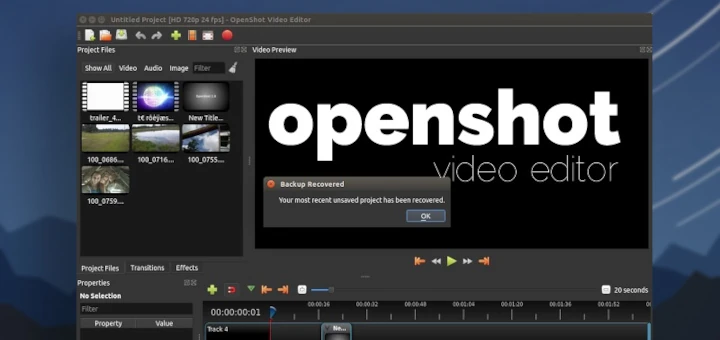
OpenShot is a popular, free, and open-source video editor available for Linux, Windows, and macOS. It offers a user-friendly interface
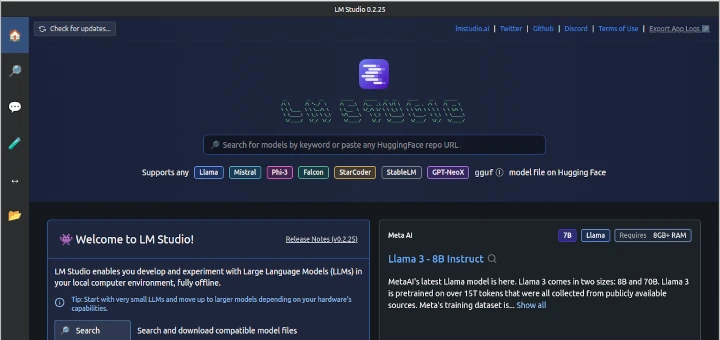
LM Studio is a user-friendly desktop application that allows you to download, install, and run large language models (LLMs) locally
In Part 3 of the RHCSA exam preparation series, ‘File and Directory Management,’ we will review some essential skills required
RHCSA (Red Hat Certified System Administrator) is a certification exam from Red Hat company, which provides an open-source operating system
Preparing for the Red Hat Certified System Administrator (RHCSA) exam requires hands-on experience with Red Hat Enterprise Linux (RHEL) 9.