

LM Studio is a user-friendly desktop application that allows you to download, install, and run large language models (LLMs) locally on your Linux machine.
Using LM Studio, you can break free from the limitations and privacy concerns associated with cloud-based AI models, while still enjoying a familiar ChatGPT-like interface.
In this article, we’ll guide you through installing LM Studio on Linux using the AppImage format, and provide an example of running a specific LLM model locally.
System Requirements
The minimum hardware and software requirements for running LM Studio on Linux are:
- Dedicated NVIDIA or AMD graphics card with at least 8GB of VRAM.
- A processor compatible with AVX2 and at least 16GB of RAM is required.
Installing LM Studio in Linux
To get started, you need to download the latest LM Studio AppImage from the official website or repository.
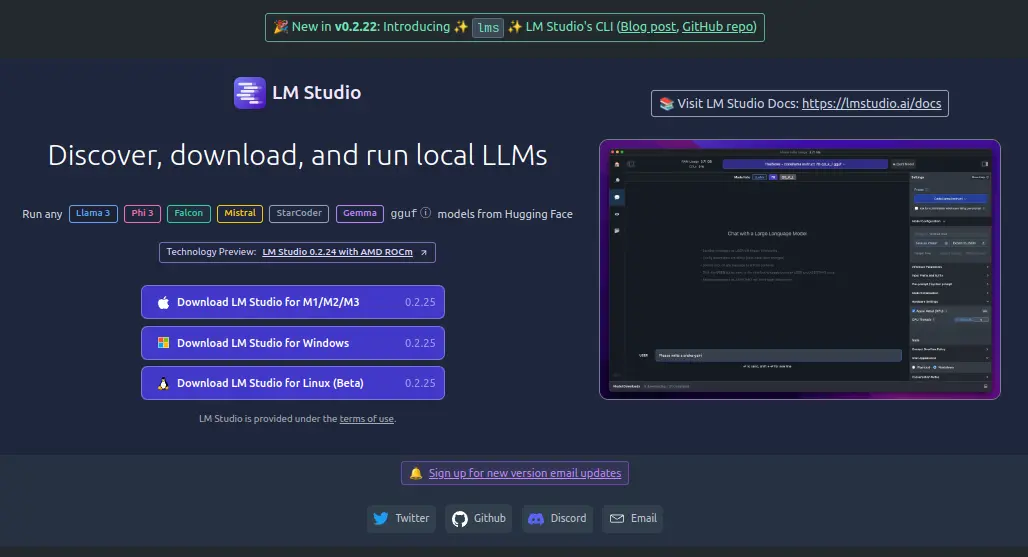
Once the AppImage is downloaded, you need to make it executable and extract the AppImage contents, which will unpack itself into a directory named squashfs-root.
chmod u+x LM_Studio-*.AppImage
./LM_Studio-*.AppImage --appimage-extract
Now navigate to the extracted squashfs-root directory and set the appropriate permissions to the chrome-sandbox file, which is a helper binary file that the application needs to run securely.
cd squashfs-root
sudo chown root:root chrome-sandbox
sudo chmod 4755 chrome-sandbox
Now you can run the LM Studio application directly from the extracted files.
./lm-studio
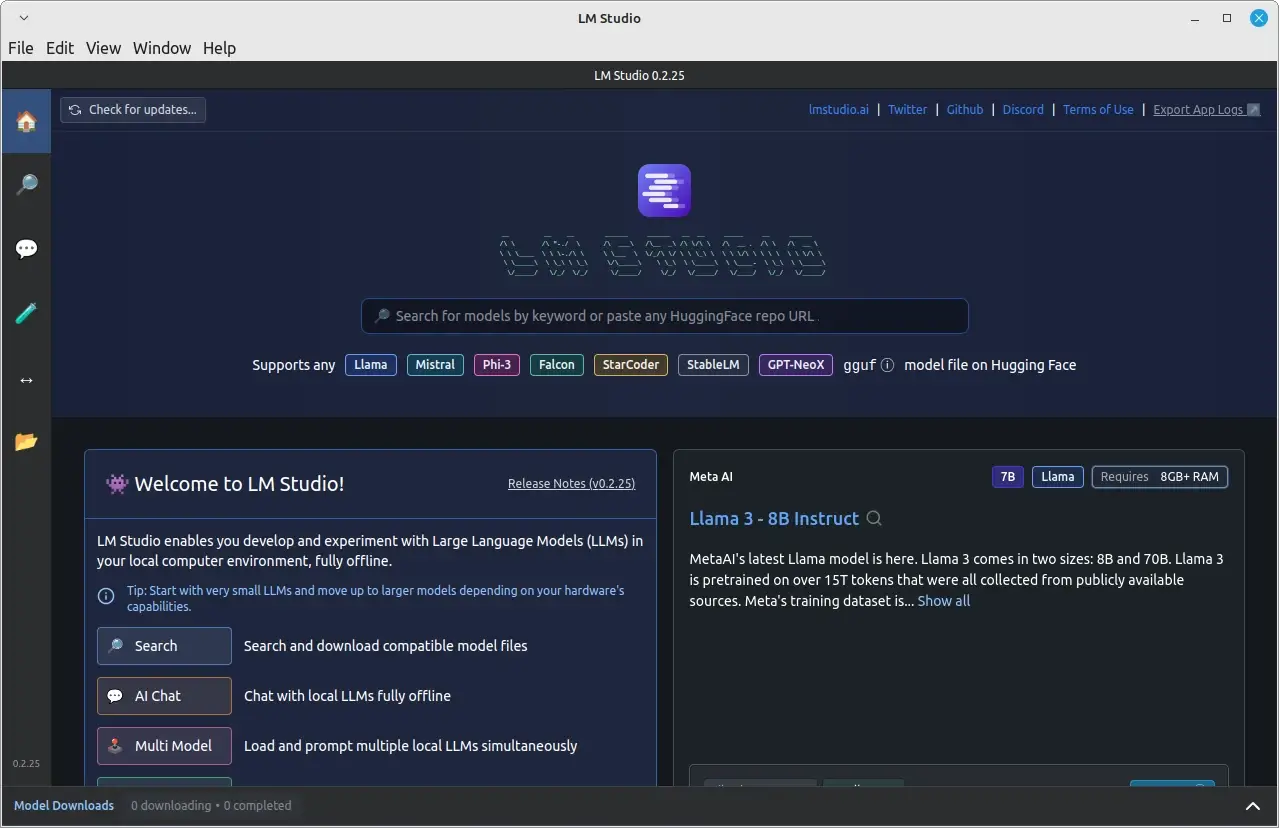
That’s it! LM Studio is now installed on your Linux system, and you can start exploring and running local LLMs.
Running a Language Model Locally in Linux
After successfully installing and running LM Studio, you can start using it to run language models locally.
For example, to run a pre-trained language model called GPT-3, click on the search bar at the top and type “GPT-3” and download it.
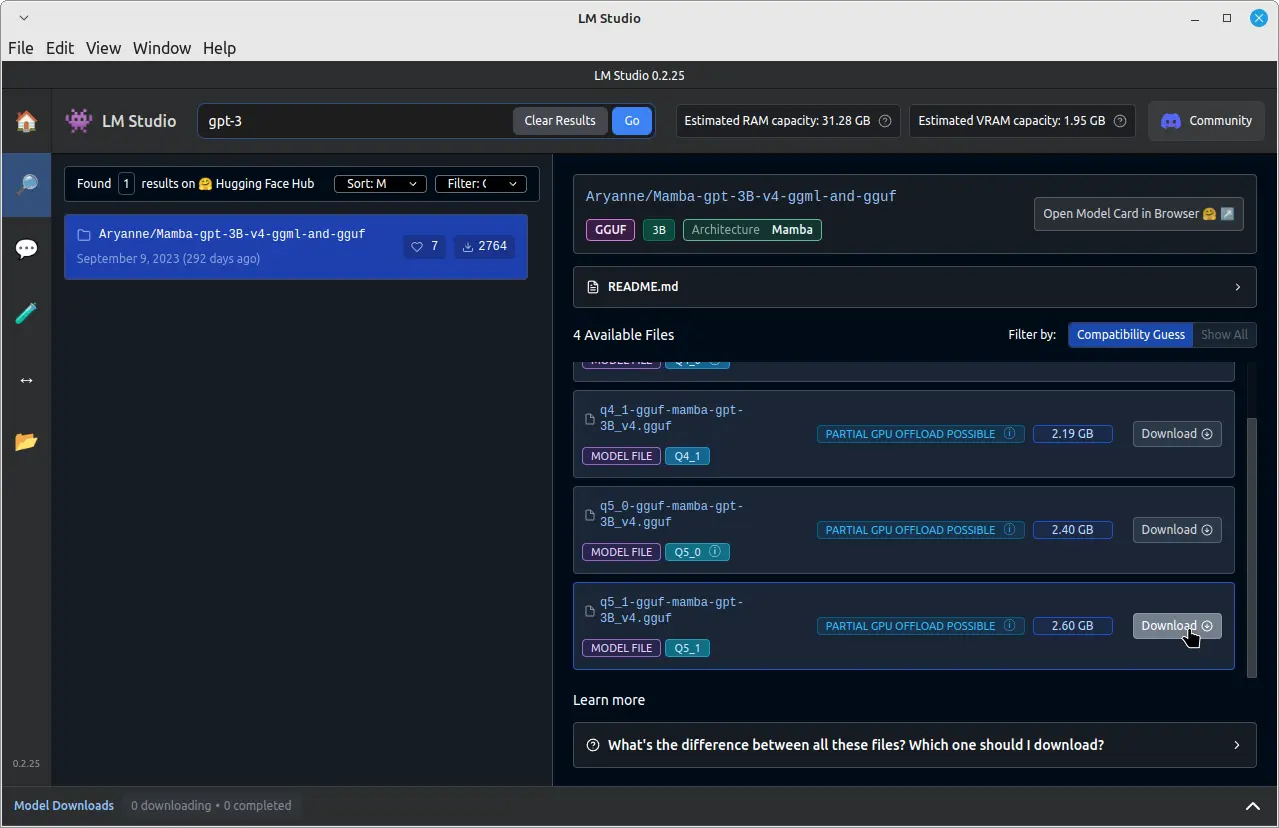
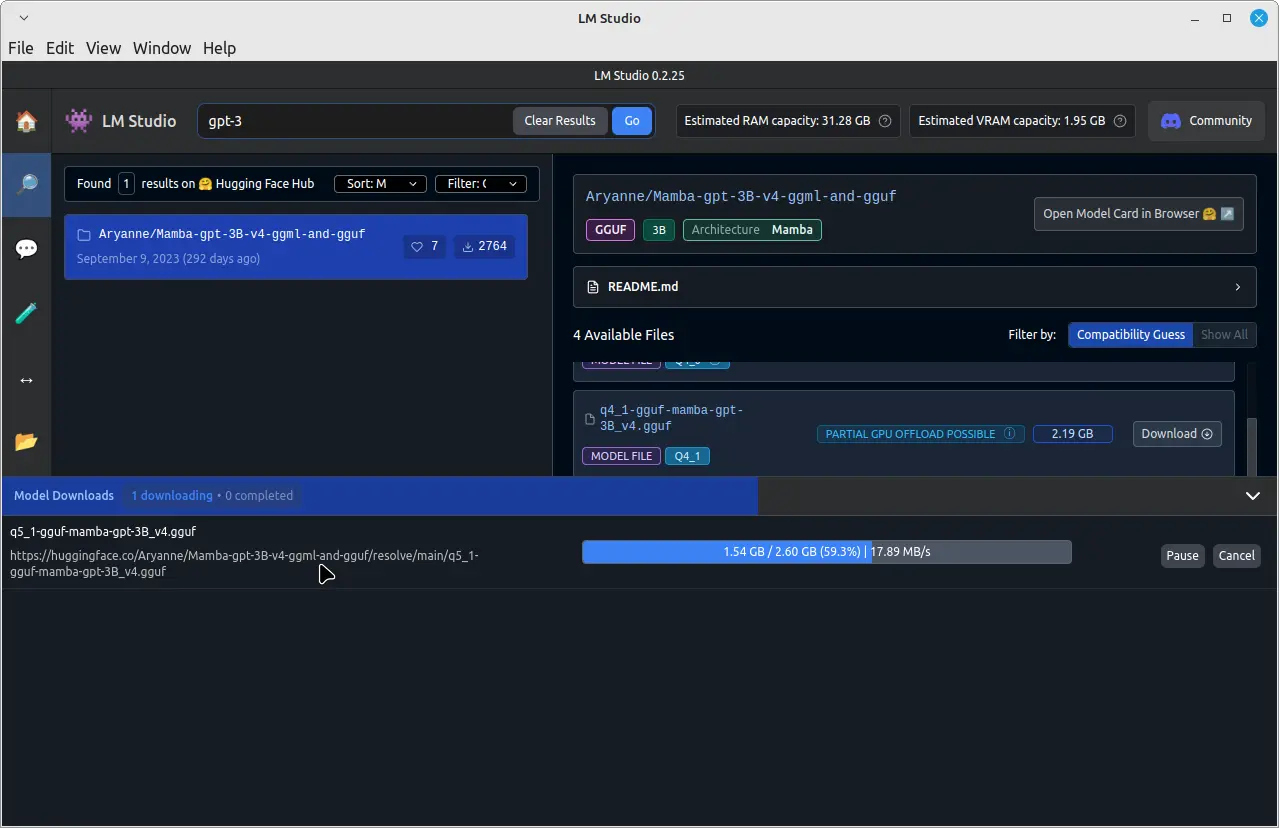
Once the download is complete, click on the “Chat” tab in the left pane. In the “Chat” tab, click on the dropdown menu at the top and select the downloaded GPT-3 model.
You can now start chatting with the GPT-3 model by typing your messages in the input field at the bottom of the chat window.
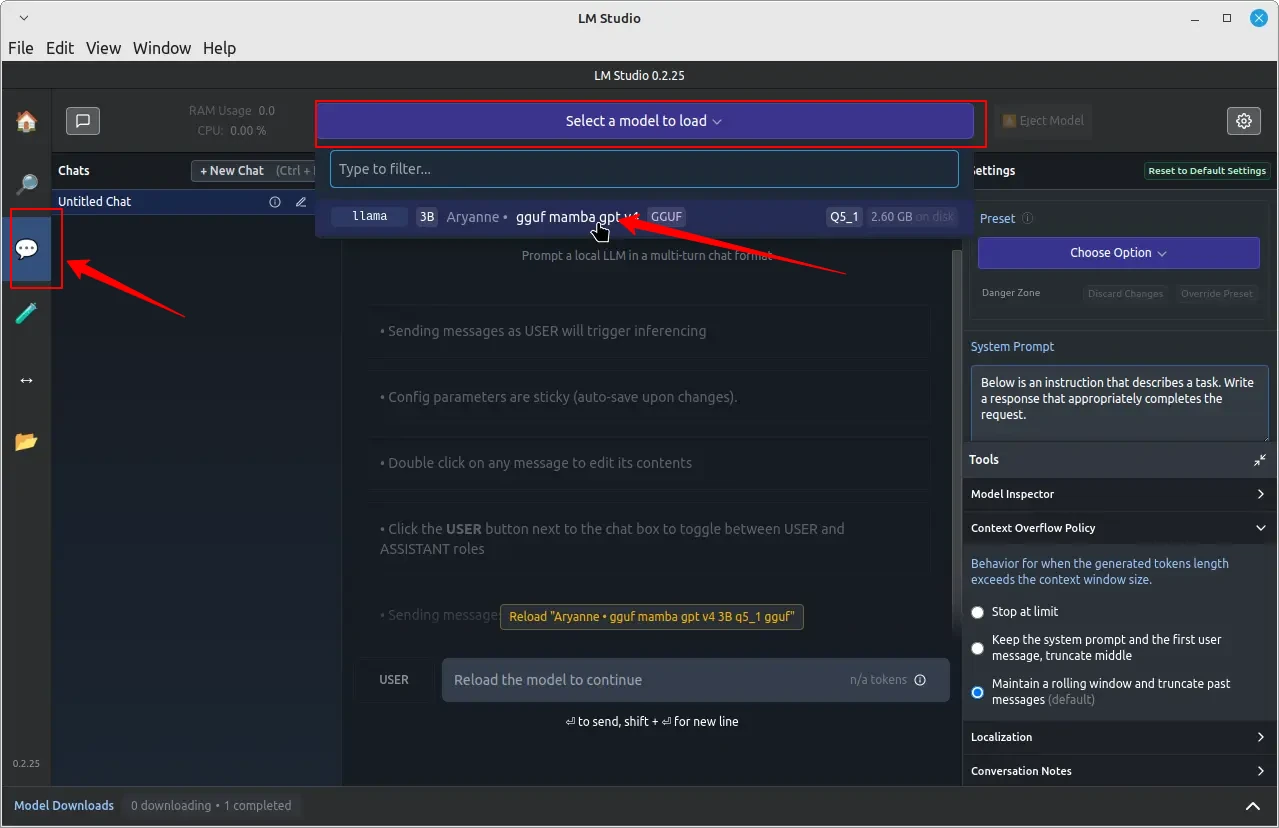
The GPT-3 model will process your messages and provide responses based on its training. Keep in mind that the response time may vary depending on your system’s hardware and the size of the downloaded model.
Conclusion
By installing LM Studio on your Linux system using the AppImage format, you can easily download, install, and run large language models locally without relying on cloud-based services.
This gives you greater control over your data and privacy while still enjoying the benefits of advanced AI models. Remember to always respect intellectual property rights and adhere to the terms of use for the LLMs you download and run using LM Studio.
