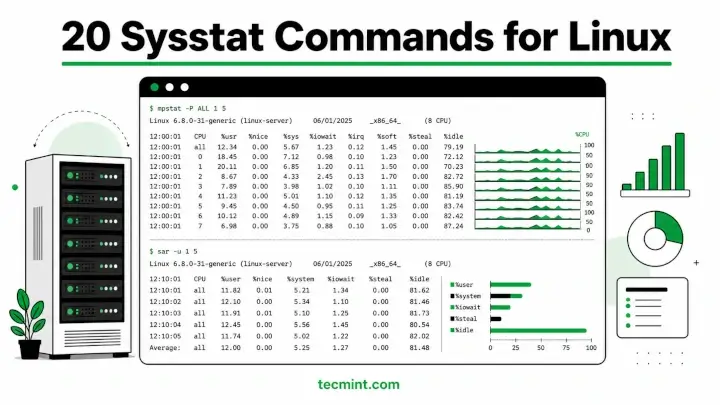
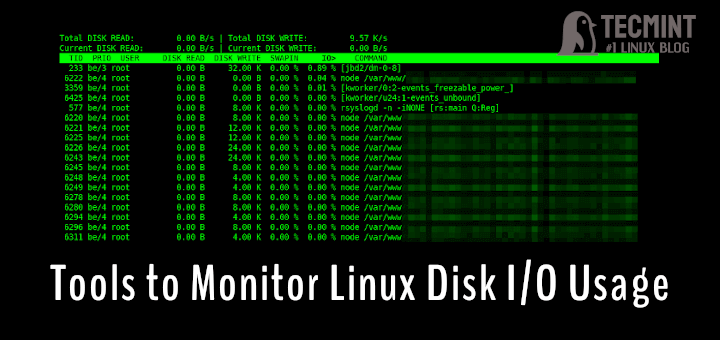
This article is the continuation of our Linux system monitoring series, today we’re talking about the most popular monitoring tool called htop, which is just reached version 3.0.5 and comes with some cool new features.
Htop is an interactive real-time process monitoring application for Linux/Unix-like systems and also a handy alternative to top command, which is a default process monitoring tool that comes pre-installed on all Linux operating systems.
Htop has numerous other user-friendly features, which are not available under the top command and they are:
- In htop, you can scroll vertically to view the full process list and scroll horizontally to view the full command lines.
- It starts very quickly as compared to the top because it doesn’t wait to fetch data during startup.
- In htop, you can kill more than one process at once without inserting their PIDs.
- In htop, you no longer needed to enter the process number or priority value to re-nice a process.
- Press “e” to print the set of environment variables for a process.
- Use the mouse to select list items.
Install Htop in Linux
The htop packages are mostly available in all modern Linux distributions and can be installed using the default package manager from your system.
Install Htop on Debian
$ sudo apt install htop
Install Htop on Ubuntu
$ sudo apt install htop
Install Htop on Linux Mint
$ sudo apt install htop
Install Htop on Fedora
$ sudo dnf install htop
Install Htop on CentOS 8/7
$ sudo yum install epel-release
$ sudo yum install htop
Install Htop on RHEL 8/7
--------- On RHEL 8 ---------
$ sudo yum -y install https://dl.fedoraproject.org/pub/epel/epel-release-latest-8.noarch.rpm
$ sudo yum install htop

--------- On RHEL 7 ---------
$ sudo yum -y install https://dl.fedoraproject.org/pub/epel/epel-release-latest-7.noarch.rpm
$ sudo yum install htop
Install Htop on Rocky Linux/AlmaLinux
$ sudo yum install epel-release
$ sudo yum install htop
Install Htop on Gentoo
$ emerge sys-process/htop
Install Htop on Arch Linux
$ pacman -S htop
Install Htop on OpenSUSE
$ sudo zypper install htop
Compile and Install Htop from Sources in Linux
To build Htop from sources, you must have Development Tools and Ncurses installed on your system, to do so run the following series of commands on your respective distributions.
On RHEL/CentOS and Fedora
$ sudo yum groupinstall "Development Tools"
$ sudo yum install ncurses ncurses-devel
On Debian, Ubuntu, and Mint
$ sudo apt-get install build-essential
$ sudo apt-get install libncurses5-dev libncursesw5-dev
Next, download the latest htop from the Github repo and run the configure and make a script to install and compile htop.
$ wget -O htop-3.0.5.tar.gz https://github.com/htop-dev/htop/archive/refs/tags/3.0.5.tar.gz
$ tar xvfvz htop-3.0.5.tar.gz
$ cd htop-3.0.5/
$ ./configure
$ make
$ sudo make install
How do I use htop?
Now run the htop monitoring tool by executing the following command on the terminal.
# htop
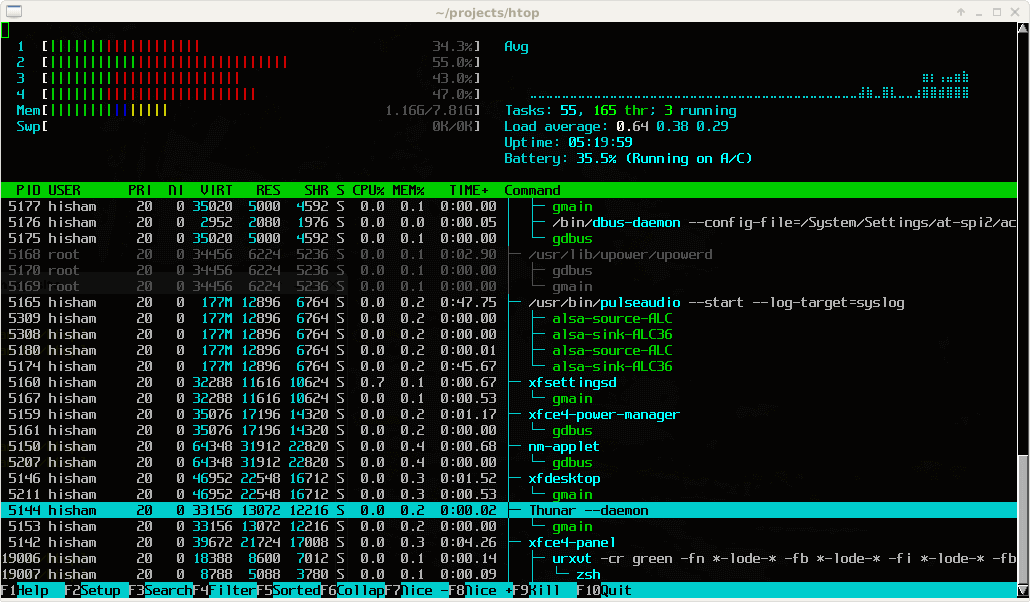
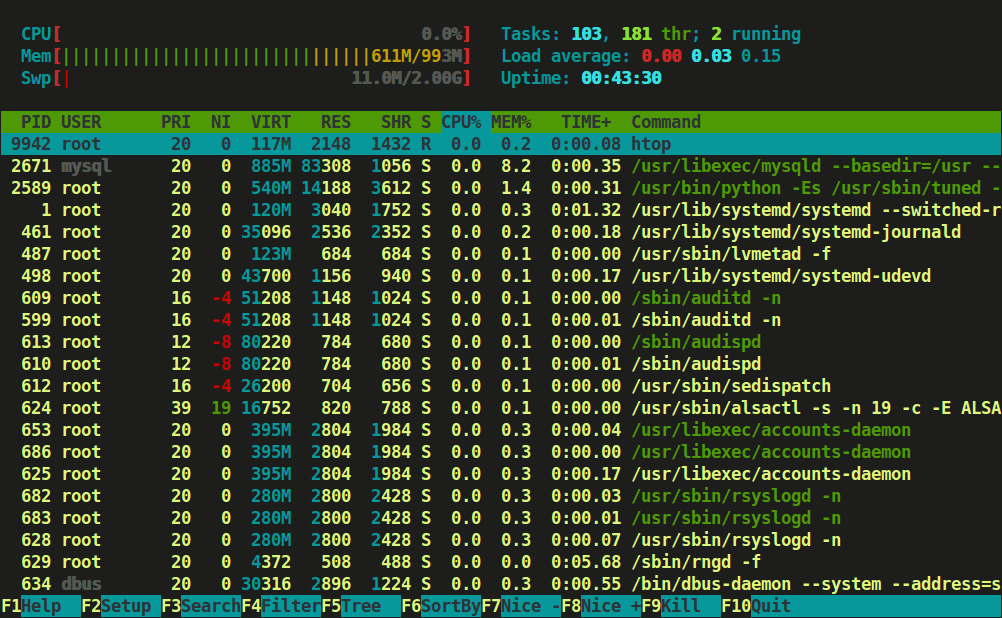
Htop is having three sections mainly
- Header, where we can see info like CPU, Memory, Swap and also shows tasks, load average, and Up-time.
- List of processes sorted by CPU utilization.
- Footer shows different options like help, setup, filter tree kill, nice, quit, etc.
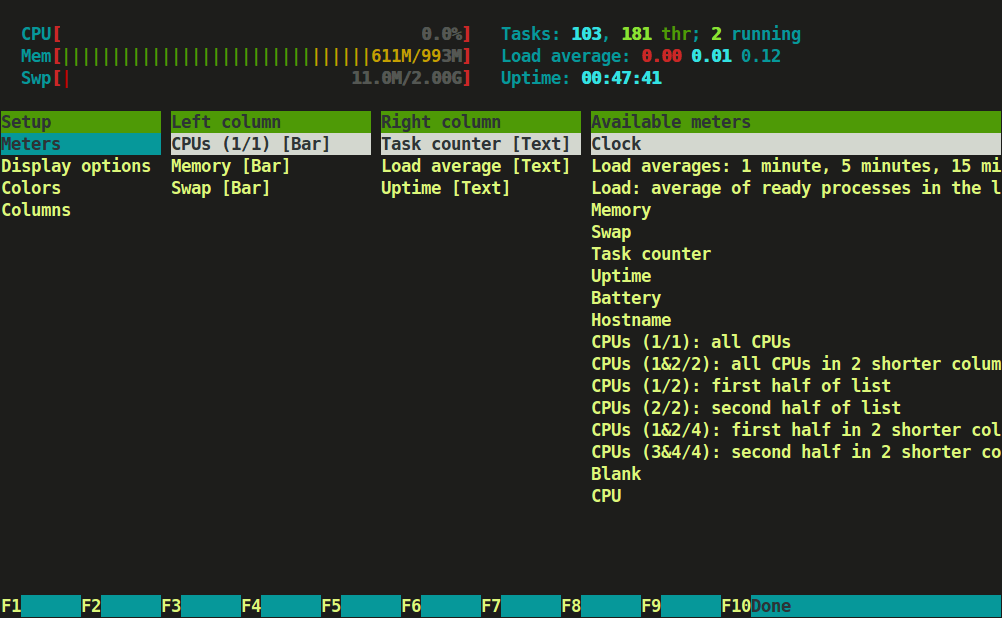
Press F2 or S for setup menu > there are four columns i.e Setup, Left Column, Right Column, and Available Meters.
Here, you can configure the meters printed at the top of the window, set various display options, select among color patterns and choose which columns are printed in which order.
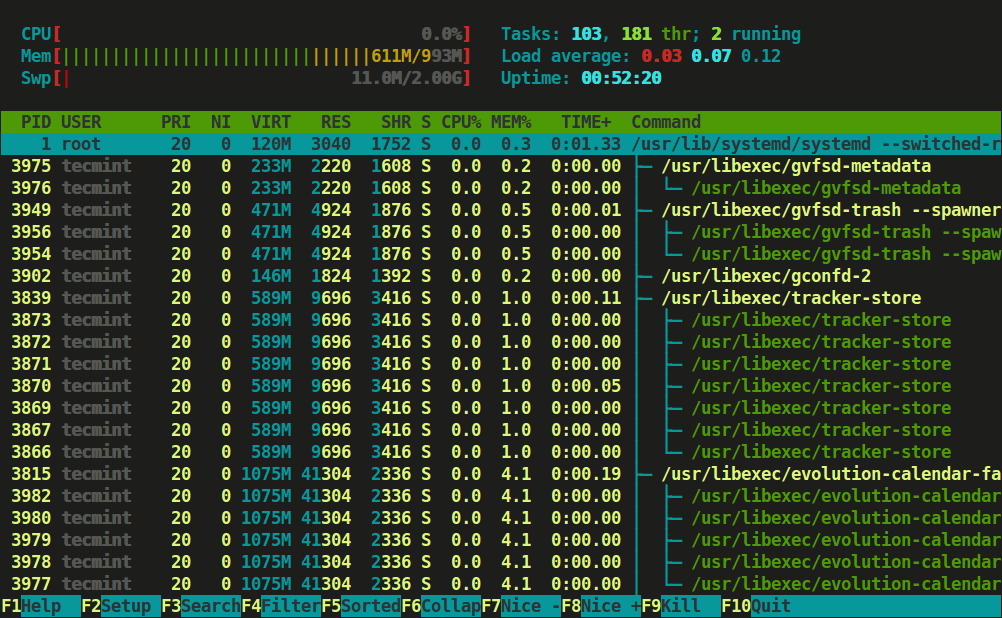
Type tree or t to display processes tree view.
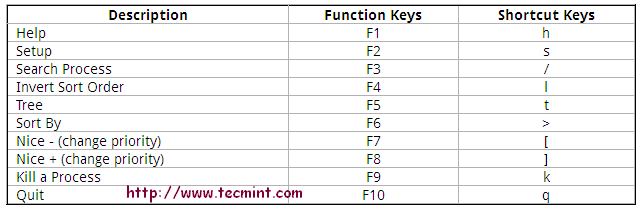
You can refer to function keys displayed at the footer to use this nifty htop application to monitor Linux running processes. However, we advise using character keys or shortcut keys instead of function keys as they may have mapped with some other functions during secure connection.
Htop Shortcut and Function Keys
Some of the shortcut and function keys and their functionality to interact with htop.