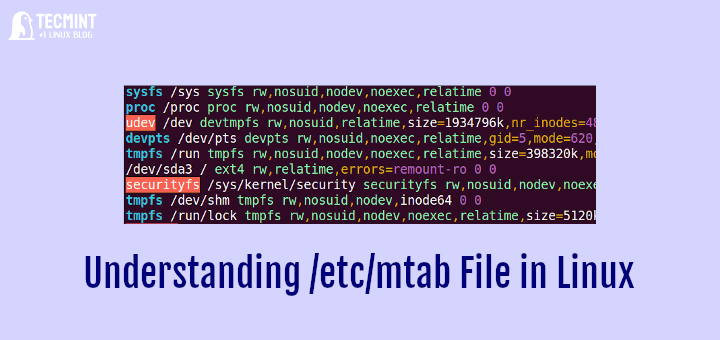
Understanding The /etc/mtab File in Linux System
In this article, we will explore the /etc/mtab file on a Linux system and understand the various parameters and directives

Hi, I’m Ravi Saive, a passionate Linux enthusiast with over 16+ years of experience. I have written more than 3000+ articles on Linux, sharing my knowledge and expertise with the community.
Welcome to my blog! I share easy-to-follow articles on Linux, SysAdmin, Cloud, and DevOps. With over 250+ million visitors, Tecmint has helped many people grow their Linux careers.
Join me in exploring the world of open-source and unlock the power of Linux by subscribing to our weekly newsletter or checking out our Pro Courses for deeper learning!

In this article, we will explore the /etc/mtab file on a Linux system and understand the various parameters and directives
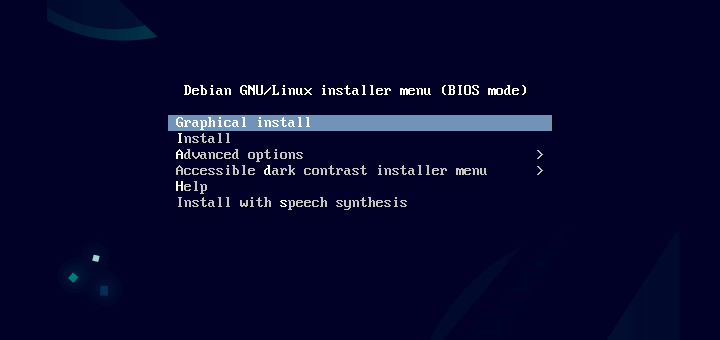
A vast majority of Linux users are familiar with a Linux desktop PC which provides a graphical environment with which
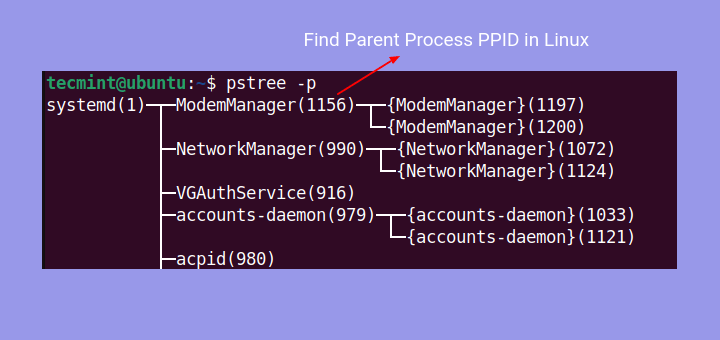
Every time a program is executed, the kernel creates a process associated with the program. Simply put, a process is
In this article, we explore what Linux is and some of the attributes and components associated with the Linux operating
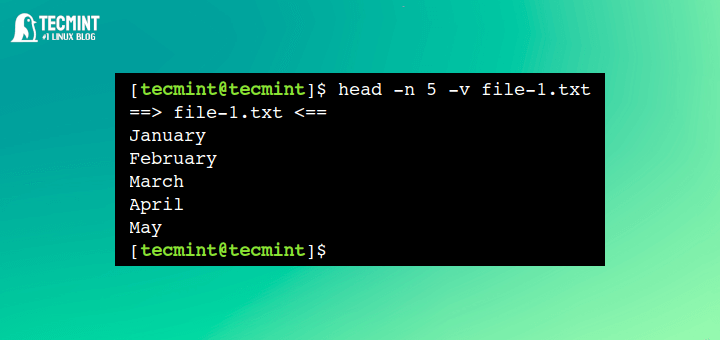
In Linux, there are various commands available to display the contents of the text file. Some of the popular and

If you’re not a terminal lover, you might not like using the popular command-line text editors Vi or Vim. Speaking
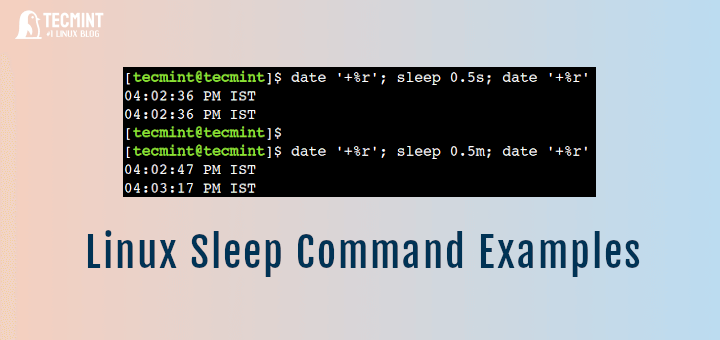
Brief: In this guide, we will discuss practical examples of sleep commands. After following this guide, Linux programmers will be
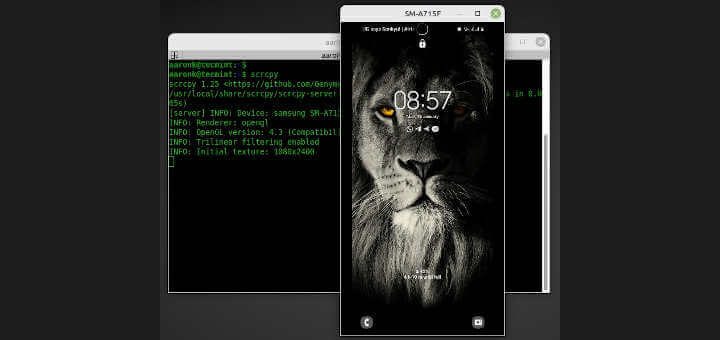
Brief: This guide shows how to install scrcpy an application that helps you connect, display and control an android device
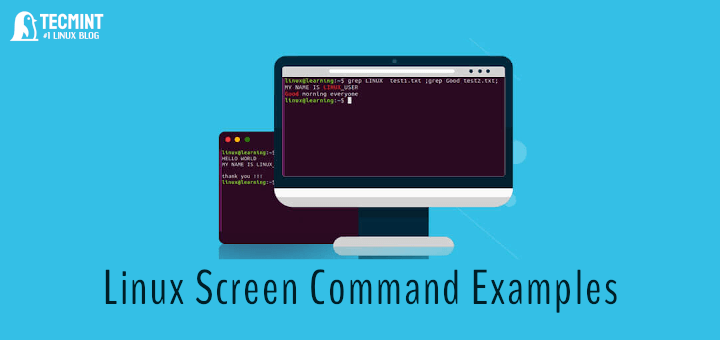
Brief: In this guide, we will discuss some useful examples of the screen command. By the end of this guide,
Linux provides tons of command-line utilities to perform various tasks. However, with the passage of time, some of these tools
At some point, you might need to share the Fedora desktop screen (GNOME) desktop with other users for one reason
Brief: In this guide, we discuss some of the GNU Linux myths and misconceptions which have been going on for