Learn Python Dictionary Data Structure – Part 3
In this Part 3 of Python Data Structure series, we will be discussing what is a dictionary, how it differs

Hi, I’m Ravi Saive, a passionate Linux enthusiast with over 16+ years of experience. I have written more than 3000+ articles on Linux, sharing my knowledge and expertise with the community.
Welcome to my blog! I share easy-to-follow articles on Linux, SysAdmin, Cloud, and DevOps. With over 250+ million visitors, Tecmint has helped many people grow their Linux careers.
Join me in exploring the world of open-source and unlock the power of Linux by subscribing to our weekly newsletter or checking out our Pro Courses for deeper learning!

In this Part 3 of Python Data Structure series, we will be discussing what is a dictionary, how it differs

LEMP is a software stack that comprises a set of free and open-source tools that are used for powering high
In this Part 2 of Python Data Structure series, we will be discussing what is a tuple, how it differs
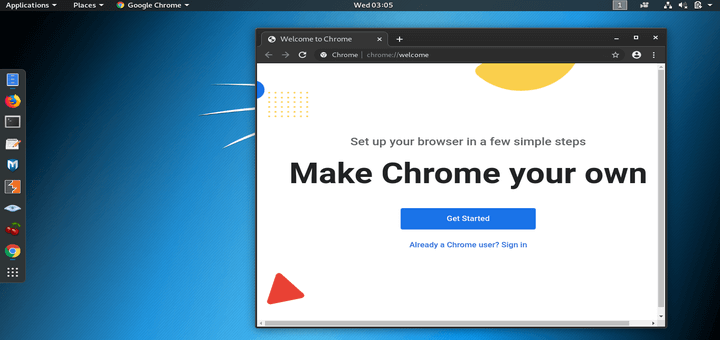
Google Chrome is a cross-platform and free web browser that is widely used by regular users and tech enthusiasts alike.
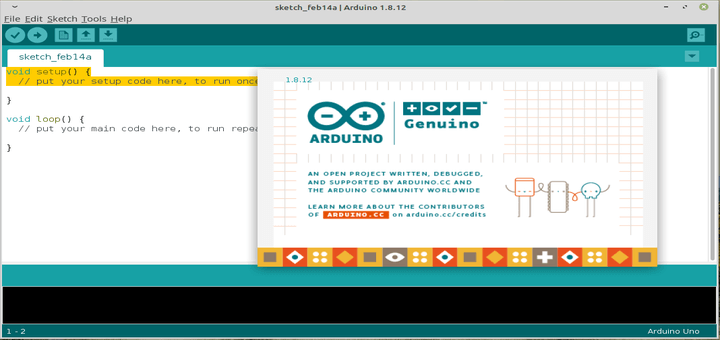
Arduino is a widely-used, open-source electronics platform used to create devices that interact with their environment using sensors and actuators.
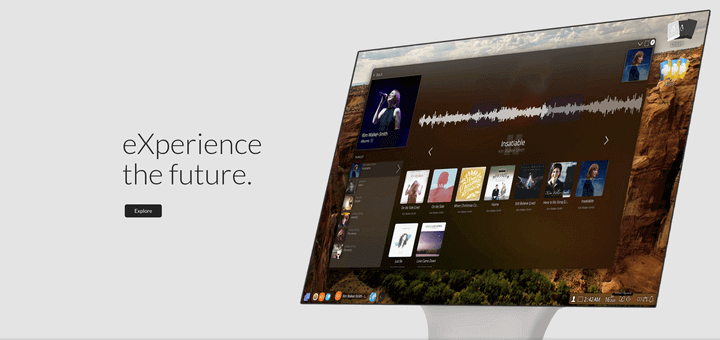
eXternOS is a free, new and exciting Linux operating system based on Nodejs, being developed by a computer engineering and
Mautic is a free open source, web-based and leading marketing automation tool that enables you to understand, manage, and grow
LAMP, an acronym for Linux, Apache, MySQL, and PHP, is a popular free and open-source stack used by website administrators
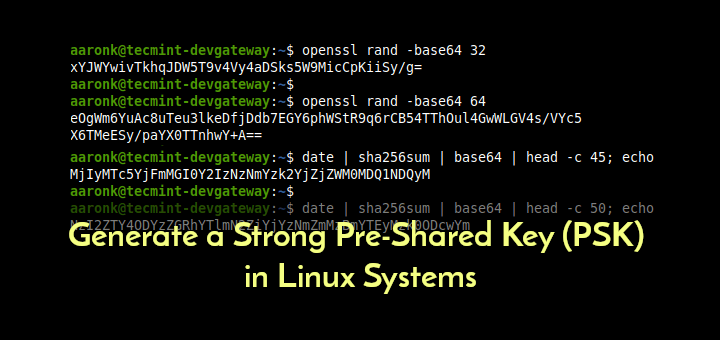
A Pre-Shared Key (PSK) or also known as a shared secret is a string of characters that is used as
strongSwan is an open-source, cross-platform, full-featured, and widely-used IPsec-based VPN (Virtual Private Network) implementation that runs on Linux, FreeBSD, OS
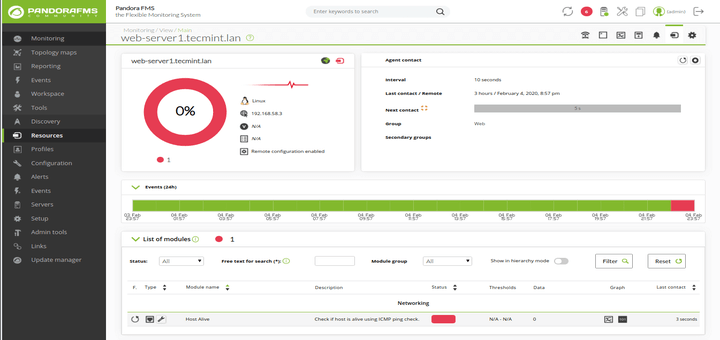
A Pandora FMS Agent is an application installed on computers to be monitored using the Pandora FMS Monitoring System. Software
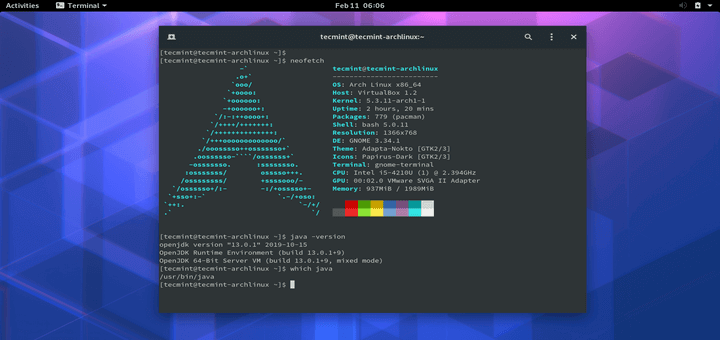
Java is undoubtedly one of the most popular programming languages ever to grace the face of the planet, powering millions