

Arduino is a widely-used, open-source electronics platform used to create devices that interact with their environment using sensors and actuators. It consists of a programmable hardware board and a software (Integrated Development Environment(IDE)) for writing and uploading programs to the board.
Before you can start building projects using Arduino, you need to set up the IDE to program your boards. The Arduino (IDE) is a free open-source and cross-platform desktop application that allows you to write code and upload it to the board. It runs on Linux, Windows, and Mac OS X, and Linux.
In this article, we will explain how to install the latest version of the Arduino Software (IDE) on Linux machines.
Installing Arduino IDE on Linux Systems
The Arduino Software (IDE) is a package that does not require any particular process for the various Linux distributions. The only needed requirement is the 32-bit or 64-bit version of the operating system.
Download the Arduino Software (IDE)
Go to the download page and grab the latest version (1.8.12 at the time of writing) of Arduino Software (IDE) for your supported system architecture. You can choose between the 32-bit, 64-bit, and ARM versions, as it is very crucial to select the right version for your Linux distribution.
Alternatively, you can use the following wget command to download the Arduino Software (IDE) package directly on the terminal.
$ wget https://downloads.arduino.cc/arduino-1.8.12-linux64.tar.xz
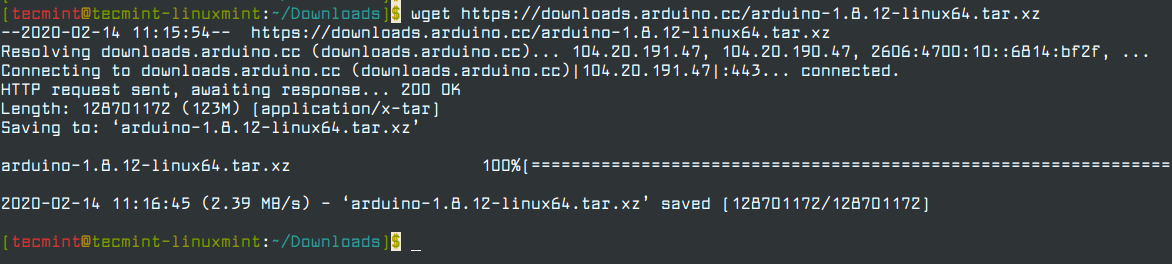
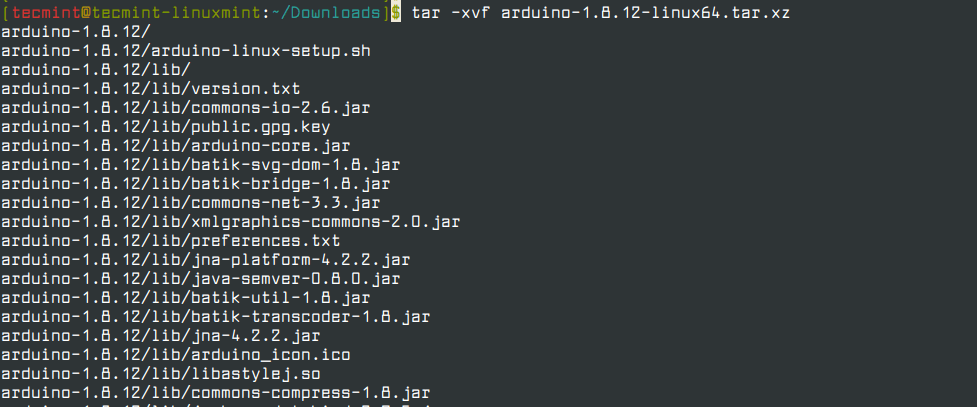
Next, extract the downloaded archive file using the tar command.
$ tar -xvf arduino-1.8.12-linux64.tar.xz
Run Arduino IDE Install Script
Now move into the extracted arduino-1.8.12 directory and run the installation script with root privileges as shown.
$ cd arduino-1.8.12/
$ sudo ./install.sh

Once the installation is done, a desktop icon will be created on your desktop, to launch the IDE, double click on it.
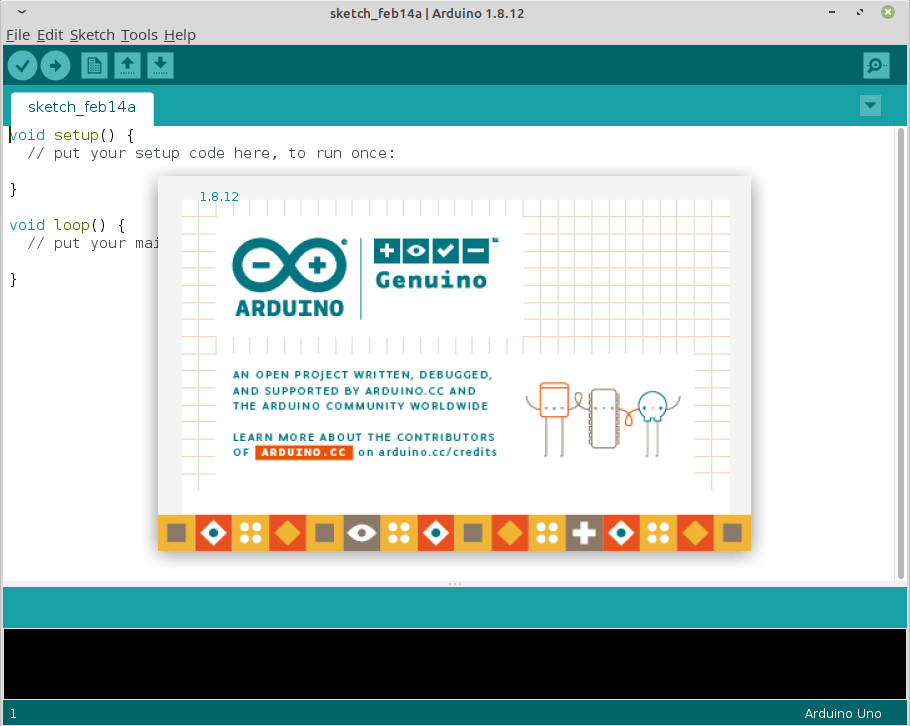
It might happen that, you will get an error “Error opening serial port” while uploading a sketch after you have selected your board and the serial port. To fix this error, run the following command (replace tecmint with your username).
$ sudo usermod -a -G dialout tecmint
Besides, if you have a good internet connection, you can use the Arduino Web Editor (which has an up-to-date version of the IDE). The advantage with it is that it allows you to save your sketches in the cloud, and have them backed up, making them accessible from any device.
That’s it for now! For more information and advanced usage instructions, see the Arduino documentation. To reach us, use the feedback form below.

I have just switched to Linux from Windows and have set up the Arduino IDE. However when I try to access the program manager I get:
Error downloading https://downloads.arduino.cc/libraries/library_index.jsonAny ideas, please?
Well, correction – your solution ‘usermod‘ command DID WORK for me after all.
Problem was, I had to LOG OUT (user) then log in again. THEN it worked.
Thanks very much !!
Running Slackware 14.2 64-bit with Arduino 1.8.3 gives the ‘serial port error‘ described above. Adding group ‘dialout‘ does not work – ‘usermod‘ command just returns (as root); then users ‘groups’ are still not changed. So cannot use arduino apparently.