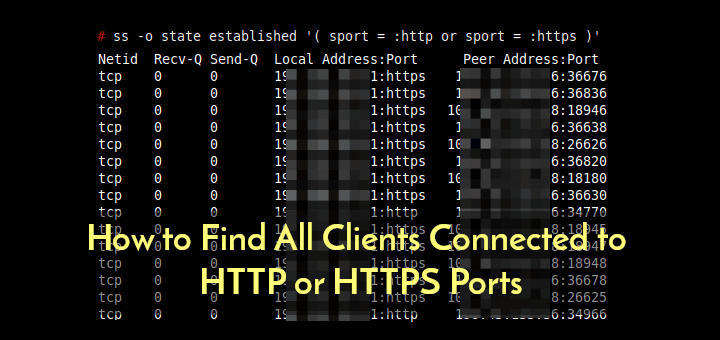
How to Find All Clients Connected to HTTP or HTTPS Ports
In this short quick article, you will learn how to find all clients (using their IP addressees) connected to an

Hi, I’m Ravi Saive, a passionate Linux enthusiast with over 16+ years of experience. I have written more than 3000+ articles on Linux, sharing my knowledge and expertise with the community.
Welcome to my blog! I share easy-to-follow articles on Linux, SysAdmin, Cloud, and DevOps. With over 250+ million visitors, Tecmint has helped many people grow their Linux careers.
Join me in exploring the world of open-source and unlock the power of Linux by subscribing to our weekly newsletter or checking out our Pro Courses for deeper learning!

In this short quick article, you will learn how to find all clients (using their IP addressees) connected to an

We’ve mentioned variables in this Ansible series and just to jog your mind a little. A variable, just like in
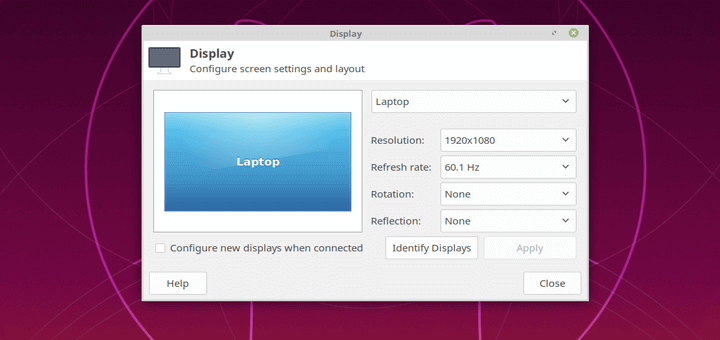
Is your screen (or external monitor) resolution is low? thus making the items on your screen look larger and less

In this Part 7 of Ansible Series, you will learn how to create and use templates in Ansible to create
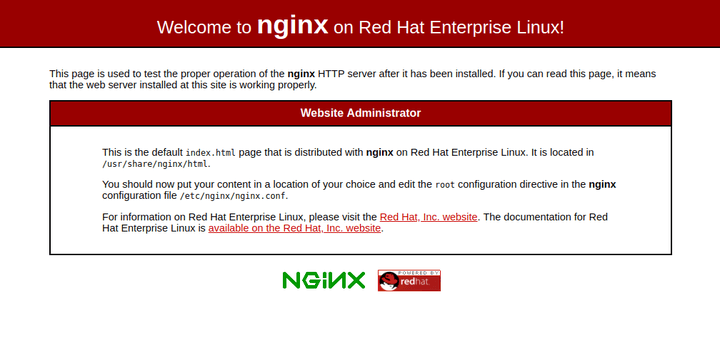
Nginx (Engine X) is a most popular, powerful and high-performance open-source HTTP web server and reverse proxy server with a

In this Part 6 of Ansible Series, we have covered a few Ansible modules in the past topics, we will
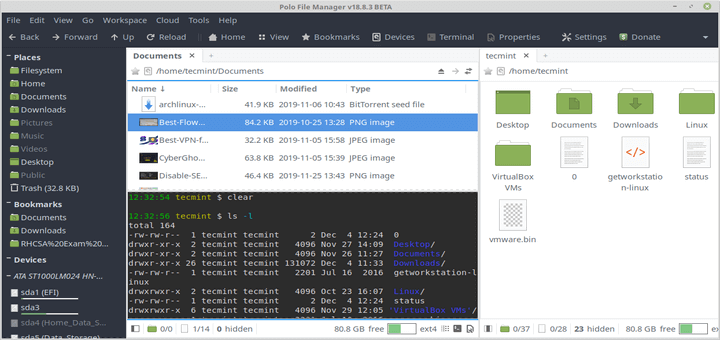
Polo is a modern, light-weight and advanced file manager for Linux, that comes with a number of advanced features that

MySQL is the most popular, free and open-source relational database management platform, which is used to host multiple databases on

In this Part 5 of Ansible Series, we will explain how to create Ansible Plays and Playbooks using Ansible modules.
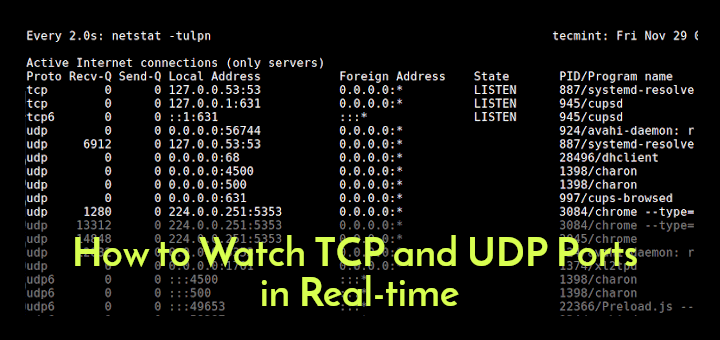
In software terms, especially at the operating system level, a port is a logical construct that identifies a specific process/application
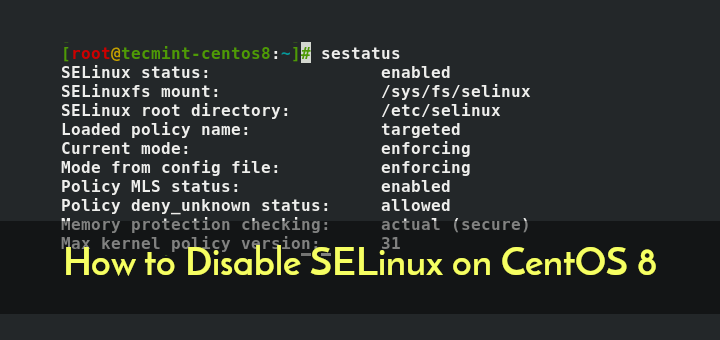
SELinux or Security-Enhanced Linux is a mechanism or security module that provides access control security policies. In simple terms, it’s
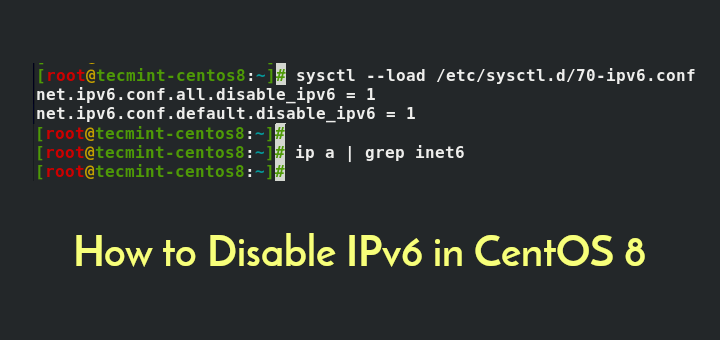
An internet protocol version 6 (IPv6) is an identifier of a network interface that’s involved in an IPv6 computer network.