

In this tutorial, we’ll cover the installation process of the latest edition of Eclipse IDE 2020‑06 in CentOS, Red Hat, and Fedora-based Linux distributions.
Eclipse is a free integrated development environment IDE used by programmers world-wide to write and develop Java applications mostly. However, Eclipse IDE can support a large variety of compilers and programming languages via installed plugins that extend its functionality.
The latest release of Eclipse IDE 2020‑06 doesn’t come with pre-build binary packages specific for RHEL or CentOS-based Linux distributions. Instead, you can install Eclipse IDE in CentOS, Fedora or other Red Hat Linux based distributions via tarball installer file.
Requirements:
- A Desktop machine with a minimum of 2GB of RAM.
- Java 9 or higher version installed in Red Hat Linux based distributions.
Install Eclipse IDE in CentOS, RHEL and Fedora
A Java 9 or higher version is required to install Eclipse IDE and the simplest way to install Oracle Java JDK from the default repositories.
# yum install java-11-openjdk-devel
# java -version
Next, open a browser, navigate to Eclipse’s official download page and download the latest version of the tar package specific for your installed Linux distribution architecture.
Alternatively, you can also download the Eclipse IDE installer file in your system via wget utility, by issuing the below command.
# wget http://ftp.yz.yamagata-u.ac.jp/pub/eclipse/oomph/epp/2020-06/R/eclipse-inst-linux64.tar.gz
After the download completes, navigate to the directory where the archive package has been downloaded and issue the below commands to start installing Eclipse IDE.
# tar -xvf eclipse-inst-linux64.tar.gz
# cd eclipse-installer/
# sudo ./eclipse-inst
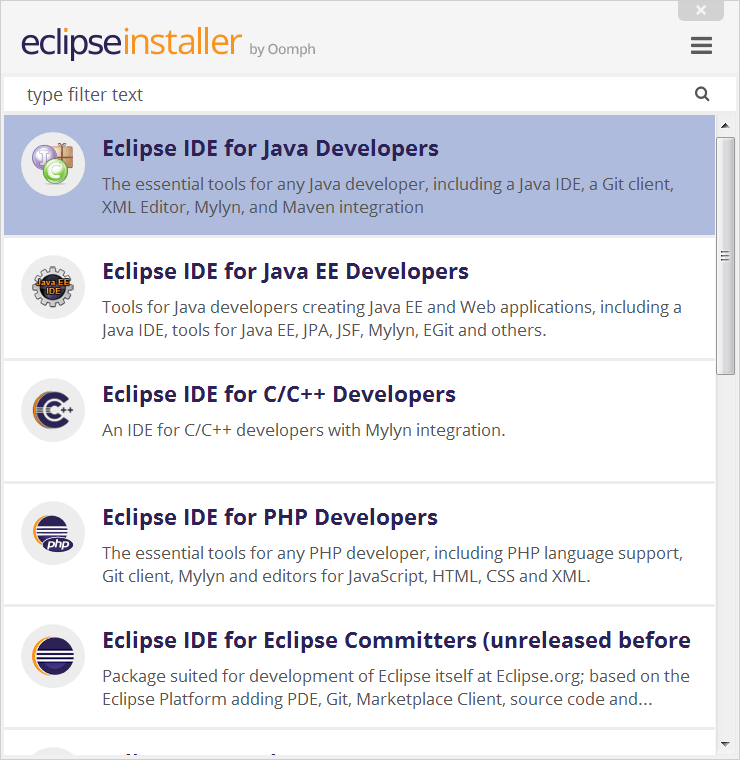
The Eclipse Installer lists the IDE’s available to Eclipse users. You can choose and click on the IDE package you want to install.
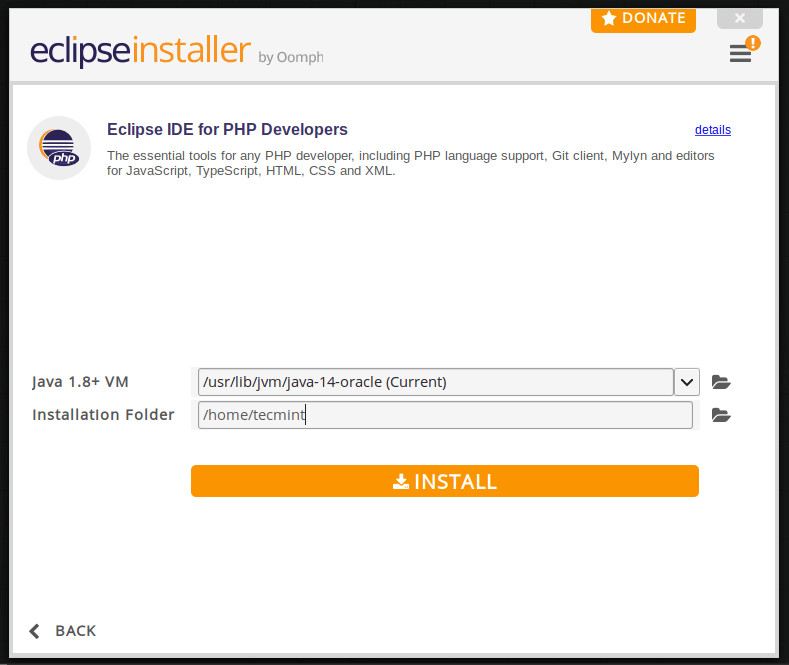
Next, choose the folder where you want Eclipse to be installed.
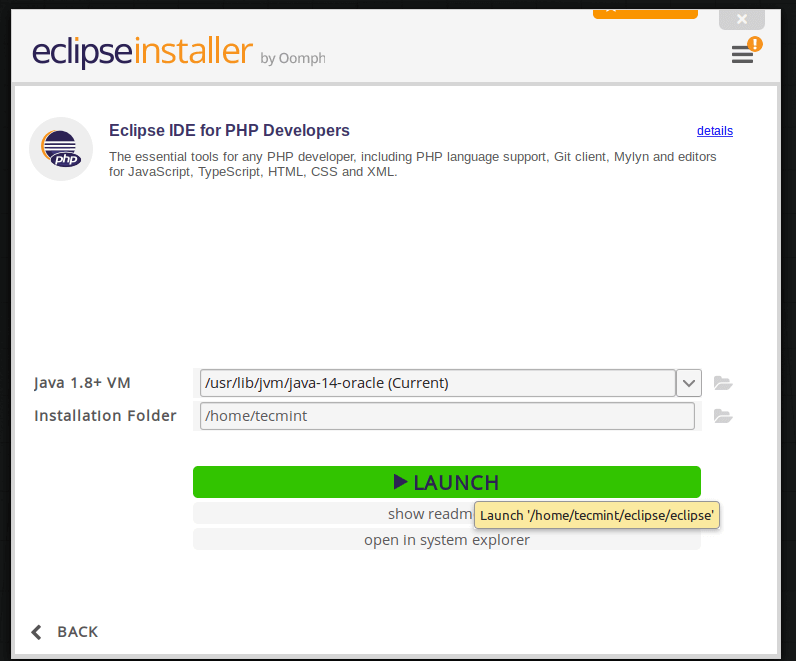
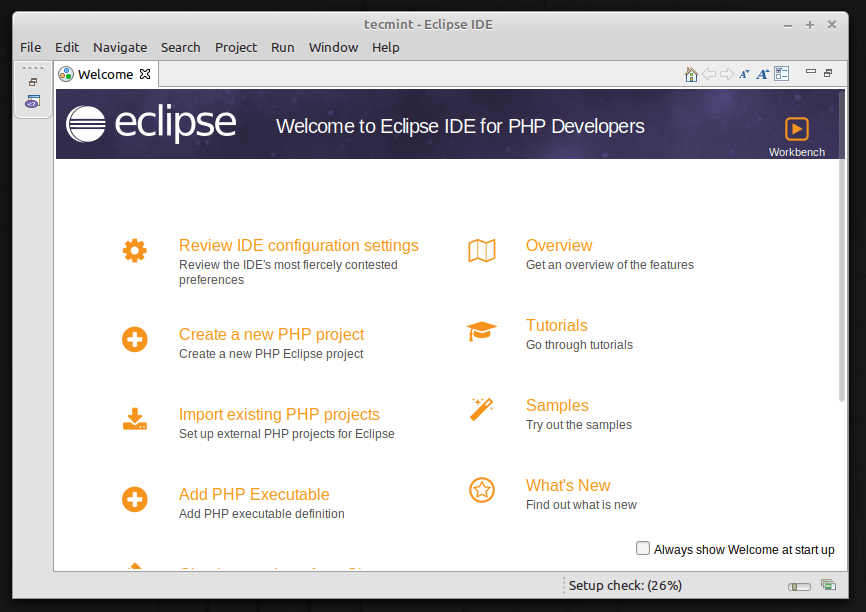
Once the installation is finished you can now launch Eclipse.
Install Eclipse IDE via Snap on Fedora
Snap is a software package management that is used to install third-party packages on the Fedora Linux distribution, you can use snap to install Eclipse IDE on Fedora using the following commands.
$ sudo dnf install snapd
$ sudo ln -s /var/lib/snapd/snap /snap
$ snap search eclipse
$ sudo snap install --classic eclipse
Congratulations! You’ve successfully installed the latest version of Eclipse IDE in your Red Hat Linux based system.

Thanks!! I was tired to find manually the eclipse’s folder for launching the application
Sir Is there any rpm to install eclipse on centos5.8
@Hari,
You can find RPM packages for your CentOS version here: https://eclipse.org/downloads/eclipse-packages/
Hi all,
Can you share the wget latest link to download Eclipse.
like to download Eclipse from below link for linux , but it’s not working
http://www.eclipse.org/downloads/download.php?file=/technology/epp/downloads/release/juno/SR2/eclipse-jee-juno-SR2-linux-gtk-x86_64.tar.gz
@Sachin,
Sorry to hear that, actually this article is too old and haven’t been updated yet. Thanks for informing about that broken link, we will update the article by today so that you guys can have latest version installed on your systems..
I got these lines. Dont know what to do… Please help
/usr/bin/eclipse: line 1: [Desktop: command not found
/usr/bin/eclipse: line 4: SDK: command not found
/usr/bin/eclipse: line 9: Application: command not found
/usr/bin/eclipse: line 9: Development: command not found
This was very helpful. Thanks for the post. It worked perfect.
Need help, when I start eclispe displays this message “Error during initialization of VM
Could not reserve enough space for object heap “… help me are my first steps … I’m running the Linux operating system in a virtual machine might be that the problem?
cannot run/execute binary file. how to fix this?
Set the executable permission on the file like this.
And then execute it.
very nice, thanks alot
That was awesome! Thanks!
hey really thank you very much foe this stuff..:):):):)
Eclipse install fines on centos 6.3, However display is broken, icons are misplaced
@Akhilesh,
Can you send me the screenshot for the same. It will help us to identify the actual problem..
Thanks for reply, icons are fine now, just restarted eclipse. And Its looking nice on GTK theme.