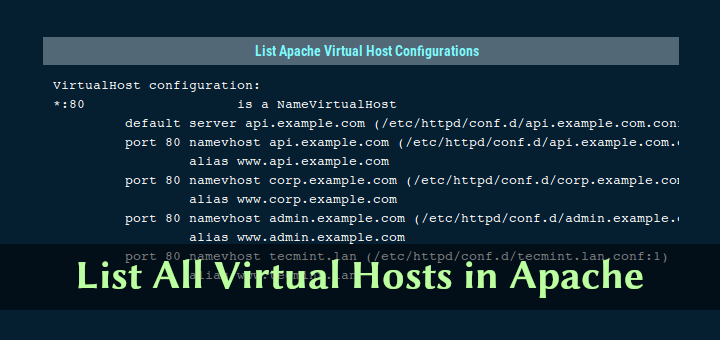
How to List All Virtual Hosts in Apache Web Server
Apache virtual host configuration allows you to run multiple websites on the same server, that means you can run more

Hi, I’m Ravi Saive, a passionate Linux enthusiast with over 16+ years of experience. I have written more than 3000+ articles on Linux, sharing my knowledge and expertise with the community.
Welcome to my blog! I share easy-to-follow articles on Linux, SysAdmin, Cloud, and DevOps. With over 250+ million visitors, Tecmint has helped many people grow their Linux careers.
Join me in exploring the world of open-source and unlock the power of Linux by subscribing to our weekly newsletter or checking out our Pro Courses for deeper learning!

Apache virtual host configuration allows you to run multiple websites on the same server, that means you can run more

Streaming media becomes more and more popular in recent years. Many people like to access their audio and video media

Zulip is an open source, powerful and easily extendable group or team chat application powered by Electron and React Native.
PHP-FPM (FastCGI Process Manager) is an alternative PHP FastCGI implementation that comes with a number of extra features useful for
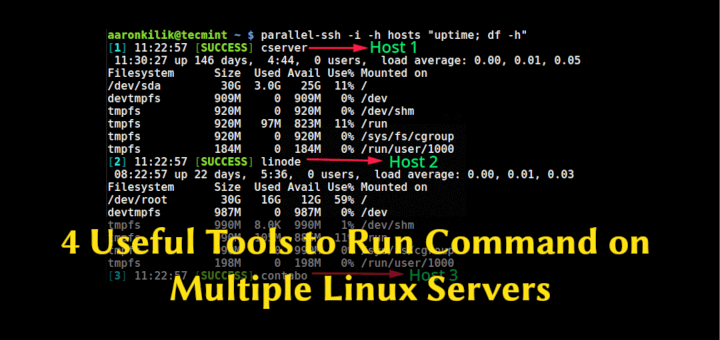
In this article, we will show how to run commands on multiple Linux servers at the same time. We will
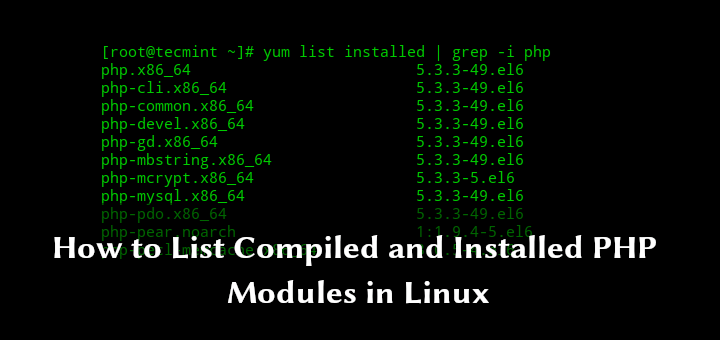
If you have installed a number of PHP extensions or modules on your Linux system and you trying to find

Improving your server security should be one of your top priorities when it comes to managing a linux server. By

Transferring or Migrating a MySQL/MariaDB database between servers usually takes only a few easy steps, but data transfer can take
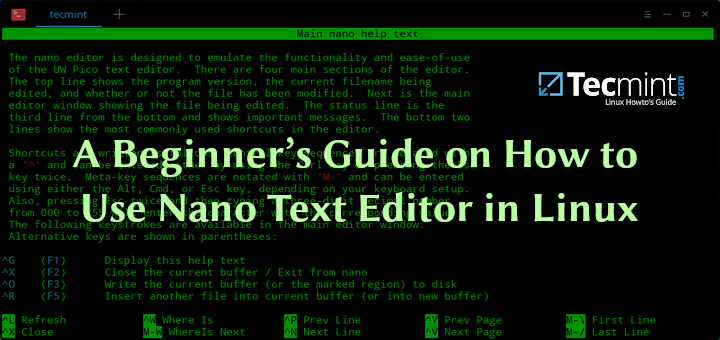
Nano is a command line text editor, that comes preinstalled in almost every Linux distribution. It is often preferred by
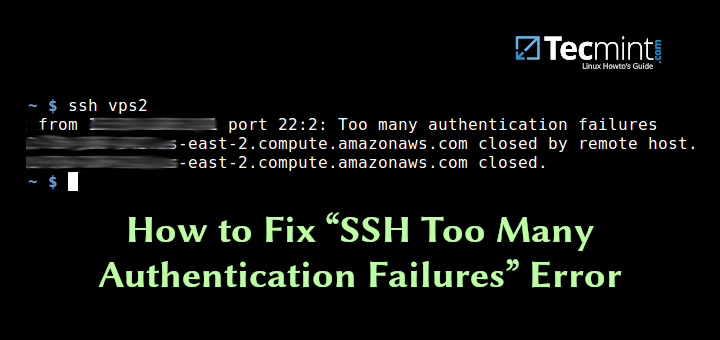
Sometimes, while trying to connect to remote systems via SSH, you may encounter the error “Received disconnect from x.x.x.x port
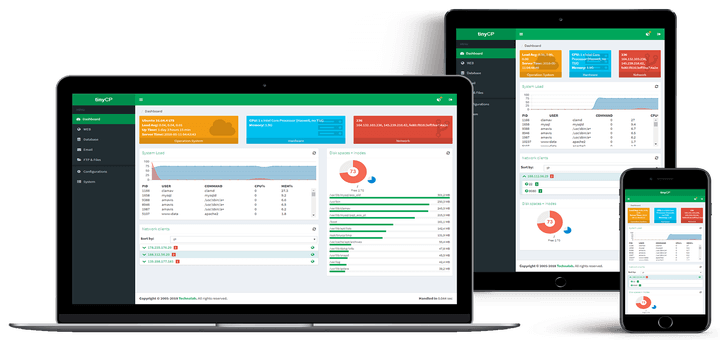
TinyCP is a lightweight control panel, that provides wide range of features on a Linux system, which features includes: Domain
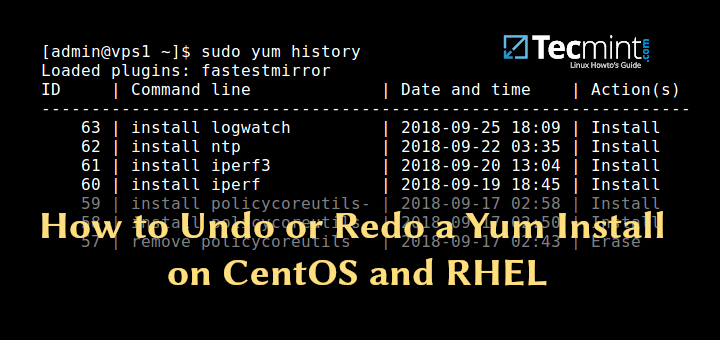
One of the most important and useful feature added to YUM Package Manager (from version 3.2.25) is the ‘yum history’