

Ternimal (not terminal, yes, we also read it as terminal the first time) is a simple, very flexible program that simulates an animated lifeform in your terminal using Unicode block symbols. It simply colors distance fields from a segment of a meandering path.
It works in most Linux terminal emulators and with most monospaced fonts, and has been tested on Linux (almost all terminal emulators render ternimal flawlessly), Mac OS as well as Windows.
Read Also: Impress Your Friends with This Fake Hollywood Hacker Terminal
Install Ternimal in Linux Systems
Ternimal has no dependencies apart from the Rust Standard Library (>= 1.20) must be installed, at which point Ternimal can be built with as shown.
$ git clone https://github.com/p-e-w/ternimal.git
$ cd ternimal
$ rustc -O ternimal.rs
After building it, you can start using ternimal to display different colored animated lifeforms such as snakes, the rainbow, multiple disconnected entities moving in a coordinated fashion and more.
Next, to run ternimal like any other command on your system, move the executable built above, into a directory in your PATH environment variable (for example ~/bin/).
$ mkdir ~/bin		#create bin in your home folder if it doesn’t exist.
$ cp ternimal ~/bin
The following are just a few examples of what ternimal can do.
Swarm
The following command will display a swarm, you can terminate it by pressing [Ctrl+C].
$ ternimal length=600 thickness=0,4,19,0,0

Anaconda
This command will display an animated snake.
$ ternimal length=100 thickness=1,4,1,0,0 radius=6,12 gradient=0:#666600,0.5:#00ff00,1:#003300

Rainbow
And the following command will display a thick rainbow.
$ ternimal length=20 thickness=70,15,0,1,0 padding=10 radius=5 gradient=0.03:#ffff00,0.15:#0000ff,0.3:#ff0000,0.5:#00ff00
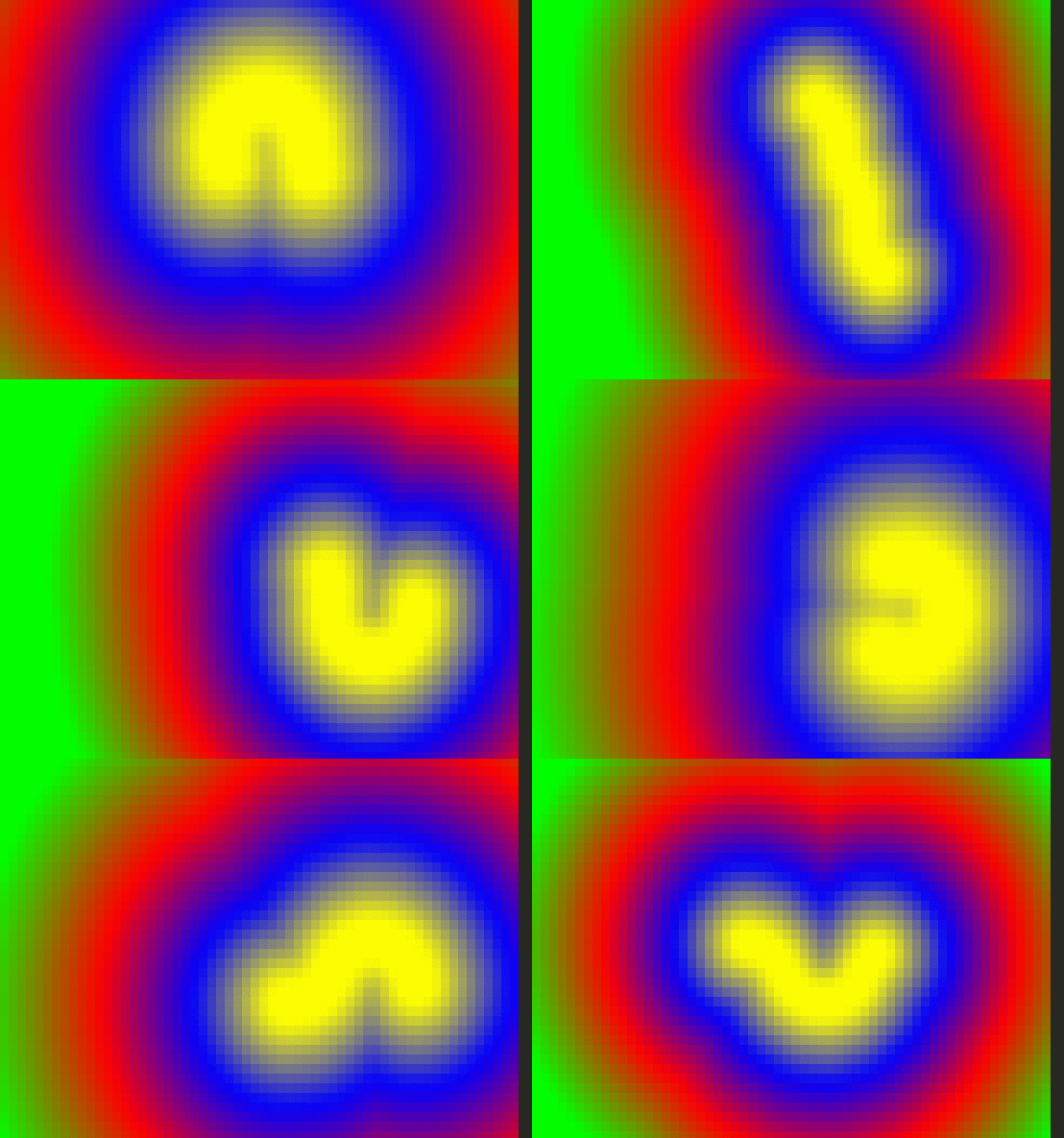
Ternimal Github repository: https://github.com/p-e-w/ternimal
Ternimal is just one of those Linux fun terminal programs for exercising your brain (or possibly eyes); after working on a command-line for a long period of time, you can call up one of those ternimals (especially a swarm) and just gaze at it. Use the feedback form below to share your thoughts about it.

Ever wonder if people that program using Rust or Go think that everyone uses it, or do they sadistically enjoy taunting against common sense? If options were weighed and I had to ask myself is this program or any other I’ve seen made with Rust worth installing an entire language for, especially for a command-line program, which I have to compile from source, I’d say no. That usually goes for most Go Lang stuff too.
You’d be better off with Python if that’s the case. I dare you to look at Blender Evee and tell me it’s slow. That’s all Python doing that. I did see a CLI piano program made with Rust once, but then I thought about the headless modes in Zynaddsubfx, Yoshimi, and Bristol. I just don’t get it.
If anyone can cite me a Rust or Go based desktop application, GUI or CLI, that I can get via apt worth having, let me know. And before anyone mentions Firefox, Quantum is very very slowly adding Servo components, to which I’m more of a classic FF or Palemoon guy anyway.
It just seems like most of these projects are more beneficial to making Windows and Android/ChromeOS look “open source” but distance everyone with “pop language” barriers than they actually are to most Linux desktop users, but that doesn’t seem to stop people from writing articles or making comics in the opposite light of reality.
If you see a guy praising anything but C or Python, those are the kind of people that run Linux in VirtualBox, MacBooks at Open Source Summit, or partner with Microsoft (Canonical).
@TheOuterLinux
Thanks for the heads up, however, our job is to share info(guides, tutorials, how tos etc..) about what open source programs are out there, it is up to users to choose what they want to use or find interesting. And secondly, we also believe that every programming language has its advantages and disadvantages; so we do not only make tutorials or create posts about programs developed using specific languages, we cover all programming languages supported by Linux as well as other platforms. Thanks.
Why oh why did they have to name it something so stupid. All search engines will do is spell-correct for “Terminal”
Even this article lists “Install Terminal”
Shows how confusing it is..
@raging32
Okay, thanks for sharing your concern.