Getting Started with PowerShell in Linux [Beginner Guide]
After Microsoft fell in love with Linux (what has popularly come to be known as “Microsoft Loves Linux”), PowerShell which

Hi, I’m Ravi Saive, a passionate Linux enthusiast with over 16+ years of experience. I have written more than 3000+ articles on Linux, sharing my knowledge and expertise with the community.
Welcome to my blog! I share easy-to-follow articles on Linux, SysAdmin, Cloud, and DevOps. With over 250+ million visitors, Tecmint has helped many people grow their Linux careers.
Join me in exploring the world of open-source and unlock the power of Linux by subscribing to our weekly newsletter or checking out our Pro Courses for deeper learning!

After Microsoft fell in love with Linux (what has popularly come to be known as “Microsoft Loves Linux”), PowerShell which
R is a popular programming language and software environment used to build statistical and graphical computing tools for data science.
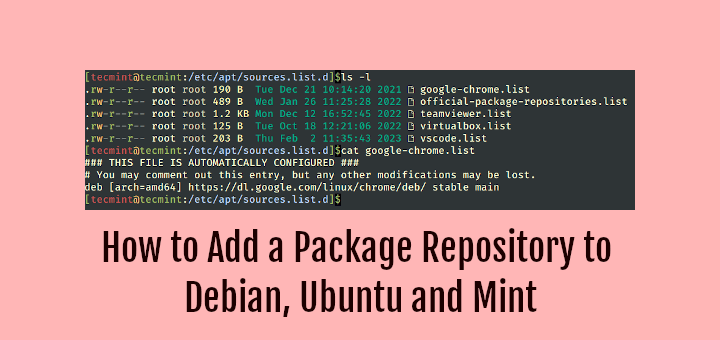
A package repository (repo in short) is a location where software packages are stored and can be retrieved from. It

Are you looking for a Linux operating system optimized for running containers with minimal footprints, fast boot times, and a
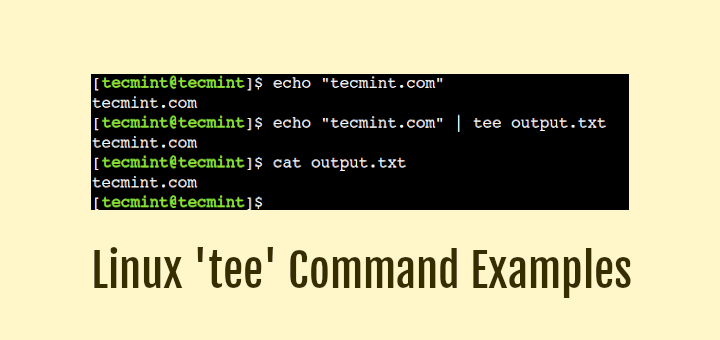
Almost all power users prefer to use the command line interface while interacting with Linux systems. By default, all Linux
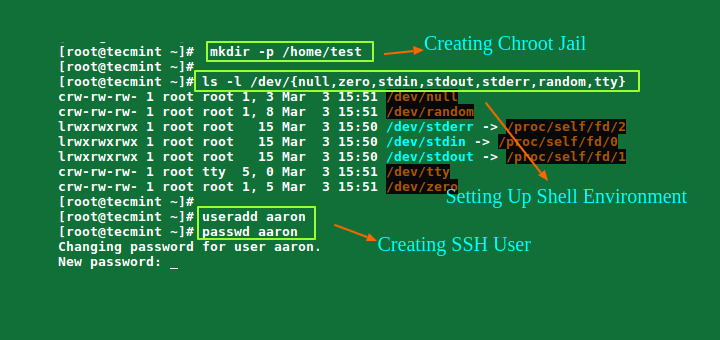
There are several reasons to restrict an SSH user session to a particular directory, especially on web servers, but the
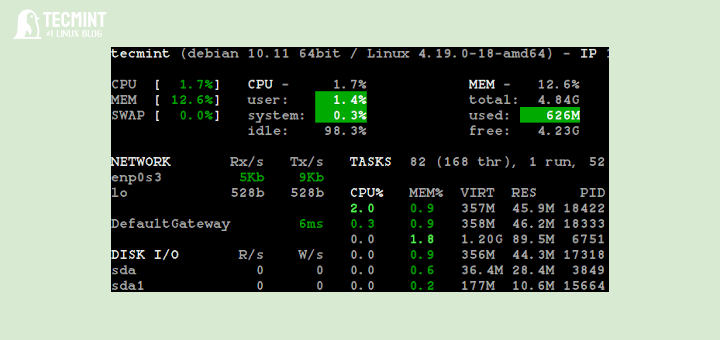
This 4-part series will explain six key performance metrics to monitor in a Linux server. By the end of this
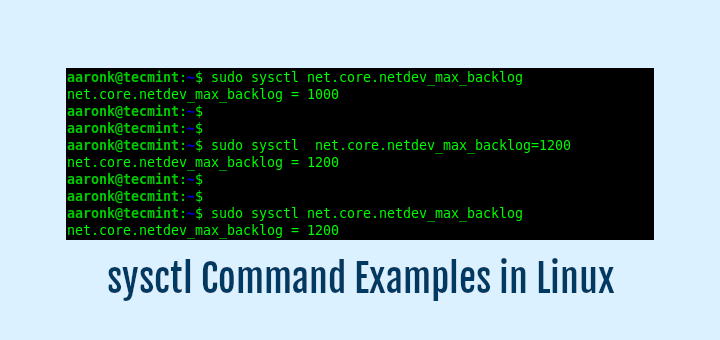
You can configure several parameters or tunables of Linux (the kernel) to control its behavior, either at boot or on

Mono is a free, open-source, and cross-platform implementation of Microsoft’s .NET framework, which runs on Linux, macOS, BSD, and Windows
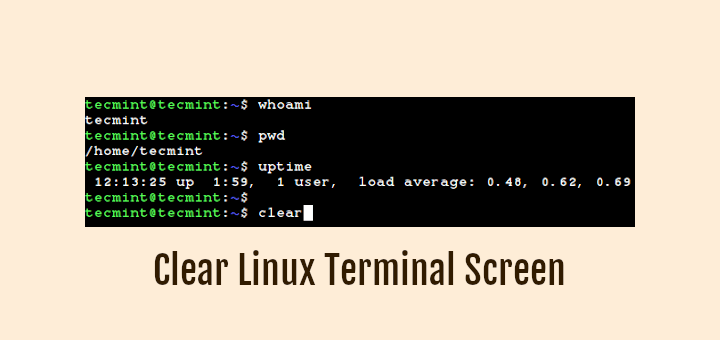
Just like any other operating system, Linux also supports a rich Graphical User interface (GUI). In fact, it supports multiple
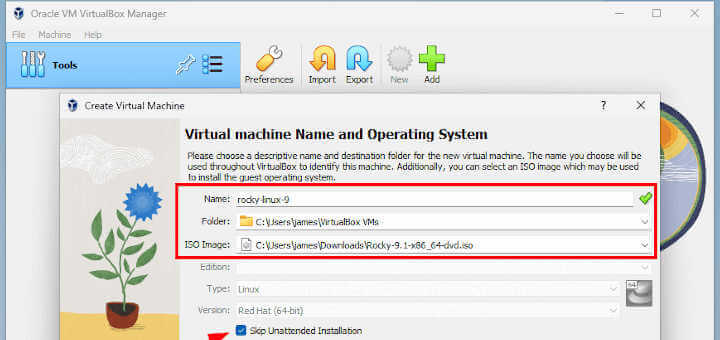
Rocky Linux 9.1 was officially released on November 22, 2022, and supports x86-64, aarch64, ppc64le, and s390x architectures. Notable changes
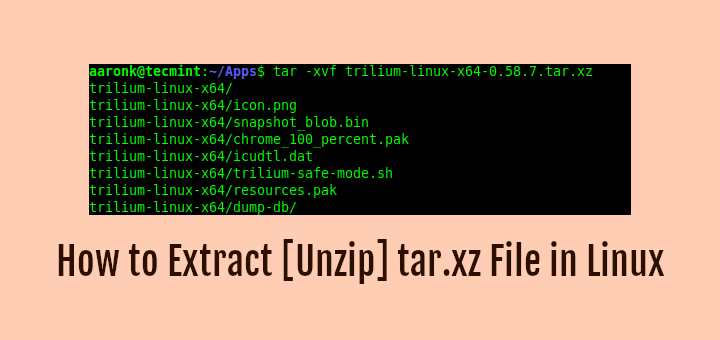
A tar.xz file extension shows that the file is a tar archive file compressed using the XZ compression tool. In