

Red Hat Enterprise Linux 7 (RHEL 7) is the first major release that offers in-place upgrades from the earlier RHEL major release (RHEL 6) to a new major release of RHEL 7 operating system.
This article describes instructions on how to upgrade from Red Hat Enterprise Linux 6.10 to Red Hat Enterprise Linux 8 using the redhat-upgrade-tool and Leapp utilities.
The upgrade process involves two-stages.
- Upgrade your system from RHEL 6.10 to RHEL 7.6.
- Upgrading from RHEL 7.6 to RHEL 8.
Upgrading from RHEL 6 to RHEL 7
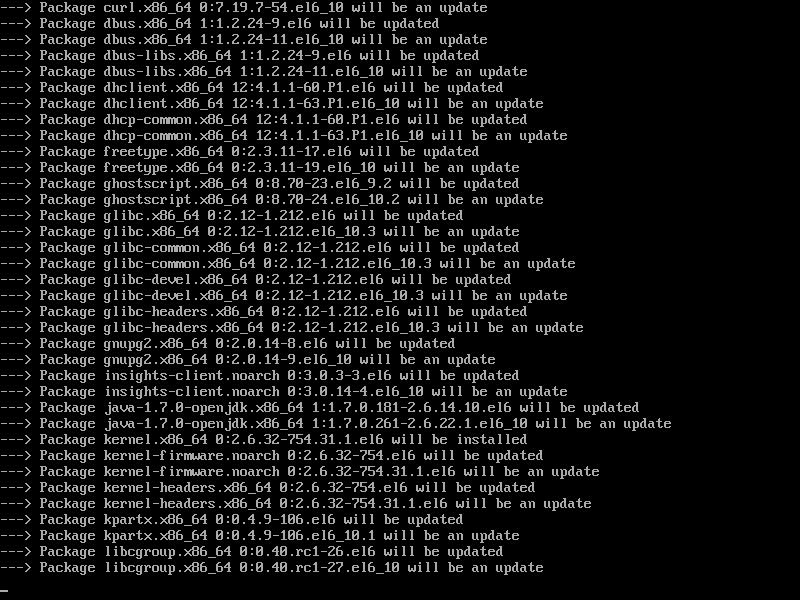
The following RHEL 6 to RHEL 7 upgrade instruction is fully supported if your RHEL system using the latest RHEL 6.10 release. If not, update your system to have the latest RHEL 6.10 packages installed using the yum command as shown.
# yum update -y
# reboot
Next, you need to enable the Extras repository to subscribe your system to the repository containing the upgrade tools.
# subscription-manager repos --enable rhel-6-server-extras-rpms
# subscription-manager repos --enable rhel-6-server-optinal-rpms

Now you need to install Preupgrade Assistant tools that check your system for anything that might unfortunately affect the success of your upgrade.
# yum -y install preupgrade-assistant preupgrade-assistant-ui preupgrade-assistant-el6toel7 redhat-upgrade-tool
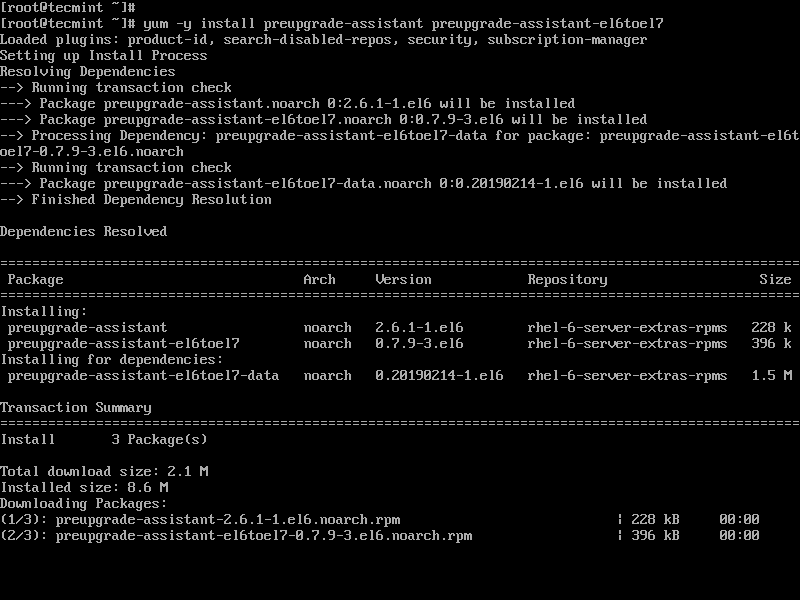
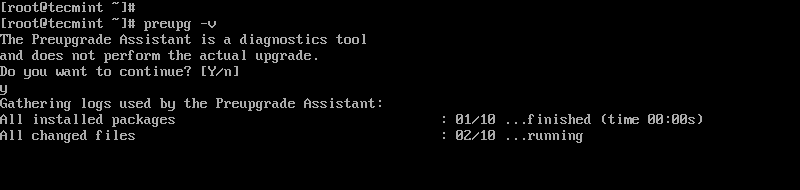
Once installed, you can run the Preupgrade Assistant to check the in-place upgrade possibility limitations of the system. A short summary of results is printed on the screen and detailed reports are saved to the /root/preupgrade directory as result.html by default.
# preupg -v
This takes a few minutes to complete.
Open results.html file in a browser and resolve the issues pointed by the Preupgrade Assistant during the assessment. Then re-run preupg command to scan the system again, and if there are no new problems found, proceed further as explained below.
Now download the latest RHEL 7.6 ISO image file from the RedHat Download Center using a Red Hat Subscription or a Red Hat Evaluation Subscription.
Once you’ve downloaded RHEL 7.6 ISO, run the following command to upgrade to RHEL 7.6 using the Red Hat upgrade tool and reboot after the upgrade process is completed. Make sure to specify the location of an ISO image in the below command.
# redhat-upgrade-tool --iso rhel-server-7.6-x86_64-dvd.iso --cleanup-post
# reboot
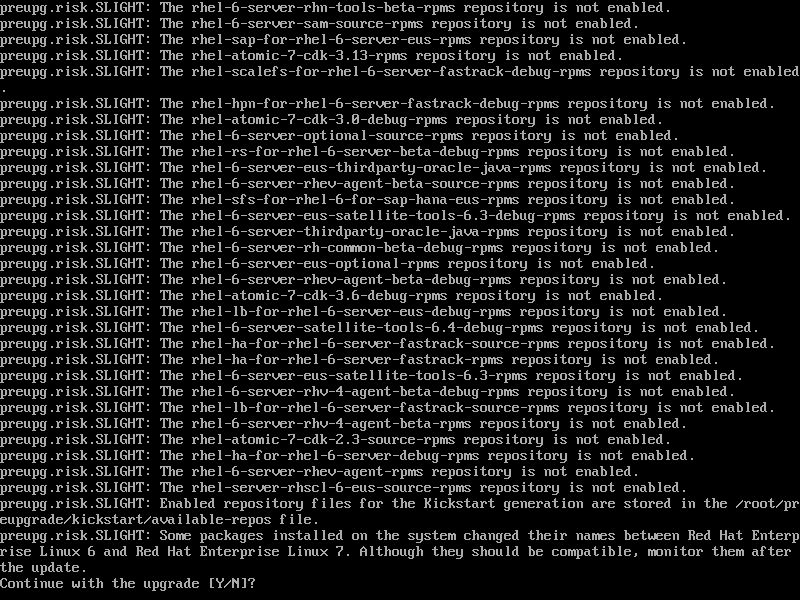
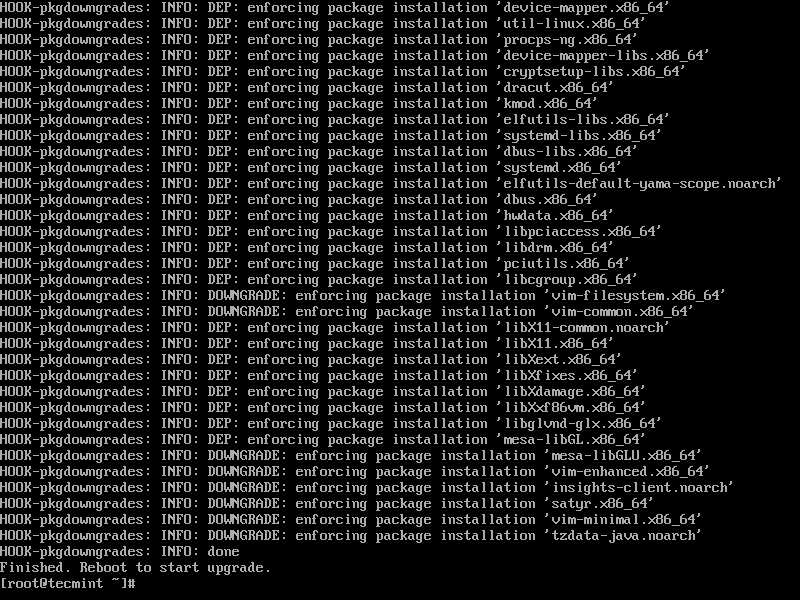
To finish the installation, you must reboot the system to start installing upgrades. The upgrade is a time-consuming process and it depends on your system’s configuration and amount of data it downloads.
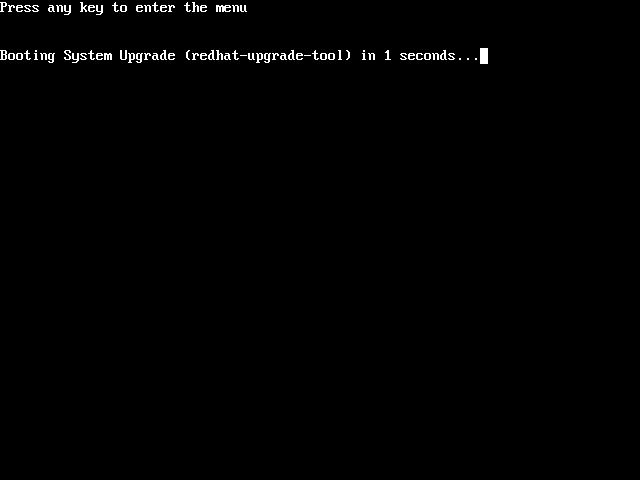
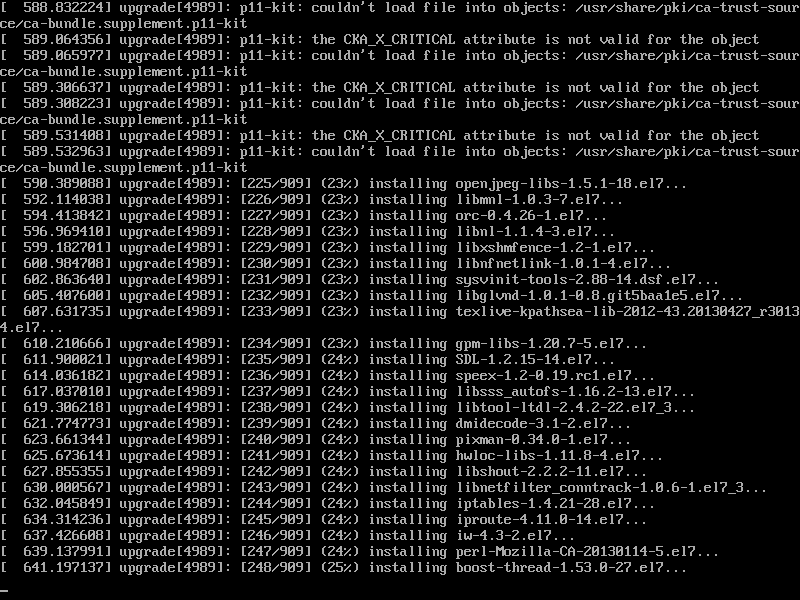
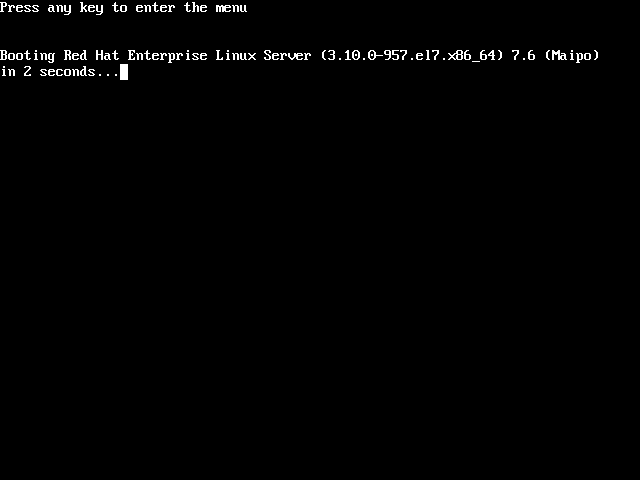
If everything goes as well, the system will reboot to Red Hat Enterprise Linux 7, and you can begin checking that the system works properly.
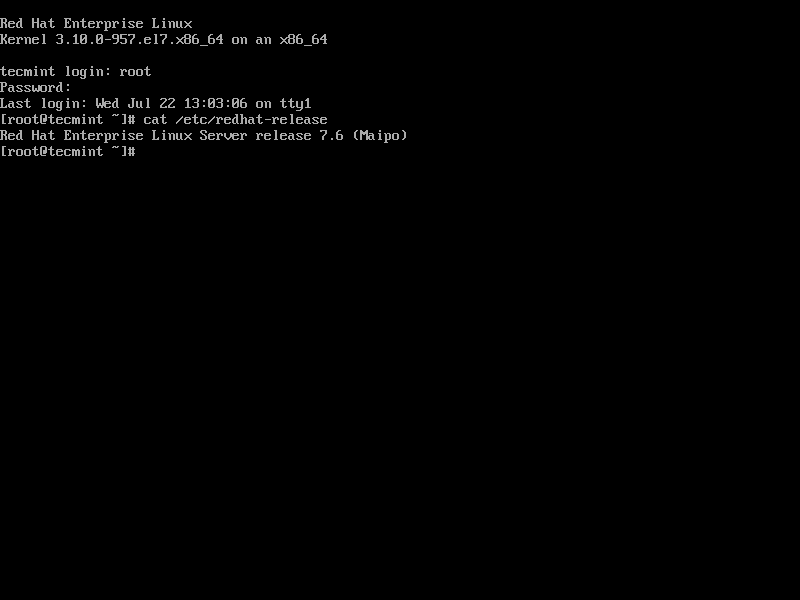
Also, check that your system is properly registered to Red Hat subscription. To verify it, type:
# yum repolist
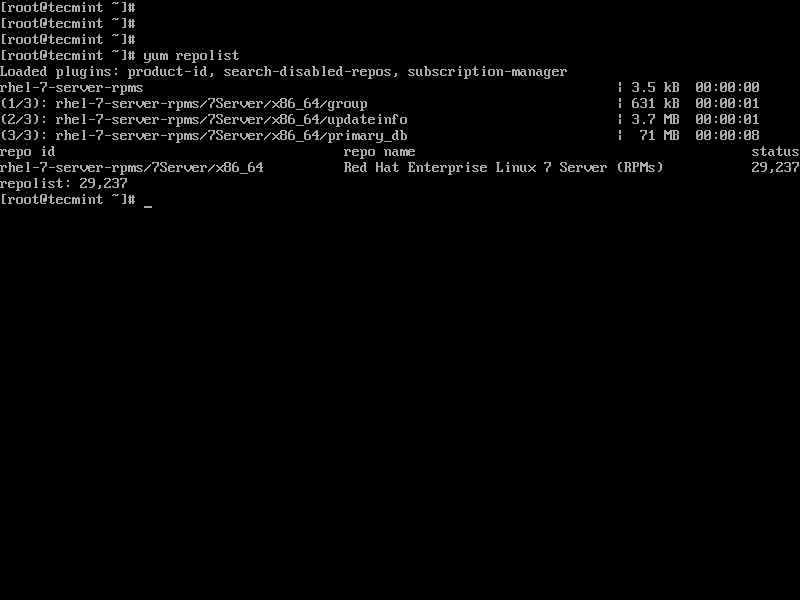
If no RHEL 7 repositories found, you need to resubscribe your RHEL 7 system to Red Hat subscription using the following commands.
# subscription-manager remove --all
# subscription-manager unregister
# subscription-manager register
# subscription-manager attach --auto
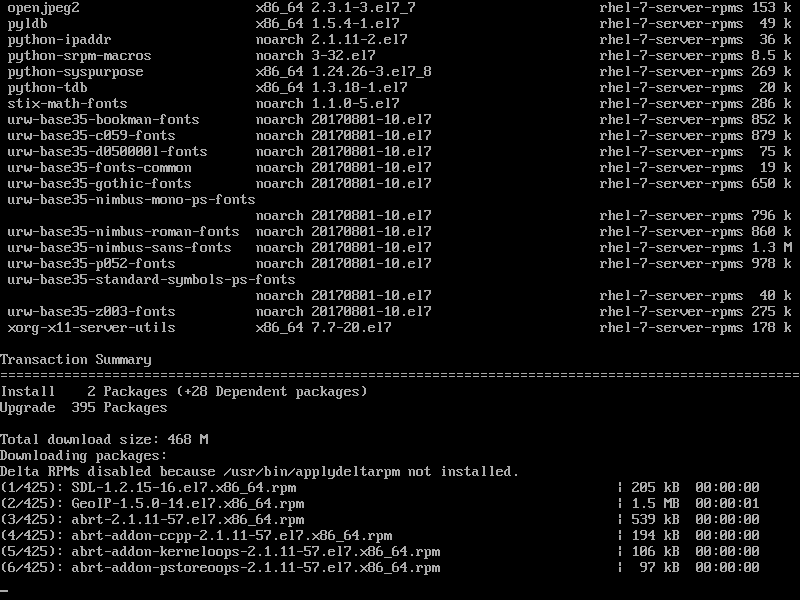
Finally, upgrade all your new RHEL 7 packages to their latest version.
# yum update -y
# reboot
Now you proceed further to perform an in-place upgrade from Red Hat Enterprise Linux 7.6 to Red Hat Enterprise Linux 8 using our following guide:

The subscription manager was not found on my Centos 6.
I needed to run the command below before the subscription-manager repos.
# wget -O /etc/yum.repos.d/epel-rhsm.repo http://repos.fedorapeople.org/repos/candlepin/subscription-manager/epel-subscription-manager.repo

# yum install subscription-manager -y