Skip to content
Learn Linux in 7 structured days, the free course inside Pro TecMint Sudo tier    Enroll Free
Tecmint: Linux Howtos, Tutorials & Guides
  • Latest Tutorials
  • Commands
    • A – Z Linux Commands
    • 100+ Linux Commands
  • Tools
  • Distros
    • Linux Distros for Beginners
    • Linux Distros for Experts
    • New Linux Distros
    • Linux Server Distros
    • Secure Linux Distros
    • CentOS Alternatives
    • RedHat Distributions
    • Debian Distributions
    • Ubuntu Distributions
    • Arch Linux Distros
    • Rolling Linux Distros
    • KDE Linux Distros
    • Linux Distros for Old PC
    • Linux Distros for Kids
    • Linux Distributions for Students
    • Linux Distros for Windows
  • Courses
    • Bash Scripting
    • Learn Linux
    • AI for Linux
    • RHCSA Certification
    • RHCE Certification
    • LFCS Certification
  • eBooks
    • RHCSA Exam
    • RHCE Exam
    • LFCS Exam
    • LFCE Exam
    • LFCA Exam
    • Ansible Exam
  • About
  • Advertise
Tecmint: Linux Howtos, Tutorials & Guides
  • Latest Tutorials
  • Commands
    • A – Z Linux Commands
    • 100+ Linux Commands
  • Tools
  • Distros
    • Linux Distros for Beginners
    • Linux Distros for Experts
    • New Linux Distros
    • Linux Server Distros
    • Secure Linux Distros
    • CentOS Alternatives
    • RedHat Distributions
    • Debian Distributions
    • Ubuntu Distributions
    • Arch Linux Distros
    • Rolling Linux Distros
    • KDE Linux Distros
    • Linux Distros for Old PC
    • Linux Distros for Kids
    • Linux Distributions for Students
    • Linux Distros for Windows
  • Courses
    • Bash Scripting
    • Learn Linux
    • AI for Linux
    • RHCSA Certification
    • RHCE Certification
    • LFCS Certification
  • eBooks
    • RHCSA Exam
    • RHCE Exam
    • LFCS Exam
    • LFCE Exam
    • LFCA Exam
    • Ansible Exam
  • About
  • Advertise

Editors

Install Vim in Linux

How to Install Latest Vim 9.0 in Linux Systems

Vi has been around for a long, developed around 1976, it offered users traditional yet powerful features such as an

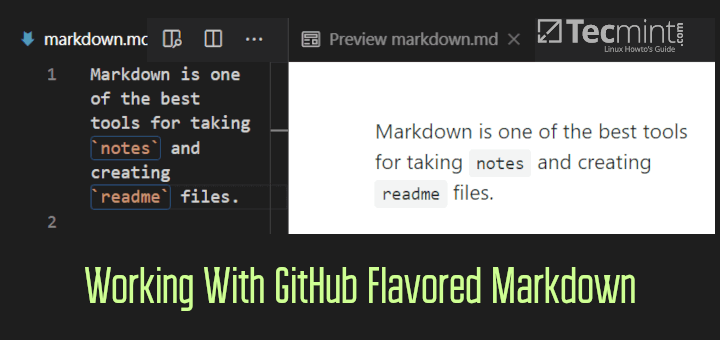
GitHub Flavored Markdown

How to Work With GitHub Flavored Markdown in Linux

Markdown is a formatting language that is created for the web. The purpose of markdown is to make life easy
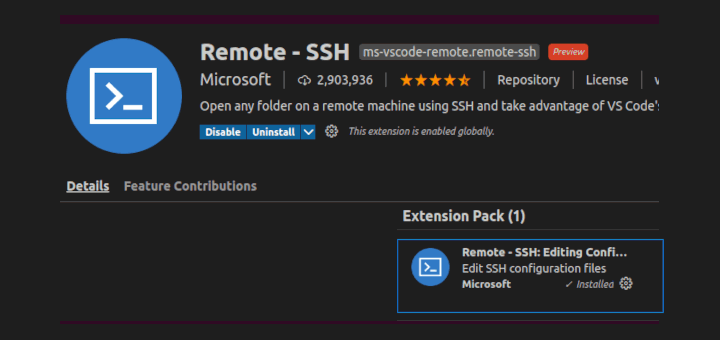
Install Remote-SSH in VSCode

Setup Remote Development in VSCode via Remote-SSH Plugin

In this article, we will see how to set up remote development in visual studio code via the remote-ssh plugin.
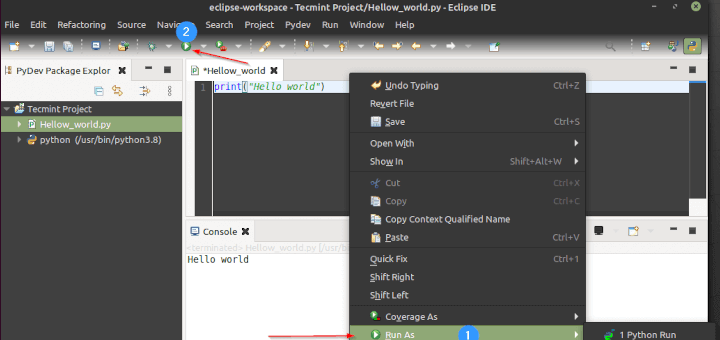
Integrate PyDev with Eclipse

How to Setup PyDev for Eclipse IDE on Linux

Eclipse is not a new term that programmers will hear. It is very popular in the developer community and has
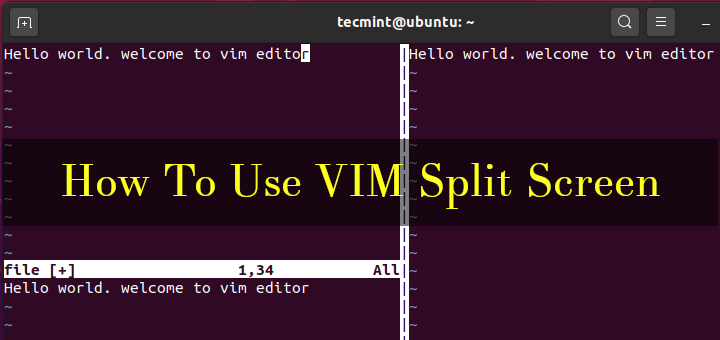
Use VIM Split Screen

How to Split Vim Screen Horizontally and Vertically in Linux

Vim text editor, short for Vi IMproved, is one of the most powerful and popular Linux text editors that enjoys
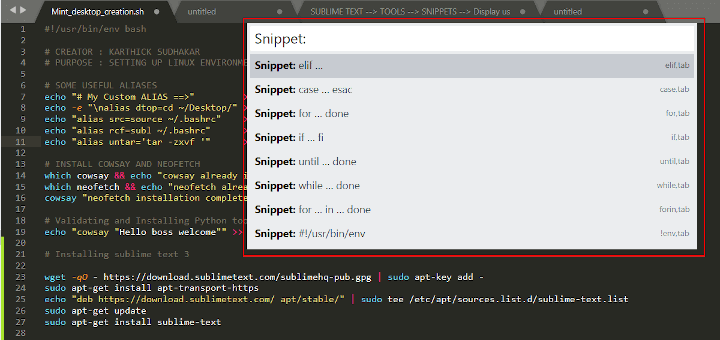
Sublime Text Snippets

How to Boost the Productivity with Sublime Text Snippets

Long story short, Recently I was assigned to a project in my work where I have to create a lot
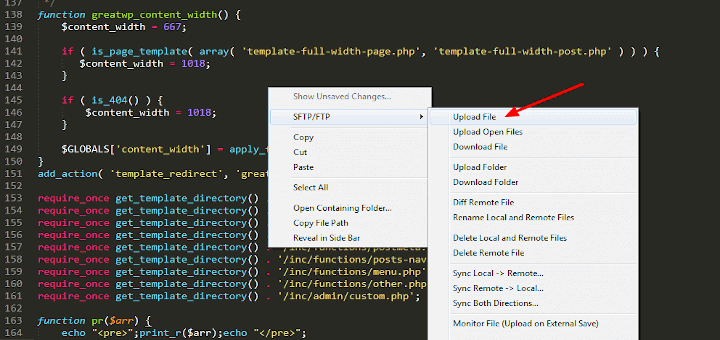
Install FTP in Sublime Text Editor

How to Setup Sublime Text sFTP for Remote Development

This article is the second in a series about sublime text and how to set it up for remote development
Install Visual Studio Code on Linux

How to Install Visual Studio Code on Linux

Developed by Microsoft, Visual Studio Code is a free and open-source, cross-platform IDE or code editor that enables developers to
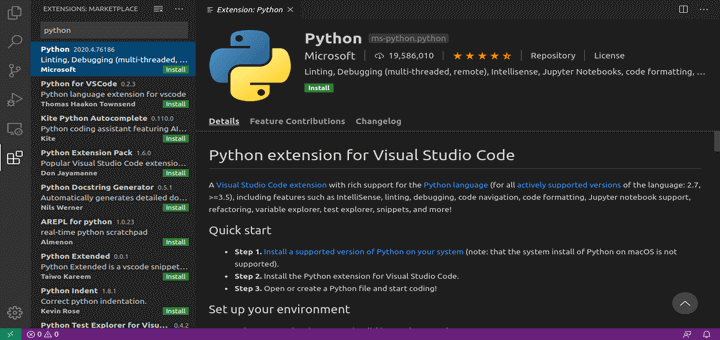
Setup Visual Studio Code for Python

Python Development Setup Using Visual Studio Code

First of all, what is an IDE and why do we need one? The integrated development environment is an application
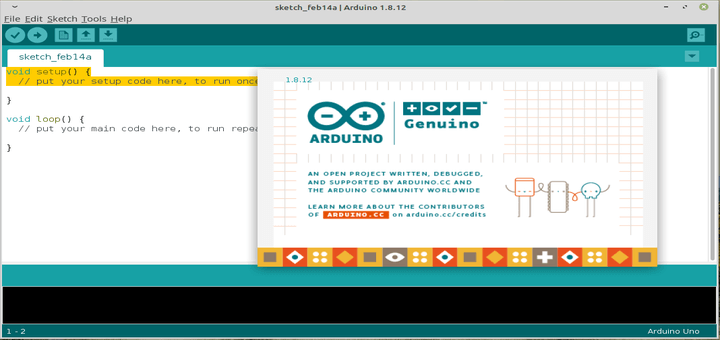
Install Arduino IDE on Linux

How to Install Arduino Software (IDE) on Linux

Arduino is a widely-used, open-source electronics platform used to create devices that interact with their environment using sensors and actuators.

Install Atom Text Editor in OpenSuse

3 Ways to Install Atom Text Editor in openSUSE

Atom is a free, open-source, hackable, easy to customize and cross-platform text editor, that works on Linux, OS X, and
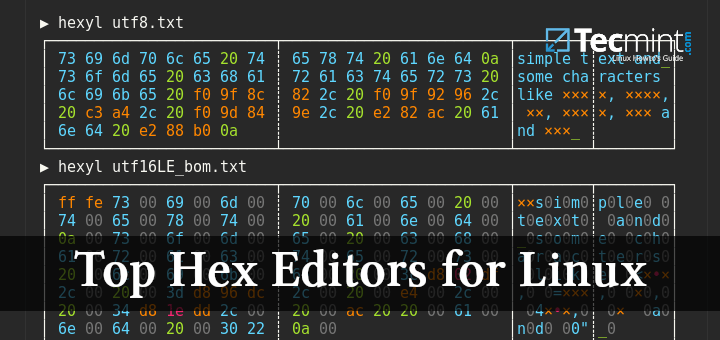
Linux Hex Editors

Top Hex Editors for Linux

In this article, we are going to review some of the best hex editors for Linux. But before we start,

Older posts
Newer posts
← Previous Page1 Page2 Page3 Next →
TecMint Weekly
Get the Learn Linux 7 Days Crash Course free when you join 34,000+ Linux professionals reading every Thursday.
Check your email for a magic link to get started.
Something went wrong. Please try again.
Free forever. Unsubscribe anytime.
Learn Linux Right Way
15 structured courses, ad-free articles, and the weekly newsletter in one place.
  • ✓SSH, Bash, Ubuntu, Golang, RHCSA, RHCE, LFCS, LFCA and more
  • ✓Ad-free access to all premium articles
  • ✓Priority help and Telegram community
  • ✓Weekly newsletter every Thursday
Join Root from $8/mo
$8/mo or $59/yr. Cancel anytime.

Linux Server Monitoring Tools

How to Monitor Linux Commands Executed by System Users in Real-time

How to Install LibreNMS Monitoring Tool on Debian 11/10

3 Methods to Check Apache Server Status and Uptime in Linux

TCPflow – Analyze and Debug Network Traffic in Linux

4 Tools to Manage EXT2, EXT3 and EXT4 Health in Linux

Cpustat – Monitors CPU Utilization by Running Processes in Linux

Learn Linux Tricks & Tips

How to Find and Fix Failed Services in Linux

5 Ways to Empty or Delete a Large File Content in Linux

df Command in Linux: Disk Space, Inodes & Real Fixes

5 Best Command Line Archive Tools for Linux – Part 1

13 CLI Tools Every Developer Should Master in 2025

Stop Using Only cd: Learn pushd, popd, and zoxide in Linux

Best Linux Tools

Top 5 Open-Source OCR Tools for Linux in 2025

3 Essential Linux Disk Scanning Tools (GUI and Terminal Based)

4 Best QR Code Generator Tools for Linux

Top 3 Open Source Virtual Data Room (VDR) for Linux

6 Most Notable Open Source Centralized Log Management Tools

10 Best PDF Document Viewers for Linux Systems

Tecmint: Linux Howtos, Tutorials & Guides © 2026. All Rights Reserved.

The material in this site cannot be republished either online or offline, without our permission.

Hosting Sponsored by : Linode Cloud Hosting