

Teams is one of the popular collaboration platform created by Microsoft, that come in bundled with Office 365 suite. You are free to download and use teams without Office 365 subscription.
Microsoft in December 2019 announced, Teams is available for Public preview on Linux distributions. It is to be noted that it is the first Office 365 products to be introduced in Linux among many. The desktop version of teams supports the core capability of the platform providing a unified experience for users. Teams are now available on different platforms like Windows, Mac OS, Android, iOS, and Linux.
Features of Microsoft Teams
Some of the core features of teams include.
- Full telephony and Audio conferencing.
- Support Video calling and screen sharing.
- Connects with Microsoft OneDrive for Document storage.
- Chat function.
- Supports cross-platform.
- Encrypted communication.
In this article, we will see how to install Microsoft Teams on Linux.
Installing Microsoft Teams on Linux
Download the Teams package from the official repository for Redhat or Debian based distributions. I am using Centos 8 for demonstration, so I am downloading the rpm package.
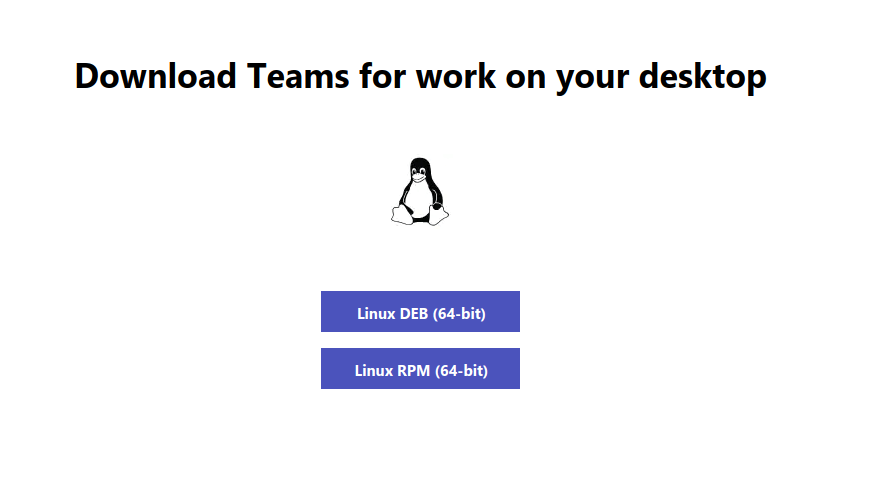
Alternatively, you can use the following wget command to download and install it on your respective Linux distribution.
-------- On RedHat, CentOS, Fedora and OpenSUSE --------
$ wget https://packages.microsoft.com/yumrepos/ms-teams/teams-1.3.00.25560-1.x86_64.rpm
$ sudo rpm -i teams-1.3.00.25560-1.x86_64.rpm

-------- On Debian, Ubuntu and Mint --------
$ wget https://packages.microsoft.com/repos/ms-teams/pool/main/t/teams/teams_1.3.00.25560_amd64.deb
$ sudo dpkg -i teams_1.3.00.25560_amd64.deb
Now teams are installed and ready to use. Enter your sign-in address.

It will take you to the login page to enter your credentials.
Now teams are ready to be used.

That’s it for this article. There is also a web version for teams which I prefer the most since it is platform-independent and works fine with any Linux distros and different operating systems too. Install teams on Linux and share your feedback with us.

How can I use MS-teams using the command line in a Linux environment?
I tried this: teams sip:[email protected] but doesn’t work.
Any idea, how to set up a way to open local folders with ms teams client in a Linux environment?
Hi,
Thanks a lot, great article…
@Jalal
Thanks for the feedback.